Chord Progression Generator & MIDI Maker.
Turn editable Roman numerals into named chords, inspect every note, hear a synthesized preview and export real MIDI, exact-frame WAV, encoded MP3 or JSON — without an upload.
MUSICAL GRID MAP
Roman Numeral Builder
Resolve selected scale degrees into inspectable chord notes. The named chords, voicings, MIDI numbers and timing come from your visible settings, not detected audio or confidence estimates. A bounded local audition can cover only the start of a long progression; full audio export renders the complete model.
Open the full signal breakdownBest source, processing logic, limits and three-pass listening check
- Key and chord choices
Start with the right material
Sketching song harmony, auditioning inversions and voicings, practicing progressions and moving a chord idea into a DAW as a real MIDI file.
- Voice progression
Understand the transformation
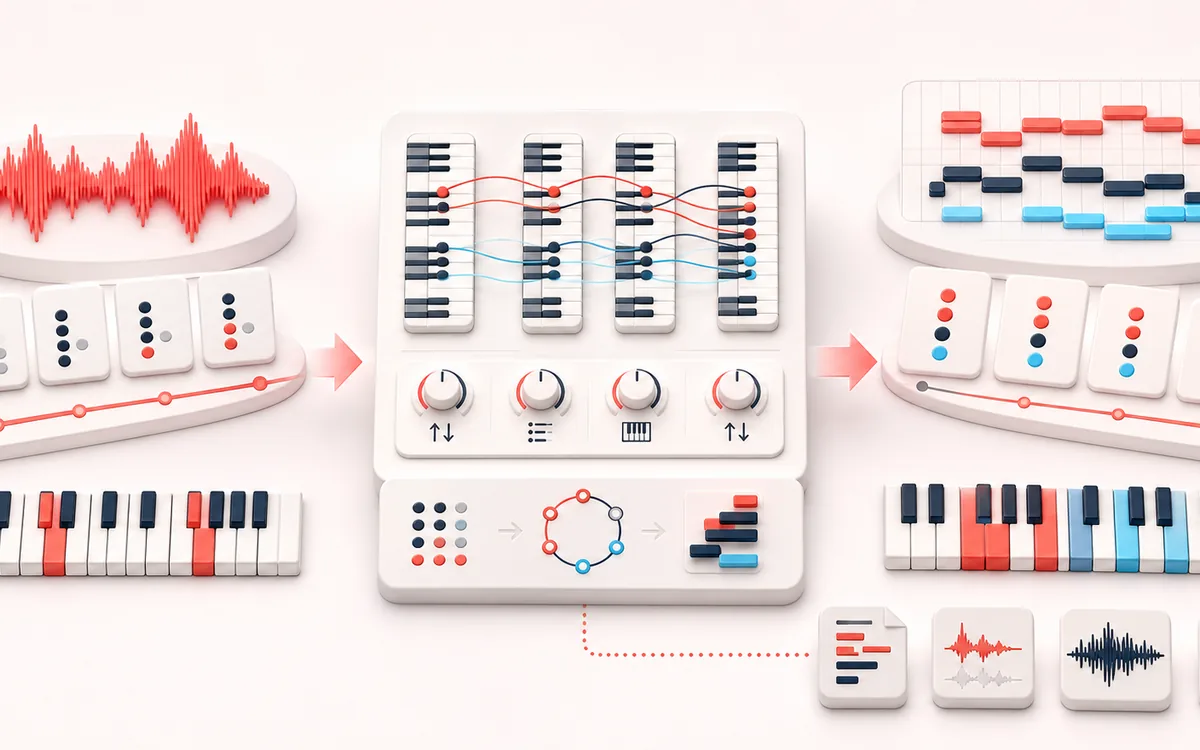
Deterministic major/minor scale math resolves Roman numerals into pitch classes; octave, close/open voicing and inversion controls arrange MIDI notes before bounded Web Audio playback and exact-duration rendering.
- MIDI chord sequence
Verify the usable result
A readable chord and note timeline plus local preview, Standard MIDI File format 0, WAV/MP3 audio and a JSON manifest containing tempo, timing, resolved chords and MIDI numbers.
Where this workflow stops
This is a diatonic composition aid, not AI songwriting or automatic voice leading. Generated oscillator timbres are references, and the musician remains responsible for arrangement, originality and how imported MIDI is voiced in a DAW.
Make the final decision by ear
- Check the root, key quality, Roman numerals, note spelling and voicing in the table.
- Use the bounded preview to audition; Stop or Escape also retires a start still waiting for browser audio.
- Export MIDI for your own instrument, or render the complete model for WAV/MP3. An edit discards a pending old audio download.
How to make a chord progression and MIDI file
- Choose the key. Choose a root note and major or minor key, then start from a preset or type Roman numerals such as I–V–vi–IV.
- Shape the chords. Set chord length, tempo, octave, range, voicing and inversion, then inspect the resolved chord names, note names and MIDI numbers.
- Preview the progression. Use Play for the bounded live preview, or Render progression before auditioning the complete local synth. Stop or Escape cancels even a preparing audition.
- Export the result. Download Standard MIDI File format 0 for a DAW, exact-frame WAV, locally encoded MP3 audio, or JSON containing the settings and every generated note event.
Bounded preview, complete render and an up-to-date file
A quick audition is not always the complete progression. The automatic local preview covers at most the first 12 seconds; its status names the actual frame count and whether it is bounded. Render progression prepares the full model for complete auditioning. WAV and MP3 exports always request that full model explicitly, while MIDI and JSON need no synth render.
Preparing is not playing. Play can wait for preview synthesis or browser audio. Stop remains available throughout that start and playback; Escape also cancels unfinished rendering and a pending audio download. Cancel render discards partial PCM without changing your Roman numerals. After an audio error, press Play to retry; returning to the page never starts audio automatically.
Export only the reviewed progression. A key, tempo, voicing or chord edit retires an unfinished old audio download. WAV stores the full current 48 kHz stereo reference synth with exact frames; MP3 encodes the same source and may include padding. MIDI stores the chord events for a DAW instrument, not the preview's sound; JSON records settings, note spelling and timing.
Quick answer: a chord progression builder from Roman numerals
This chord progression builder turns scale degrees into reusable chords. In C major, I–V–vi–IV resolves to C–G–Am–F. Change the root to G and the same relationship resolves to G–D–Em–C. Uppercase creates a major triad, lowercase creates a minor triad, and vii° creates a diminished triad. Prefix a degree with b or # when you intentionally need a borrowed or altered root.
This generator uses conventional, deterministic rules. It does not listen to a song, predict taste or claim to compose with AI. For an existing recording, use the Chord Progression Detector; to check one global tonal centre, use the Song Key Finder.
Voicing, range and inversions
- Close voicing
- Keeps adjacent chord tones inside a compact register. It is useful for straightforward pads, keys and MIDI editing.
- Open voicing
- Raises an inner chord tone by an octave to spread the harmony. It can sound less crowded but uses a wider pitch span.
- Root-focused voicing
- Starts from the selected inversion in the lower register and doubles chord tones upward when four or five voices are requested.
- Inversion
- Root position, first inversion and second inversion keep the same pitch classes but change which chord tone appears at the bottom.
MIDI, WAV, MP3 and JSON output
The MIDI export is a Standard MIDI File format 0: one track contains a tempo event plus matched note-on and note-off events on a 480 PPQ grid. The WAV render uses exactly 48,000 frames per second for the calculated musical duration. MP3 is a lossy local encode of that same render. JSON records the complete settings, resolved chords and MIDI events so the result can be audited or recreated.
Bounds: the generator refuses progressions above 32 chord slots, audio longer than 300 seconds, more than 8 repeats or more than 4,096 MIDI note events. Those limits prevent an accidental setting from monopolising browser memory. A cancelled render discards partial audio and the same page can render again immediately.
Privacy and musical limits
Progressions are generated in this browser. No recording is selected and no musical payload is uploaded to AudioWrench. The optional MP3 encoder is a same-origin page asset that runs locally; normal page assets can still be requested as described in the privacy notice.
A diatonic triad generator is a starting point, not a substitute for arrangement. It intentionally does not generate seventh chords, suspensions, extensions, voice-leading optimisation, melodies or bass lines. The same short progression appears in many songs and is not evidence of ownership or originality.
Chord Progression Generator & MIDI Maker: quick answer and technical limits
Quick answer: A local Roman-numeral chord progression generator that resolves a chosen key and scale into editable chord names, notes and MIDI events.
- Best for
- Sketching song harmony, auditioning inversions and voicings, practicing progressions and moving a chord idea into a DAW as a real MIDI file.
- How it works
- Deterministic major/minor scale math resolves Roman numerals into pitch classes; octave, close/open voicing and inversion controls arrange MIDI notes before bounded Web Audio playback and exact-duration rendering.
- What you get
- A readable chord and note timeline plus local preview, Standard MIDI File format 0, WAV/MP3 audio and a JSON manifest containing tempo, timing, resolved chords and MIDI numbers.
Know before you use it: This is a diatonic composition aid, not AI songwriting or automatic voice leading. Generated oscillator timbres are references, and the musician remains responsible for arrangement, originality and how imported MIDI is voiced in a DAW.
Privacy: Selected audio is processed in this browser and is not uploaded to AudioWrench. Normal page assets can still be requested as described in the privacy notice. Privacy details →