Metronome.
Choose what BPM counts. Set tempo, meter, accents and relative subdivisions, follow the generated bar and export the current click track as WAV or MP3. Free, local and no signup.
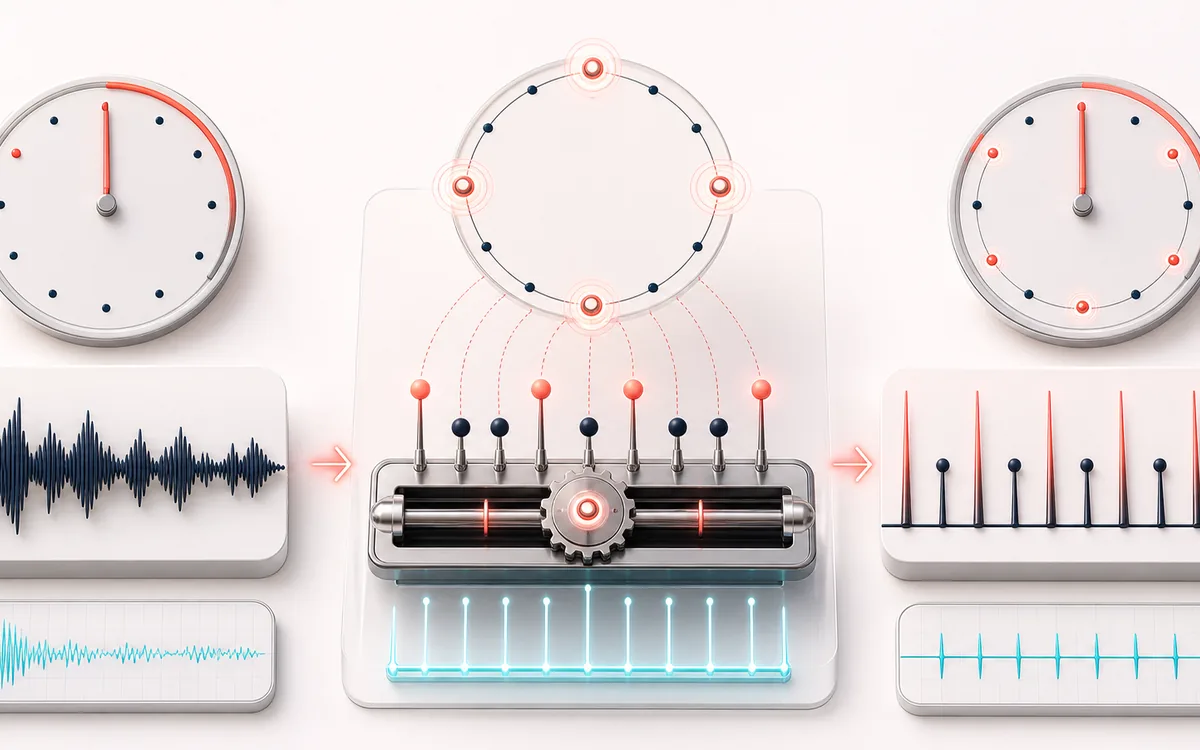
GENERATED PULSE PLAN
Practice Beat Ring
Name the pulse before comparing tempos. BPM, note unit and meter define the bar together. The workspace shows current click onsets and audio-clock position; this static artwork is illustrative, not live telemetry.
Open the full signal breakdownBest source, processing logic, limits and three-pass listening check
- Tempo and meter
Start with the right material
Instrument practice, tempo checks and keeping a steady rehearsal pulse.
- Schedule accented ticks
Understand the transformation
A defined 44.1 kHz bar pattern powers one owned native loop and the current file; note unit, meter, subdivisions and first-pulse accent determine click onsets.
- Steady click track
Verify the usable result
Controlled live or silent practice, audio-clock-derived pulse position and 1–16 complete bars as WAV, MP3 or a local workspace handoff (at most 120 seconds).
Where this workflow stops
Not a recording, calibrated output level, MIDI clock or DAW synchronization source. Screen/device latency and browser suspension remain possible; MP3/player gapless behavior is not guaranteed.
Make the final decision by ear
- Check the note unit, pulses per bar and seconds per bar before playing.
- Start at low device volume and use Stop all audio or Escape to retire playback.
- Import WAV on a bar boundary and verify its tempo unit; MP3 is lossy and not guaranteed gapless.
How to use the online metronome
- While stopped, choose Time signature and read BPM pulse unit. Quarter notes are used for 2/4–5/4; 6/8 lets you choose dotted-quarter, quarter or eighth pulses; 7/8 counts eighth pulses.
- Enter 30–300 BPM, use Tempo slider, the one-BPM buttons or Tap tempo. Confirm the displayed pulses per bar and seconds per bar; a BPM number alone does not define a note value.
- Select 1, 2, 3 or 4 Clicks per pulse and optionally accent the first pulse. Start with a low device volume, then press Play metronome. Volume 0 is intentional silent practice.
- Read the numbered pulse and generated onset plan. Stop all audio or Escape cancels the graph. Changing rhythm while playing restarts the bar from pulse 1; volume alone retains position.
- Choose 1–16 complete Bars in the file, within 120 seconds. Download WAV or Download MP3 retains the current rhythm and volume. Continue editing optionally keeps the WAV on this device and opens the tool navigator.
One defined 44.1 kHz bar pattern feeds native looping playback and file rendering. A busy page does not queue catch-up clicks, but device output latency, screen refresh and audio suspension still matter. Hidden tabs may keep playing; leaving stops audio and returning never starts it. The click track is not a DAW synchronization source or an instrument recording. WAV rounds bar boundaries and onsets to samples; MP3 is lossy and not guaranteed gapless. Files are generated locally without microphone access or upload.
Read the worked tempo-unit, meter, subdivision and click-track import guide →
Metronome: quick answer and technical limits
Quick answer: A local metronome with an explicit BPM pulse unit, native bar-loop playback and a current click-track export.
- Best for
- Instrument practice, tempo checks and keeping a steady rehearsal pulse.
- How it works
- A defined 44.1 kHz bar pattern powers one owned native loop and the current file; note unit, meter, subdivisions and first-pulse accent determine click onsets.
- What you get
- Controlled live or silent practice, audio-clock-derived pulse position and 1–16 complete bars as WAV, MP3 or a local workspace handoff (at most 120 seconds).
Know before you use it: Not a recording, calibrated output level, MIDI clock or DAW synchronization source. Screen/device latency and browser suspension remain possible; MP3/player gapless behavior is not guaranteed.
Privacy: Generated click PCM is processed and encoded in this browser, without a microphone or upload to AudioWrench. Optional workspace storage stays on this device; normal page assets can still load as described in the privacy notice. Privacy details →