Audio Duplicate Finder Online
Find exact decoded copies and gain or short-leading-offset near duplicates, audition pair evidence, choose preferred files and export a cleanup plan without deleting anything.
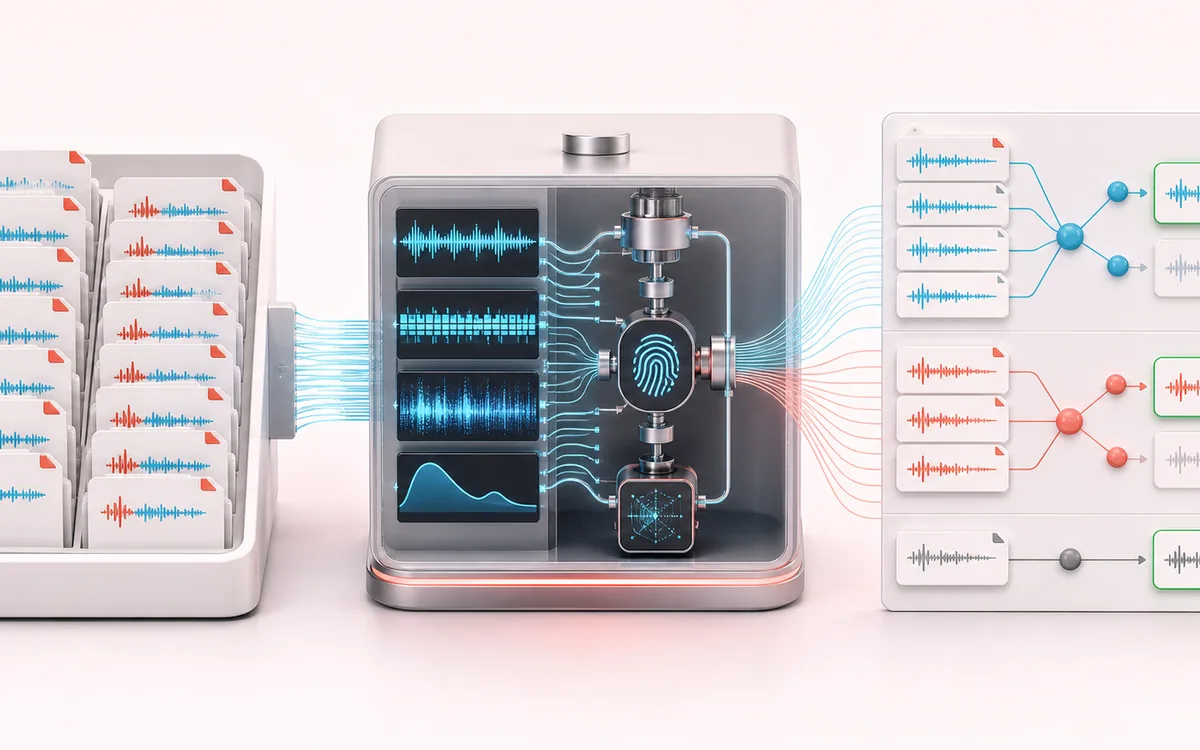
MEASUREMENT MAP
Duplicate Cluster Map
Turn a signal into evidence you can inspect. A useful analyzer connects the raw trace, the measurement window and a clearly labeled result without pretending that one number explains the whole recording.
Open the full signal breakdownBest source, processing logic, limits and three-pass listening check
- Local audio batch
Start with the right material
Finding copied, renamed, gain-shifted or slightly offset versions in sample folders, podcast deliveries, recording archives and game-audio libraries.
- Fingerprint and compare
Understand the transformation
Decoded PCM identity checks find exact copies; bounded normalized envelope and spectral fingerprints compare timing and frequency shape while tolerating modest level and leading-offset differences.
- Cleanup clusters
Verify the usable result
Exact, near and unique classifications, reviewable similarity clusters, A/B audition and a CSV or JSON cleanup plan with preferred-file decisions.
Where this workflow stops
This is not content identification or copyright matching. Very short, repetitive, heavily transformed or noisy recordings can cause false matches or misses, so near-duplicate groups require listening before cleanup.
Make the final decision by ear
- Use the same window and settings when comparing two files.
- Treat estimates as evidence, not as a substitute for listening.
- Export or note the measurement context alongside the result.
- Exact stays exact
- Sample rate, channels, decoded frame count and float PCM hash must all match before a pair receives the exact label.
- Bounded near matching
- A normalized amplitude envelope, multi-window spectral bands, active duration and up to 250 milliseconds of leading-offset difference contribute to the near score.
- Read-only decisions
- A/B preview, preferred-file choices and ignored pairs become CSV or JSON recommendations only; the browser never deletes or changes sources.
How to find duplicate audio files locally
- Choose a bounded set of local audio files or explicitly generate the exact, near and unrelated synthetic library.
- Set the near-duplicate threshold, then compute exact decoded hashes and gain-normalized envelope and multi-band fingerprints.
- Sort or filter files, inspect pair scores, use A/B preview and ignore any misleading near pair.
- Select the preferred file in every duplicate cluster, then export a CSV or JSON cleanup plan without deleting or modifying sources.
Exact copies and near candidates are different evidence
An exact result means decoded PCM dimensions and sample hash agree. A near result is intentionally softer evidence: the waveform's relative level shape and sampled frequency-band pattern look alike after active-region trimming, while duration and leading offset remain inside narrow bounds. The pair score is for triage, not automatic deletion.
Not Content ID, ownership detection or a deletion utility
This page searches only files you select. It has no catalog of published recordings and cannot determine authorship, licensing or rights. Repetitive loops and related stems may create false positives; pitch, tempo, structural edits or noise may create false negatives. Listen before acting, and treat every cleanup action as a separate manual decision.
Privacy: decoding, hashing, fingerprinting and preview remain on this device. Audio is not uploaded.
Audio Duplicate Finder: quick answer and technical limits
Quick answer: A local library scanner that separates exact decoded-audio copies from likely near-duplicates and groups reviewable pairs without deleting any files.
- Best for
- Finding copied, renamed, gain-shifted or slightly offset versions in sample folders, podcast deliveries, recording archives and game-audio libraries.
- How it works
- Decoded PCM identity checks find exact copies; bounded normalized envelope and spectral fingerprints compare timing and frequency shape while tolerating modest level and leading-offset differences.
- What you get
- Exact, near and unique classifications, reviewable similarity clusters, A/B audition and a CSV or JSON cleanup plan with preferred-file decisions.
Know before you use it: This is not content identification or copyright matching. Very short, repetitive, heavily transformed or noisy recordings can cause false matches or misses, so near-duplicate groups require listening before cleanup.
Privacy: Selected audio is processed in this browser and is not uploaded to AudioWrench. Normal page assets can still be requested as described in the privacy notice. Privacy details →