Audio Difference Checker
Run a practical mix null test between two separate revisions. Find a fixed offset, correct polarity and level, then hear and measure exactly what remains across their real shared overlap.
MEASUREMENT MAP
Null Residual Scope
Turn a signal into evidence you can inspect. A useful analyzer connects the raw trace, the measurement window and a clearly labeled result without pretending that one number explains the whole recording.
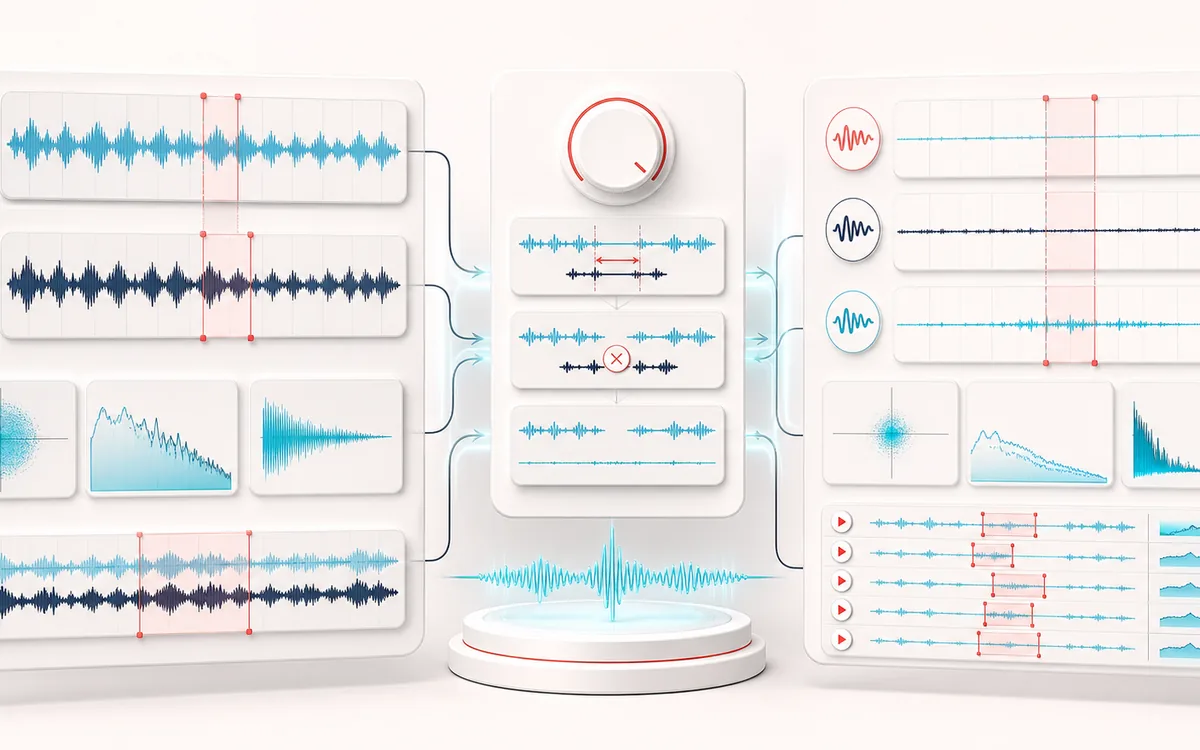
Open the full signal breakdownBest source, processing logic, limits and three-pass listening check
- Mix revision A and B
Start with the right material
Checking alternate masters, codec exports, plugin bounces and delivery revisions whose audible change may be hidden by timing or gain mismatch.
- Align and subtract
Understand the transformation
Bounded normalized cross-correlation estimates signed alignment, optional polarity and RMS gain matching are applied without wrapping samples, and the overlapping PCM is measured and nulled sample by sample.
- Difference signal
Verify the usable result
Synchronized A, B and Difference monitoring, residual level and correlation facts, an aligned Difference WAV and downloadable comparison reports.
Where this workflow stops
A small residual does not prove semantic equality, and lossy codecs, resampling, different edits or time-varying drift may never null. Browser decoding can itself change sample rate or padding.
Make the final decision by ear
- Use the same window and settings when comparing two files.
- Treat estimates as evidence, not as a substitute for listening.
- Export or note the measurement context alongside the result.
Compare mix and master revisions without guessing
A visual waveform can show that two exports start at different points, but it cannot tell you whether the underlying decoded audio is otherwise close. Audio Difference Checker estimates a single signed inter-file offset, optionally flips revision B and matches its RMS level, then subtracts aligned B from aligned A.
The result is intentionally an overlap-only null test. Samples outside the shared region are excluded rather than wrapped around an edge. The report records the exact starts, overlap frame count, settings and measured residual so the result is reproducible.
What the measurements mean
- Correlation describes how similarly the aligned decoded waveforms move. Polarity inversion changes its sign.
- Residual RMS and peak measure the Difference signal after the chosen offset, polarity and gain settings.
- Gain delta is the recommended B adjustment derived from RMS over the aligned overlap, capped for safety.
- Overlap is the exact number of shared frames used for audition and export; it can be shorter than either source.
A quiet residual is useful evidence that decoded signals are close under the chosen transform. It is not, by itself, proof that compressed source files are bit-for-bit identical.
Audio Difference Checker: quick answer and technical limits
Quick answer: A two-file mix-revision comparator that estimates a bounded time offset, polarity and level mismatch before exposing the residual Difference signal.
- Best for
- Checking alternate masters, codec exports, plugin bounces and delivery revisions whose audible change may be hidden by timing or gain mismatch.
- How it works
- Bounded normalized cross-correlation estimates signed alignment, optional polarity and RMS gain matching are applied without wrapping samples, and the overlapping PCM is measured and nulled sample by sample.
- What you get
- Synchronized A, B and Difference monitoring, residual level and correlation facts, an aligned Difference WAV and downloadable comparison reports.
Know before you use it: A small residual does not prove semantic equality, and lossy codecs, resampling, different edits or time-varying drift may never null. Browser decoding can itself change sample rate or padding.
Privacy: Selected audio is processed in this browser and is not uploaded to AudioWrench. Normal page assets can still be requested as described in the privacy notice. Privacy details →