Batch Loudness Matcher Online
Measure every track with one gated method, match the batch to a custom target or reference track, edit per-track trim, protect decoded sample peaks and export the actual aligned WAV files.
UNIFORM GAIN, NOT COMPRESSION
Batch Level Targets
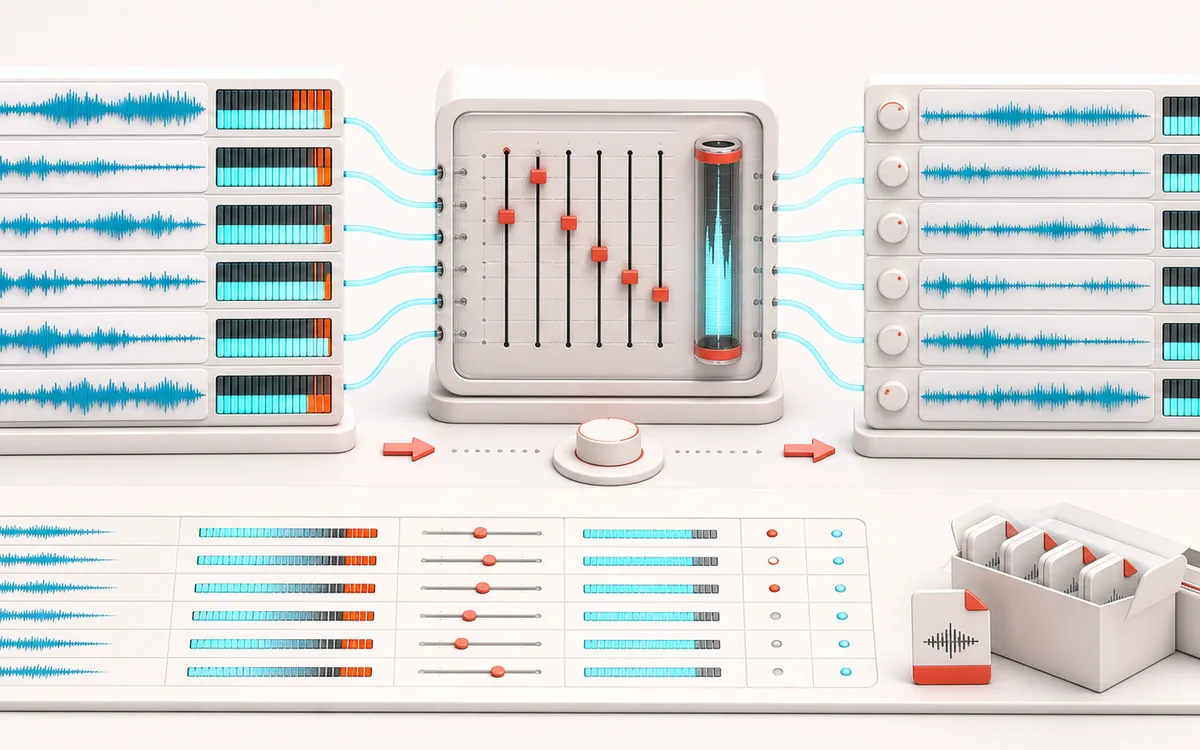
Measure, predict, listen, then render. Each track gets one uniform gain, not a threshold-reactive envelope. Distinguish the measured bar, predicted marker, short listening window and separate full-length output.
Open the full signal breakdownBest source, processing logic, limits and three-pass listening check
- Mismatched track batch
Start with the right material
Evening out podcast episodes, playlist assets, sample deliveries, game dialogue or album drafts where audible level jumps matter more than merely listing measurements.
- Trim toward target
Understand the transformation
The same gated energy calculation feeds a uniform-gain plan with include, trim and optional sample-peak ceiling. Three players review one opening window; accepted decoded frames, rate and channels are preserved in the separate full render.
- Matched audio batch
Verify the usable result
Measured bars versus predicted markers, real per-track Source/Result/Source-minus-Result listening, current individual PCM16 WAVs or ZIP with CSV/JSON gain manifests and offered-file receipts.
Where this workflow stops
Not certified LUFS, a limiter or oversampled true peak. The ceiling can prevent target matching. Previews are at most ten seconds, not a full-file listening check. Browser decoding may resample; source originals stay untouched. Pending reads, edits and cancellation retire downloads; a receipt is not proof of an OS save.
Verify one current gain decision
- Audition the selected opening as Source, Result and Source minus Result, one at a time.
- Check include, trim, reference and ceiling; uniform gain may miss the target rather than flatten peaks.
- Render the full tracks, reopen WAV/ZIP and compare decoded format and names with the current manifest.
- One comparable measurement
- Every track uses the same 400 millisecond decoded-PCM energy blocks with absolute and relative gates, clearly labeled as an estimate rather than certified LUFS.
- Reference or custom target
- Match all included files toward a chosen estimate or inherit one track's measured level, then add intentional per-track trim.
- Real batch output
- Render each included waveform at its original decoded sample rate, channels and frame count, then download WAV files individually or inside one manifest-backed ZIP.
How to match loudness across multiple audio files
- Choose up to 32 browser-decodable files (180 MB selected compressed input) or generate the synthetic batch. Files append only after the entire selection is accepted; the demo replaces the queue.
- Measure the current tracks, choose a custom estimate or measured reference, and review include, trim and the optional sample-peak ceiling. A bar is measured level; its marker is a prediction, not a moving meter.
- Select a track and audition Source, Result and Source minus Result, one at a time. These previews cover only the first ten seconds at most; editing or loading files stops them and retires old downloads.
- Render the full included tracks, then download current PCM16 WAVs or a ZIP with CSV and JSON manifests. Check the offered-file receipt, reopen the output and verify decoded frames, rate, channels and sound.
Read the gain plan before rendering
A custom target is the shared gated energy estimate; Reference inherits one measured track's level. Include controls delivery, not which track can be the reference. Trim adds an intentional offset after matching. For example, a track measured at −22 LU est. needs +6 dB to approach −16; a −1 dB trim requests +5 dB instead. A sample peak of −3 dBFS and a −1 dBFS ceiling allow only +2 dB, so the predicted result stays near −20. These illustrative values explain uniform gain, not a promise of a particular file's measurement.
Short listening check versus full-length output
The three players review the same selected opening window. Source is decoded audio, Result applies the current planned gain, and Difference is Source minus Result; silence there at zero gain is expected. Use the displayed gain and level plan to avoid mistaking a louder version for a better master. Check later passages in the full downloaded WAV too: an opening-only preview cannot reveal the loudest event elsewhere. This processor does not equalize, compress or make unrelated tracks sound identical.
Cancel, replace and retry without an old result
Cancel / stop and Escape retire pending work, players, outputs and receipts. An already-started native decode may take time to settle, but cannot add its cancelled file. Accepted tracks stay available for Measure tracks and a new render. Clear removes them; the demo explicitly replaces them. A newer file selection supersedes an older pending one. On a decode or memory refusal, no part of that selection is appended: choose fewer supported files or a shorter source and retry. Source originals are never overwritten.
Verify the delivery, not just the download button
The ZIP contains included WAVs and a matching gain manifest; excluded tracks stay excluded. WAV export preserves accepted decoded frame count, channel count and sample rate, not a compressed original byte for byte. Browser decoding can resample first. CSV quotes embedded commas and quotation marks, and prefixes formula-leading text with an apostrophe for spreadsheet safety; JSON retains literal original filenames. A receipt confirms bytes offered to the browser, not that your OS saved the file. Reopen the package and compare names and format with its manifest.
A renderer, not another album report
Album Loudness Analyzer measures release consistency and flags QC risks without changing audio. This tool goes further: it turns the shared comparison into a gain plan, renders the included tracks and packages the outputs. For one file and standard target presets, use the Loudness Normalizer.
Why a peak-safe track may miss the loudness target
The optional ceiling is deliberately transparent: it constrains uniform gain instead of compressing or limiting peaks. When a dynamic track needs more gain than its decoded sample peak allows, the console shows that the ceiling reduced requested gain and predicts the lower achieved loudness. No dynamics are hidden and no true-peak compliance is claimed.
Privacy: selected files are decoded, measured, rendered and packaged on this device. They are not uploaded to AudioWrench.
Batch Loudness Matcher: quick answer and technical limits
Quick answer: Measure a current local batch, choose a custom or reference-track estimate, audition bounded Source/Result/Difference and explicitly render full-length matched WAVs or a manifest-backed ZIP.
- Best for
- Evening out podcast episodes, playlist assets, sample deliveries, game dialogue or album drafts where audible level jumps matter more than merely listing measurements.
- How it works
- The same gated energy calculation feeds a uniform-gain plan with include, trim and optional sample-peak ceiling. Three players review one opening window; accepted decoded frames, rate and channels are preserved in the separate full render.
- What you get
- Measured bars versus predicted markers, real per-track Source/Result/Source-minus-Result listening, current individual PCM16 WAVs or ZIP with CSV/JSON gain manifests and offered-file receipts.
Know before you use it: Not certified LUFS, a limiter or oversampled true peak. The ceiling can prevent target matching. Previews are at most ten seconds, not a full-file listening check. Browser decoding may resample; source originals stay untouched. Pending reads, edits and cancellation retire downloads; a receipt is not proof of an OS save.
Privacy: Selected audio is processed in this browser and is not uploaded to AudioWrench. Normal page assets can still be requested as described in the privacy notice. Privacy details →