Loudness Normalizer.
Estimate integrated loudness in LUFS, then normalize toward a chosen reference such as -14, -16 or -23 LUFS. Policies vary by platform; processing stays local.
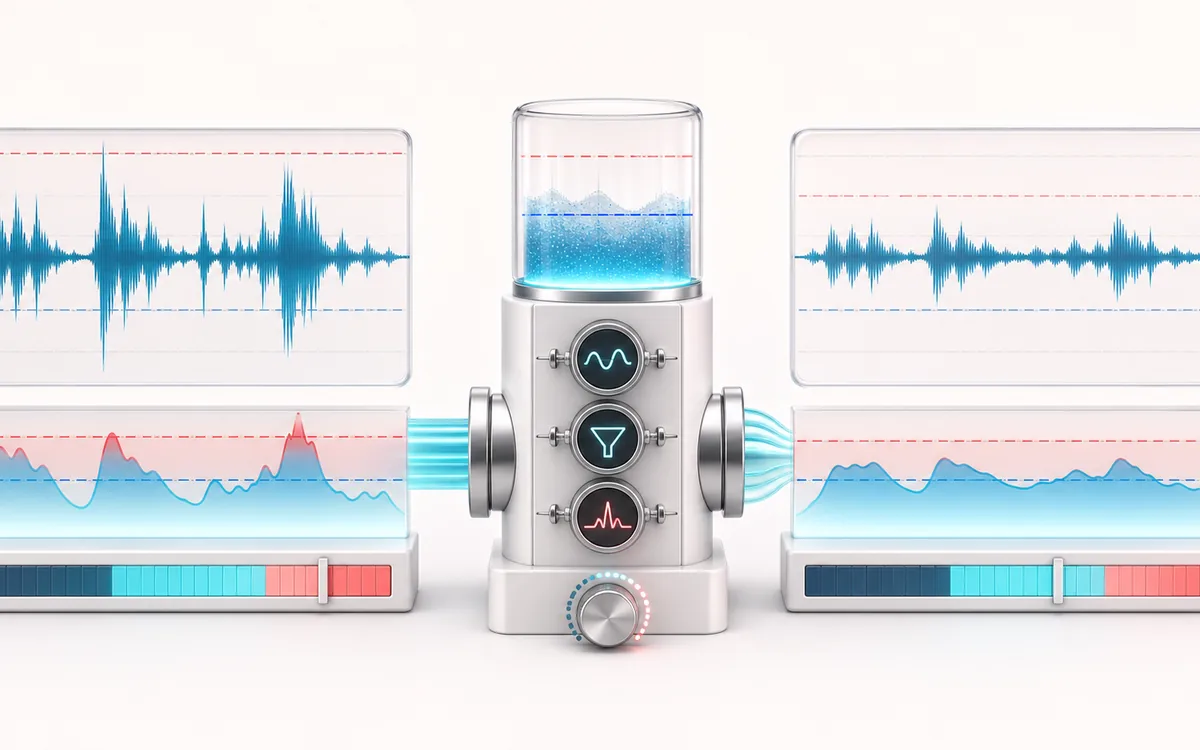
DYNAMICS MAP
LUFS Target Meter
Follow the level decision, not just the waveform. The important story is how the detector reacts, where gain starts moving and whether the result stays controlled without flattening the performance.
Open the full signal breakdownBest source, processing logic, limits and three-pass listening check
- Unmatched audio
Start with the right material
Balancing podcast episodes, demos and video assets before a final listening check.
- Normalize to target
Understand the transformation
K-weighting and gated BS.1770-style measurement estimate integrated loudness; gain is then applied with sample-peak awareness.
- Platform-ready level
Verify the usable result
A locally rendered file aimed at the selected LUFS value.
Where this workflow stops
The reading is an in-browser estimate, typically within about 0.5 LU on controlled material, and peak detection is sample-based rather than true-peak. Platforms may normalize differently.
Make the final decision by ear
- Compare at matched loudness so “louder” is not mistaken for “better”.
- Inspect the loudest transient and the quietest useful detail.
- Leave enough headroom for the next processing or delivery stage.
How to normalize loudness
- Drop your file in — the tool measures its integrated loudness in LUFS and shows the sample peak.
- Pick a reference: -14 LUFS for Spotify Normal playback, -16 as a podcast comparison, -23 for EBU broadcast work, or a custom value. Confirm the destination's actual specification.
- Press Normalize — the gain is applied and a safety limiter catches any peaks.
- Compare the before and after LUFS, preview the result, then download MP3 or WAV.
This loudness normalizer uses a BS.1770 / EBU R128-style estimate, then shifts the file toward your selected LUFS reference. It is useful for comparing podcast episodes, music masters or dialogue, but it is not a certified meter and platform normalization policies can change. A Web Audio dynamics stage reduces high sample peaks; it does not measure true peak or guarantee that inter-sample overs and playback distortion cannot occur. Processing stays local.
Loudness Normalizer: quick answer and technical limits
Quick answer: A loudness-matching tool that estimates integrated LUFS, applies gain toward a target and renders a new file.
- Best for
- Balancing podcast episodes, demos and video assets before a final listening check.
- How it works
- K-weighting and gated BS.1770-style measurement estimate integrated loudness; gain is then applied with sample-peak awareness.
- What you get
- A locally rendered file aimed at the selected LUFS value.
Know before you use it: The reading is an in-browser estimate, typically within about 0.5 LU on controlled material, and peak detection is sample-based rather than true-peak. Platforms may normalize differently.
Public browser workflow evidence
Question: Can the UI measure controlled signals, normalize them to -23 and -16 LUFS, re-measure the render and export a readable PCM16 WAV?
Observed result: Both measurement, normalization and download workflows passed: -23 LUFS target → -23 LUFS in the UI, 384,044-byte WAV; -16 LUFS target → -16 LUFS in the UI, 384,044-byte WAV.
Evidence boundary: The fixtures are steady mono 1 kHz tones and the independent cross-check is not a certified broadcast meter. This wave covers sample peak, not true peak.
Network observation: No audio-payload or cross-origin requests were observed during this published workflow.
Privacy: Selected audio is processed in this browser and is not uploaded to AudioWrench. Normal page assets can still be requested as described in the privacy notice. Privacy details →