Album Loudness Analyzer
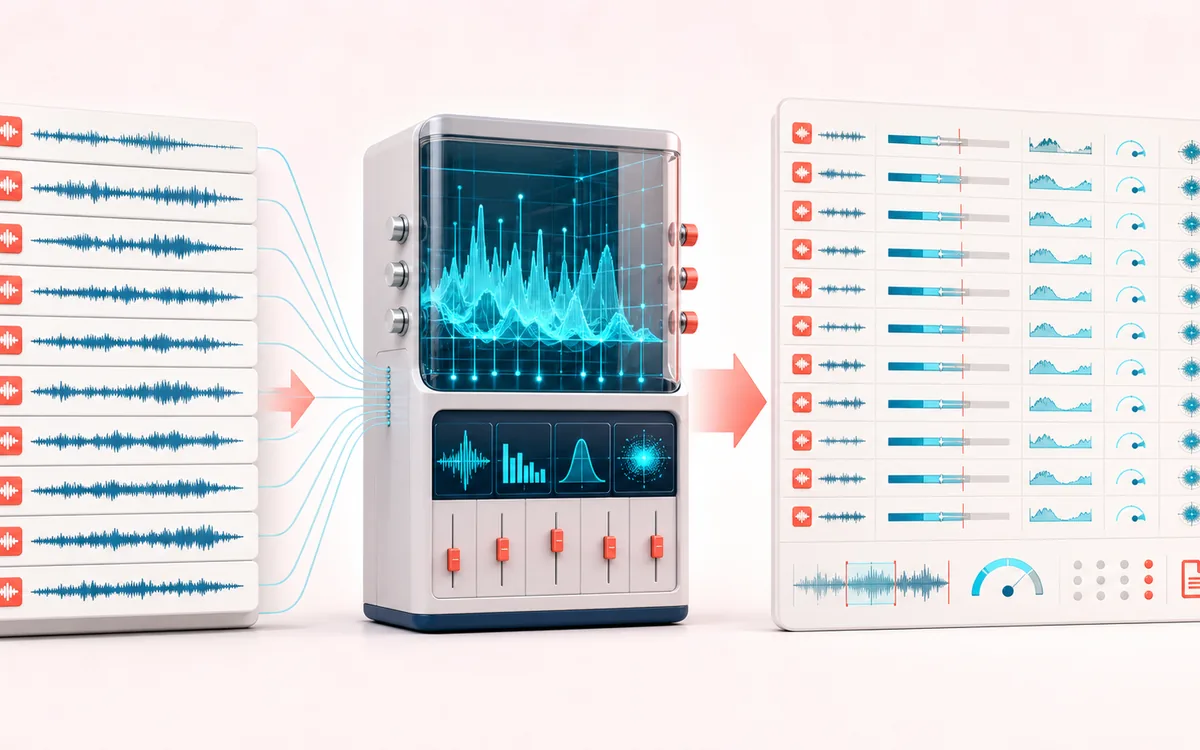
Compare a whole release at once: gated loudness approximation, RMS, sample peak, crest factor, stereo correlation, album range and target flags — without changing or uploading any track.
READ-ONLY ALBUM QC
Album Consistency Table
Full-track facts, not a moving loudness display. Accept one current tracklist, compare complete-track metrics, inspect editorial flags and choose a report order without changing source audio.
Open the full signal breakdownFull-track metrics, editorial flags, current order and report verification
- Album track batch
Start with the right material
Finding unexpectedly loud, quiet, clipped, flat or phase-risky tracks before an album, EP, podcast series or sample delivery is released.
- Measure track loudness
Understand the transformation
Complete accepted decoded tracks are scanned for sample peak, RMS, gated energy estimate, crest and first-two-channel correlation. A new selection retires the old report; cancellation cannot publish partial or superseded metrics.
- Album QC report
Verify the usable result
Full-track rows, duration-weighted album estimate, cross-track range and editorial flags; apply a sort or move rows and offer current CSV/JSON with an explicit filename, byte-count and order receipt.
Where this workflow stops
Read-only QC is not normalization or certified LUFS/true peak. Presets are editorial references, cross-track range is not LRA, mono correlation is defined as +1, and browser decoding may resample. CSV makes formula-leading text literal; JSON keeps original strings. Reopen reports to verify delivery.
Check the report against the tracklist
- Compare flagged passages by ear in the source editor; a digital flag is not a listening verdict.
- Verify the current preset, track count and intended sequence before export.
- Reopen CSV or JSON and confirm literal names, order and method limits; no audio is normalized.
- Per track
- Duration, sample rate, channels, gated energy loudness approximation, RMS, sample peak, crest and stereo correlation.
- Album QC
- Duration-weighted album loudness approximation, loudness range, loudest peak, target flags and phase-risk count.
- Report
- Exact visible track order and album aggregates exported locally as CSV or structured JSON.
How to check album loudness online
- Select browser-decodable tracks within the 64-file, 200 MB compressed-input and decoded-memory bounds, or generate the synthetic demo. A complete accepted selection appends; the demo replaces the tracklist.
- Accepted files are analyzed automatically. Choose an editorial comparison preset; it changes flags only, never audio. Cancel / stop is available during loading and measurement; partial metrics cannot be exported.
- Compare full-track loudness estimate, RMS, sample peak, crest and stereo correlation. Apply a sort or use the earlier/later buttons to choose the report order; listen to flagged source passages in your own editor.
- Download the current CSV or JSON report with its ordered rows and album summary. Reopen it and check names, order, preset and method disclosure against the offered-file receipt.
What an outlier needs you to check
A quiet flag means the estimate falls outside the selected editorial range, not that the recording is broken. If one track measures −22 and another −16, the six-dB spread describes a level difference; intentional album contrast may be appropriate. Peak reports the largest decoded sample. Crest is peak relative to RMS, so a low value can suggest limited dynamics but cannot identify how the track was produced. Correlation checks the first two channels across the track: a negative result warrants a mono listening check, not automatic repair. Mono is +1 by definition, not proof of a spatially rich mix.
Track order and album numbers
The album estimate is duration-weighted; the loudness range is the difference between the loudest and quietest track estimates, not standardized within-track LRA. Sorting and arrow buttons change report order without changing audio or remeasuring it. A different reference preset reevaluates flags from the current metrics. Do not treat a green row as certified delivery approval: sample peak does not include intersample true peaks and the estimate lacks a certified weighting implementation.
A current report, including after a failed read
Loading another selection immediately retires the previous report and receipt. Cancel / stop or Escape keeps already accepted tracks for Re-analyze album; a late cancelled decode cannot append them again. Clear removes the queue. A new pending selection supersedes an earlier one, and the demo replaces rather than silently combines sources. If any file fails decoding, exceeds the per-track duration or fails the memory plan, no partial selection is accepted. Choose fewer supported tracks and retry.
CSV and JSON are reports, not changed audio
The current ordered rows and flags are exported with the method and album summary. CSV preserves embedded commas and quotes but prefixes formula-leading filename text with an apostrophe so spreadsheets treat it literally; JSON keeps the original string. A download receipt means bytes were offered, not that your OS saved them. Reopen the report and check the track count, order and reference preset. To actually change multiple files' gain, continue in Batch Loudness Matcher; this analyzer never writes normalized audio.
Analysis-only release QC
This dashboard measures many independent tracks together. It does not normalize, limit, resample, tag or export audio. That makes it distinct from Loudness Normalizer and the single-file Audio File Analyzer: the value here is cross-track consistency, order-aware album aggregates and a reusable QC report.
What “loudness approximation” means
The meter calculates 400 ms multi-channel energy blocks, removes blocks below an absolute −70 threshold, then applies a relative gate 10 dB below the first gated mean. The result uses the familiar −0.691 energy offset, but it is deliberately labeled an approximation because this implementation does not claim certified K-weighting, channel weighting or true-peak oversampling.
Limits worth knowing
- Peak is decoded sample peak, not oversampled intersample true peak.
- Correlation uses the first two channels. Mono returns +1 by definition; multichannel layouts are not fully spatially characterized.
- Target presets are editorial reference ranges, not platform guarantees. Services may change playback normalization behavior.
- Very short tracks under one 400 ms block use their available full-file energy.
- The batch is limited to 64 files, 200 MB selected compressed input, 20 minutes per track and the decoded-memory preflight.
Privacy: selected tracks are decoded and measured in this browser. They are not uploaded and no modified audio is created. Normal page assets may still be requested when the page loads.
Album Loudness Analyzer: quick answer and technical limits
Quick answer: A local, read-only batch QC workspace: accept a complete track selection, measure the current album automatically, compare full-track metrics and export a current ordered CSV or JSON report.
- Best for
- Finding unexpectedly loud, quiet, clipped, flat or phase-risky tracks before an album, EP, podcast series or sample delivery is released.
- How it works
- Complete accepted decoded tracks are scanned for sample peak, RMS, gated energy estimate, crest and first-two-channel correlation. A new selection retires the old report; cancellation cannot publish partial or superseded metrics.
- What you get
- Full-track rows, duration-weighted album estimate, cross-track range and editorial flags; apply a sort or move rows and offer current CSV/JSON with an explicit filename, byte-count and order receipt.
Know before you use it: Read-only QC is not normalization or certified LUFS/true peak. Presets are editorial references, cross-track range is not LRA, mono correlation is defined as +1, and browser decoding may resample. CSV makes formula-leading text literal; JSON keeps original strings. Reopen reports to verify delivery.
Privacy: Selected audio is processed in this browser and is not uploaded to AudioWrench. Normal page assets can still be requested as described in the privacy notice. Privacy details →