Audio Match EQ Online
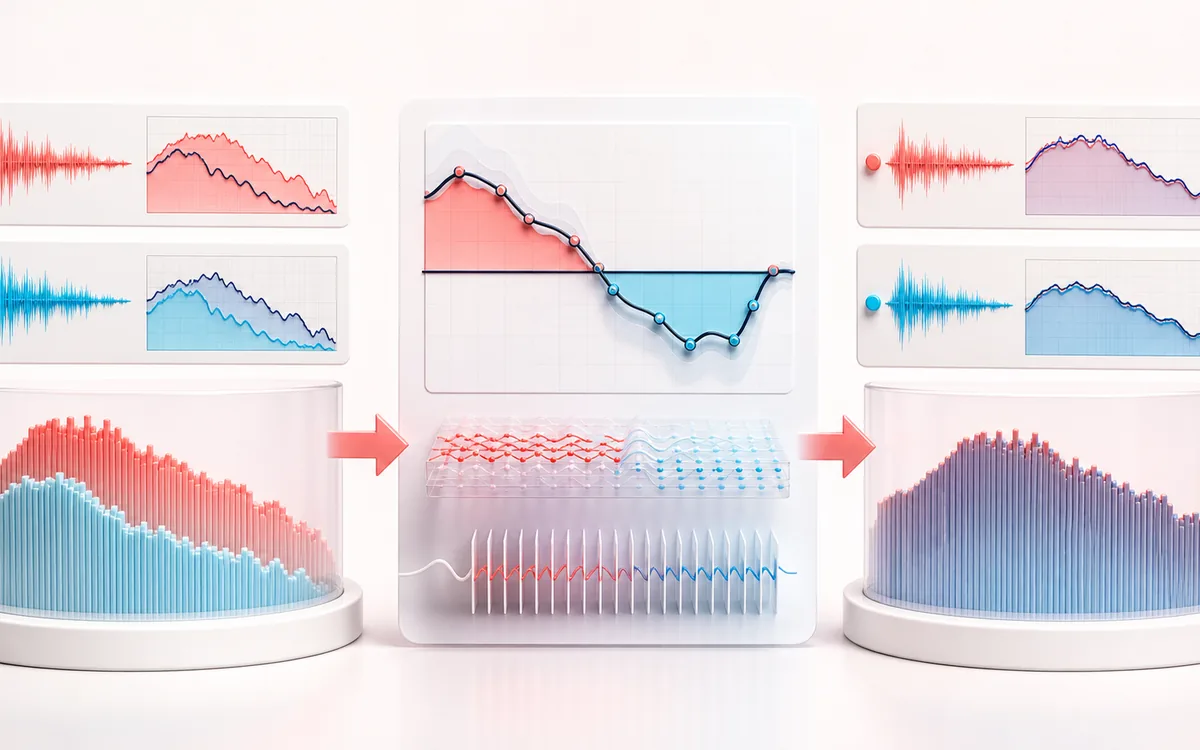
Learn a controlled tonal shape from reference audio. Average both spectral fingerprints, limit and smooth the correction, then render the target without changing its timeline.
SPECTRAL MAP
Reference Match Overlay
See where tone changes across the frequency range. Read the curve from low to high frequency, then connect every visible move to something you can actually hear in the source.
Open the full signal breakdownBest source, processing logic, limits and three-pass listening check
- Target and reference
Start with the right material
Moving one mix, voice or instrument toward a chosen tonal reference while keeping the correction amount and maximum boost or cut visible and reversible.
- Derive correction
Understand the transformation
Windowed frequency analysis averages both files, level-normalized log spectra are compared, smoothing and gain bounds create the correction curve, and a finite impulse or frequency-domain stage applies it to the target.
- Matched target
Verify the usable result
Target, processed and comparison monitoring with the measured reference difference, resolved correction curve and an exact-timeline WAV or MP3 render.
Where this workflow stops
Spectral similarity does not guarantee matching dynamics, balance, space or perceived quality. Different arrangements can produce misleading curves, so use a relevant reference and moderate correction.
Make the final decision by ear
- Sweep or solo only to locate a problem; make the final decision in context.
- Watch broad tonal balance as well as narrow resonances.
- Recheck level after any boost so the comparison stays honest.
- Two fingerprints
- Independent multi-frame averaged spectra from the target and reference, even when their timelines have different lengths.
- Bounded correction
- Overall level offset is removed before smoothing, Amount scaling and symmetric maximum boost/cut limiting.
- Output
- The target's decoded sample rate, channels and exact frame count with Target/Matched/Difference audition plus WAV or MP3.
How to match EQ to a reference online
- Load the target whose tonal balance you want to change.
- Load representative reference audio, or generate the paired local demo.
- Choose Amount, maximum boost/cut, spectral smoothing, FFT quality and output gain.
- Analyze and render locally, bypass between Target and Matched, inspect Difference, then export.
A learned static curve, not another manual or dynamic EQ
Match EQ averages spectral power across many windows of each file. It compares their broad shapes after removing an overall level offset, then smooths and bounds the difference. The resulting curve stays fixed during the target render; it does not react to momentary level like Dynamic EQ.
Amount scales the learned curve. Maximum boost/cut prevents an unsupported frequency region from demanding an extreme change. Smoothing favors broad tonal balance over narrow notches, while FFT quality trades speed for frequency resolution.
Limits before matching
- Use musically comparable and representative material. A solo vocal is not a reliable tonal template for a full mix.
- Match EQ does not copy dynamics, stereo image, ambience, saturation, arrangement or mastering technique.
- Quiet or absent regions are reliability-weighted, but large boosts can still expose noise or artifacts.
- MP3 is a new lossy encode and can include codec padding; WAV retains the target's exact decoded frame count.
Privacy: target and reference are decoded, analyzed, processed and encoded on this device and are not uploaded to AudioWrench. Normal page resources can still be requested according to the privacy notice.
Audio Match EQ: quick answer and technical limits
Quick answer: A reference-matching equalizer that measures the average spectral difference between a target and reference recording, then derives a smoothed and bounded correction for the target.
- Best for
- Moving one mix, voice or instrument toward a chosen tonal reference while keeping the correction amount and maximum boost or cut visible and reversible.
- How it works
- Windowed frequency analysis averages both files, level-normalized log spectra are compared, smoothing and gain bounds create the correction curve, and a finite impulse or frequency-domain stage applies it to the target.
- What you get
- Target, processed and comparison monitoring with the measured reference difference, resolved correction curve and an exact-timeline WAV or MP3 render.
Know before you use it: Spectral similarity does not guarantee matching dynamics, balance, space or perceived quality. Different arrangements can produce misleading curves, so use a relevant reference and moderate correction.
Privacy: Selected audio is processed in this browser and is not uploaded to AudioWrench. Normal page assets can still be requested as described in the privacy notice. Privacy details →