Audio EQ.
Sculpt any track with ten frequency bands — watch the spectrum respond in real time while you listen, then export the result.
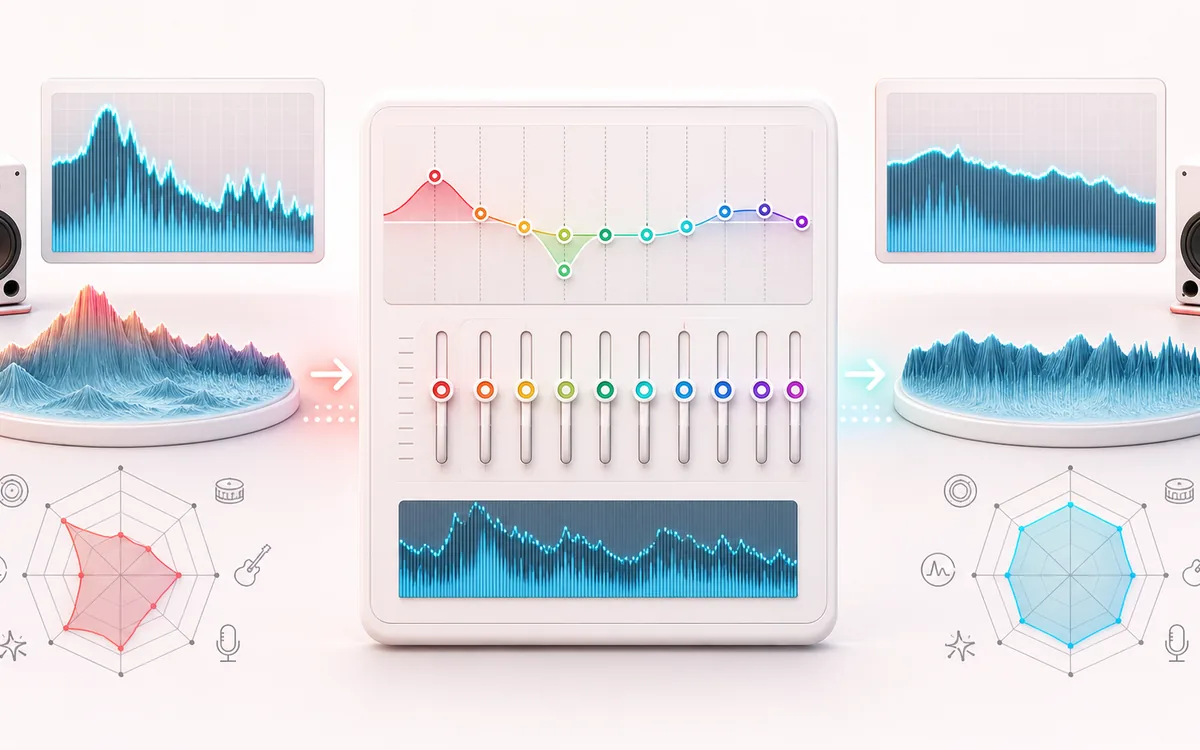
SPECTRAL MAP
Ten-Band Tone Map
See where tone changes across the frequency range. Read the curve from low to high frequency, then connect every visible move to something you can actually hear in the source.
Open the full signal breakdownBest source, processing logic, limits and three-pass listening check
- Audio to shape
Start with the right material
Reducing muddiness, adding presence or making broad tonal changes without a DAW.
- Adjust frequency bands
Understand the transformation
Ten peaking filters cover fixed frequency bands, each with a gain range of minus 12 to plus 12 dB.
- Equalized track
Verify the usable result
A previewable, locally rendered version of the track with the selected EQ curve.
Where this workflow stops
The bands are fixed rather than fully parametric, so this is for broad shaping rather than surgical resonance removal or mastering-grade measurement.
Make the final decision by ear
- Sweep or solo only to locate a problem; make the final decision in context.
- Watch broad tonal balance as well as narrow resonances.
- Recheck level after any boost so the comparison stays honest.
How to equalize audio online
- Drop a track into the upload box — it loads with a preview player wired straight into the EQ.
- Start from a preset — Bass Boost, Vocal Clarity, Rock, Electronic, Lo-fi or Podcast — or move the ten faders yourself (±12 dB each).
- Press play to hear your curve live and watch the spectrum analyzer respond.
- Press Apply effect to render, then download the result as MP3 or WAV.
This audio equalizer online behaves like the graphic EQ on a hardware rack: ten fixed bands from deep sub-bass at 31 Hz to airy treble at 16 kHz, each on its own vertical fader. Playback runs through the actual filter chain, with a real-time spectrum to support listening checks. The selected audio is processed locally and is not uploaded to AudioWrench; exports are not watermarked.
Use it to tame boomy podcast recordings, carve space for vocals, brighten dull old rips, build a lo-fi character or prepare gym-ready bass-heavy versions. If you only need more low end, the dedicated Bass Boost tool is quicker; for overall loudness, see the Volume Booster.
Audio EQ: quick answer and technical limits
Quick answer: A fixed 10-band graphic equalizer for changing the tonal balance of an audio file while watching a live frequency display.
- Best for
- Reducing muddiness, adding presence or making broad tonal changes without a DAW.
- How it works
- Ten peaking filters cover fixed frequency bands, each with a gain range of minus 12 to plus 12 dB.
- What you get
- A previewable, locally rendered version of the track with the selected EQ curve.
Know before you use it: The bands are fixed rather than fully parametric, so this is for broad shaping rather than surgical resonance removal or mastering-grade measurement.
Privacy: Selected audio is processed in this browser and is not uploaded to AudioWrench. Normal page assets can still be requested as described in the privacy notice. Privacy details →