What LUFS for Spotify and YouTube? The simple answer.
Use -14 LUFS as Spotify's published Normal-playback reference—not a universal rule for every platform. Measure loudness and peaks locally before delivery.
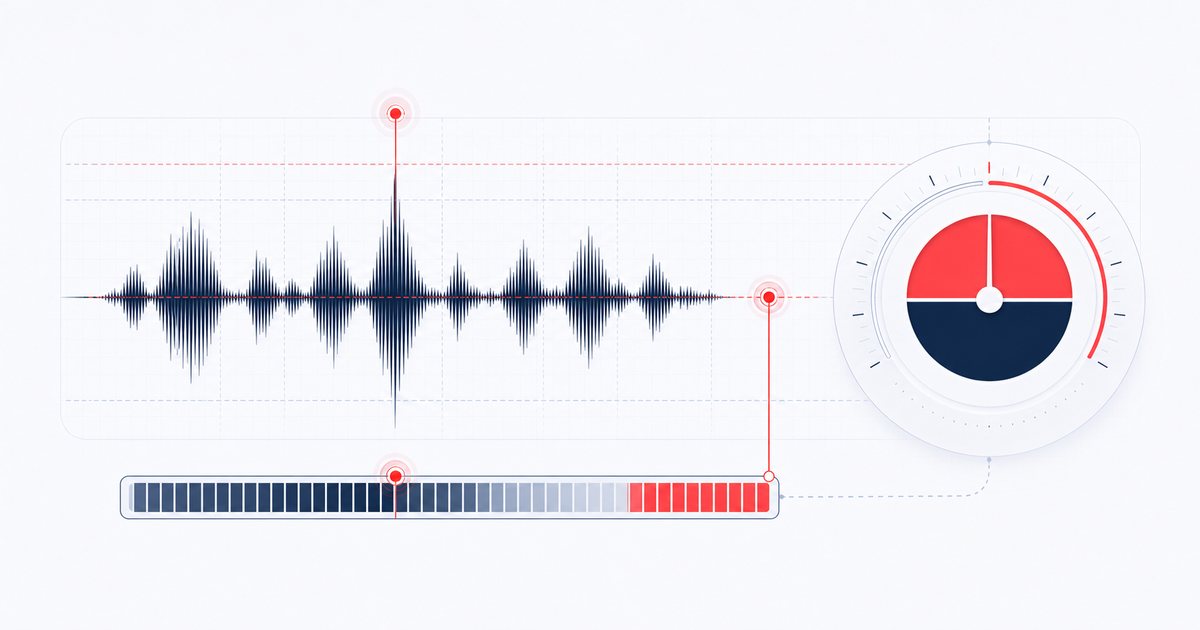
The short answer: -14 LUFS is a reference, not a universal rule
Spotify publishes -14 LUFS integrated for its Normal playback setting and recommends it as a mastering reference. YouTube does not publish one universal “master to this LUFS” requirement. That makes -14 LUFS a useful comparison point for streaming—not proof that every service, device or listener setting will leave a -14 LUFS master untouched.
LUFS stands for Loudness Units relative to Full Scale. The "integrated" measurement is the average perceived loudness across your whole track, gated so that silent gaps don't drag the number down. It's the figure streaming platforms actually read when they decide whether to turn your song up or down.
Why -14 LUFS, and what loudness normalization does
Years ago, the "loudness war" pushed engineers to master tracks as loud as physically possible so they'd jump out next to everything else. Streaming ended that arms race. Spotify, YouTube, Apple Music and the rest now apply loudness normalization: they measure each track's integrated loudness and adjust playback gain so songs sit at a consistent level for the listener.
Spotify documents playback gain around its selected loudness setting: Normal is -14 LUFS, while other settings and some playback surfaces behave differently. A very loud master can therefore be turned down, leaving the dynamics lost to heavy limiting without a playback-level advantage. YouTube also applies playback behavior of its own, but its public upload guidance does not define one universal LUFS mastering target.
The practical move is to preserve a clean master, leave sensible true-peak headroom, and compare several loudness readings instead of chasing one number. Use -14 LUFS to audition how a Spotify Normal-style reference would treat the track, then verify the current requirements for every destination.
LUFS vs. peak: don't confuse the two
It's easy to mix up loudness with peak level, but they answer different questions. Peak (dBFS) is the single loudest instant in the file — useful for knowing whether you're clipping. LUFS is perceived loudness averaged over time, frequency-weighted to match how human ears actually respond. A track can peak at 0 dBFS and still feel quiet; another can peak lower yet feel loud. Because platforms normalize by LUFS, that's the number to measure and target. Leaving a little headroom (a true peak around -1 dBFS) on top of your -14 LUFS master keeps codecs and limiters happy.
How to measure and hit -14 LUFS, step by step
AudioWrench's Loudness Normalizer measures your integrated loudness and brings it to any target without you touching a meter or installing a thing. Here's the real flow:
- Choose your file in the tool. Open the Loudness Normalizer and drag an audio file onto the dropzone (or click to pick one). It decodes on your device and the selected audio is not uploaded to AudioWrench.
- Read the measurement. The tool instantly shows your track's integrated loudness in LUFS and an estimated sample peak in dBFS, so you know exactly where you're starting from.
- Pick a reference. Tap the -14 LUFS (Spotify Normal) preset, choose -16 LUFS as a podcast comparison, -23 LUFS for an EBU broadcast reference, or set a custom value. Confirm the actual delivery specification separately.
- Normalize and preview. Hit Normalize. The tool applies the right amount of gain, runs a gentle safety limiter so you don't clip, then re-measures and shows an honest before/after readout. Play the normalized version right there to A/B it.
- Download. When it sounds right, download the normalized file. The export is generated locally and saved straight to your device.
The measurement is an in-browser BS.1770 / EBU R128 estimate — typically within about ±0.5 LU of a dedicated meter. It is useful for comparisons such as Spotify's -14 LUFS Normal reference, but it is not a certified delivery measurement.
📈 Try the Loudness Normalizer (free) →
Why do it in your browser?
Because your music is yours. The Loudness Normalizer decodes, measures and processes the selected file locally with the Web Audio API; the audio payload is not uploaded to AudioWrench. Normal page assets still load over the network. There's no account to create, watermark, processing queue or cost, so unreleased demos and client masters can be measured without first handing the track to a cloud-processing service.
FAQ
What LUFS should I use for Spotify and YouTube?
What happens if my song is louder than -14 LUFS?
Is LUFS the same as decibels or peak level?
Do I need expensive software to measure and set LUFS?
Sources and review notes
Spotify publishes a current normalization target; YouTube does not publish a universal “master to this LUFS” requirement. Platform playback behavior can change and should be checked against current official guidance.
- ITU-R BS.1770-5 — Current loudness and true-peak measurement recommendation.
- Spotify loudness normalization — Spotify’s current normalization levels and mastering guidance.
- YouTube recommended upload encoding — Official audio codec, channel and sample-rate recommendations; no universal LUFS mastering target is specified.