Audio Compressor.
Shrink audio toward an email, Discord or WhatsApp size cap. Pick a target, watch the estimate update, encode locally, then verify the downloaded file size.
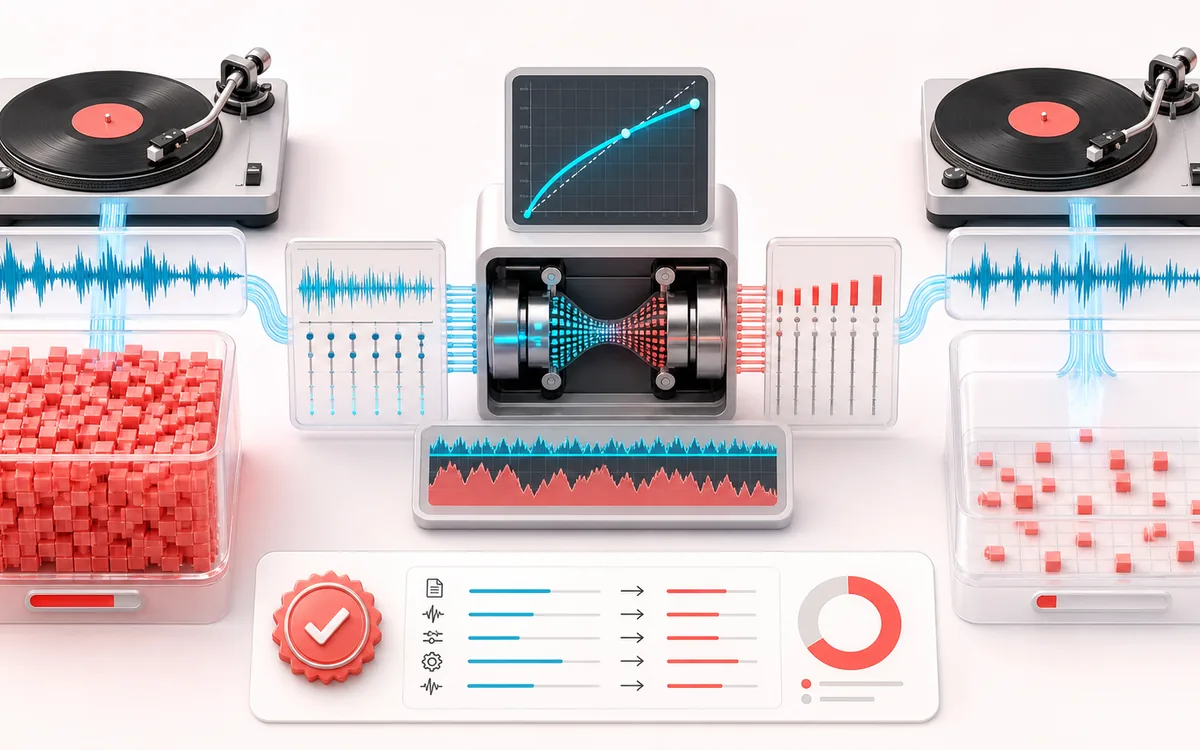
FILE STRUCTURE MAP
File Size Target
Follow audio, metadata and delivery as separate layers. Container work is easier to trust when decoded audio, editable fields and the final export are shown as distinct stages with explicit preservation limits.
Open the full signal breakdownBest source, processing logic, limits and three-pass listening check
- Large audio file
Start with the right material
Email attachments, messaging limits, speech files and lighter preview copies.
- Re-encode bitrate
Understand the transformation
The source is decoded to PCM, optionally resampled or downmixed, then encoded as MP3 or WAV with the selected settings.
- Smaller audio file
Verify the usable result
A re-encoded file plus a measured receipt with exact input/output bytes, reduction, settings and target-cap status.
Where this workflow stops
The pre-export target is still an estimate and can miss a hard cap at 64 kbps. The receipt reports the actual Blob size so you can retry before sharing.
Make the final decision by ear
- Keep the untouched original until the exported file is verified.
- Confirm sample rate, channels, duration and metadata independently.
- Test the delivery in the application or device that will consume it.
How to compress an audio file
- Drop your file into the upload box — the compressor shows its current size, duration and sample rate.
- Click a target preset like Discord 8 MB or Email 25 MB, or set the MP3 bitrate, sample rate and channels by hand.
- Watch the live estimate. If even the smallest available bitrate cannot fit the full file, trim or split it; an over-target export requires a separate explicit choice.
- Press Compress & Download. The tool checks actual encoded bytes, retries lower available bitrates when needed and downloads only after a capped result fits. Read the measured receipt for exact bytes and settings.
This audio compressor reduces file size by re-encoding to MP3 at a lower bitrate and, when selected, resampling or folding stereo into mono. Presets estimate common caps such as 8 MB or 25 MB. The tool checks the generated Blob's actual size before downloading a capped file; if no available bitrate fits, it keeps the over-target result for your explicit choice. Processing stays local.
Audio Compressor: quick answer and technical limits
Quick answer: A file-size reducer that lowers bitrate, sample rate or channel count and re-encodes the audio; it is not a dynamics-compressor effect.
- Best for
- Email attachments, messaging limits, speech files and lighter preview copies.
- How it works
- The source is decoded to PCM, optionally resampled or downmixed, then encoded as MP3 or WAV with the selected settings.
- What you get
- A re-encoded file plus a measured receipt with exact input/output bytes, reduction, settings and target-cap status. A capped preset downloads automatically only after the encoded file fits.
Know before you use it: The pre-export size is an estimate. Very long files may exceed the cap even at the smallest available bitrate; the tool warns before encoding and requires an explicit choice to download an over-target file.
Privacy: Selected audio is processed in this browser and is not uploaded to AudioWrench. Normal page assets can still be requested as described in the privacy notice. Privacy details →