Online Dynamic Range Compressor
Even out voice, podcasts, drums and mixes with threshold, ratio, soft knee, timing and measured gain-reduction evidence — all locally.
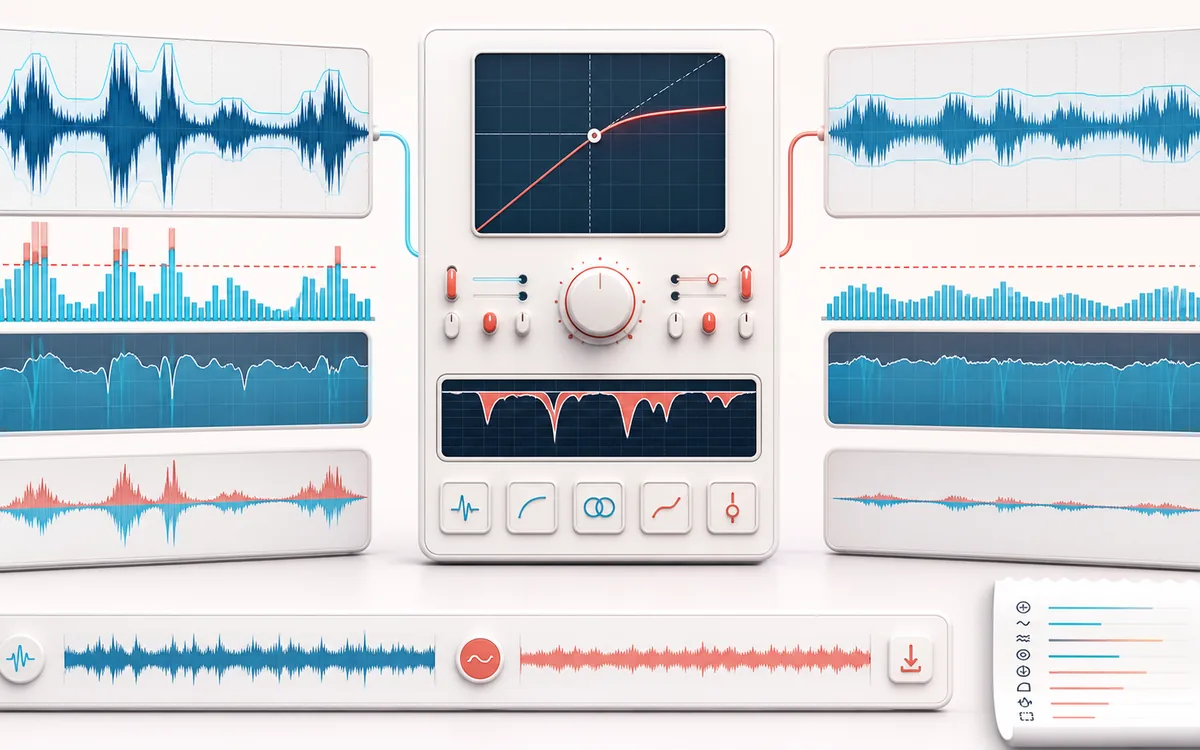
DYNAMICS MAP
Compression Curve View
Follow the level decision, not just the waveform. The important story is how the detector reacts, where gain starts moving and whether the result stays controlled without flattening the performance.
Open the full signal breakdownBest source, processing logic, limits and three-pass listening check
- Uneven source
Start with the right material
Evening out voice level, controlling drum or instrument peaks, reducing crest factor and preparing a more consistent draft before limiting or loudness normalization.
- Control dynamics
Understand the transformation
A selectable peak or bounded RMS detector drives an O(n) attack/release gain envelope; soft-knee transfer, optional stereo linking and manual or calculated makeup gain shape the exact sample output.
- Balanced render
Verify the usable result
Original, compressed and changed-component previews, a gain-reduction timeline, WAV/MP3 export and a receipt for peak, RMS, crest factor, activity, reduction, clipping, settings and exact dimensions.
Where this workflow stops
This changes dynamics; it does not reduce file bytes like Audio Compressor, guarantee LUFS like a loudness target, prevent every peak like a limiter or measure true/inter-sample peak. Aggressive settings can pump, dull transients or raise noise.
Make the final decision by ear
- Compare at matched loudness so “louder” is not mistaken for “better”.
- Inspect the loudest transient and the quietest useful detail.
- Leave enough headroom for the next processing or delivery stage.
- Input
- One decoded mono or stereo voice, podcast, drum, music or mixed audio file.
- Controls
- Threshold, ratio, soft knee, peak or RMS detector, attack, release, makeup mode and stereo link.
- Output
- Compressed and difference previews, gain-reduction timeline, measured receipt and local WAV or MP3 render.
How to compress dynamic range online
- Select a mono or stereo voice, podcast, drum or music file and preview the original decoded audio.
- Start with Voice, Podcast, Drums or Mix Bus, or set threshold, ratio, knee and detector mode yourself.
- Tune attack and release, choose manual or estimated auto makeup, and link stereo channels when image stability matters.
- Process the complete file, compare all three previews, inspect the gain-reduction timeline and receipt, then export WAV or MP3.
Quick answer: an audio dynamics compressor reduces gain when the detected signal crosses a threshold. Ratio controls the slope above that threshold, soft knee controls how gradually compression starts, and attack/release decide how quickly the gain envelope moves. This can even out voice or music without changing playback duration.
All detector, envelope, rendering, timeline and receipt work runs locally after browser decoding. Selected audio is not uploaded to AudioWrench. The tool is free and needs no signup. WAV creates a new PCM render; MP3 creates a new local lossy encode.
Threshold, ratio and soft-knee transfer explained
- Threshold
- The reference level where the compressor curve bends. A lower threshold processes a larger share of the file.
- Ratio
- Controls the output slope above threshold. At 4:1, four decibels of input rise above the hard-knee threshold become one decibel of output rise before makeup.
- Soft knee
- Spreads the transition across a band around threshold. A 0 dB knee is hard; a wider knee starts gently below threshold and reaches the full ratio above it.
- Attack and release
- Attack approaches stronger reduction; release lets reduction relax. Very fast timing can reshape transients, while long timing can hold material down.
Peak detector versus bounded RMS detector
Peak reads absolute decoded samples and reacts to very short events before timing smoothing. It is useful for drums and sharp transients, but this compressor still does not impose a peak ceiling. Bounded RMS follows rolling power across at most 10 milliseconds with constant work per sample. It usually tracks perceived body more smoothly for voice, podcasts and buses.
Stereo link uses the stronger side to drive one reduction envelope for both channels. Independent mode lets each side compress differently and can retain more level on a quiet channel, but it can also move the stereo image. The receipt records which choice produced the render.
Manual and auto makeup gain
Manual makeup ranges from −12 to +24 dB and is applied after gain reduction. Auto makeup is deliberately modest and transparent: it uses half the static reduction that a 0 dBFS sample would receive, capped at +24 dB. It does not analyze integrated loudness, short-term loudness or perception, so it is not LUFS matching or loudness normalization.
Clipping warning: this processor does not hide a limiter after the compressor. Makeup gain can create floating-point output above 0 dBFS; the receipt reports those samples. WAV and MP3 encoding clamp out-of-range PCM, which is not the same as transparent peak control.
Dynamic Range Compressor versus file size, limiting and normalization
- Dynamic Range Compressor
- Changes moment-to-moment level with a threshold/ratio curve and timing envelope.
- Audio Compressor
- Reduces file size by changing bitrate, sample rate or channel count and re-encoding. It does not apply this dynamics curve.
- Audio Limiter
- Controls decoded sample peaks against a selected ceiling. Use it after compression when peak containment is required.
- Loudness Normalizer
- Measures and adjusts broader program level. It does not replace attack/release dynamics shaping.
Measured receipt and bounded O(n) timeline
The receipt reports input and output sample peak, RMS, crest factor and clipping; active compression share; maximum and average gain reduction; complete settings; exact sample frames, rate, channels and duration; memory guard; and actual loop counters. The processor makes one forward pass, each RMS detector updates one bounded ring slot per frame, and the timeline is capped at 3,001 points.
The Difference preview is compressed output minus original. It includes makeup gain as well as reduction, so it helps reveal level change, pumping or transient reshaping but is not a separated vocal, drum or noise stem.
Limits before you export
- No LUFS target: RMS and sample peak are reported, but integrated loudness is not calculated here.
- No true peak: there is no oversampling or inter-sample-peak reconstruction.
- No limiter ceiling: compression and makeup can leave decoded output above 0 dBFS.
- No clipping repair: flattened or missing source waveform detail cannot be reconstructed.
- No complete master: tonal balance, distortion, delivery format and artistic intent still need listening and separate decisions.
- Full-file memory: unsafe output and difference allocations are refused against a 256 MiB mobile or 512 MiB desktop additional-work limit.
Privacy: selected audio stays on this device. Normal page assets and the same-origin MP3 encoder can still be requested as described in the privacy notice.
Online Dynamic Range Compressor: quick answer and technical limits
Quick answer: A local dynamic range compressor that turns loud passages down according to a threshold, ratio and knee while attack and release control how quickly gain reduction moves.
- Best for
- Evening out voice level, controlling drum or instrument peaks, reducing crest factor and preparing a more consistent draft before limiting or loudness normalization.
- How it works
- A selectable peak or bounded RMS detector drives an O(n) attack/release gain envelope; soft-knee transfer, optional stereo linking and manual or calculated makeup gain shape the exact sample output.
- What you get
- Original, compressed and changed-component previews, a gain-reduction timeline, WAV/MP3 export and a receipt for peak, RMS, crest factor, activity, reduction, clipping, settings and exact dimensions.
Know before you use it: This changes dynamics; it does not reduce file bytes like Audio Compressor, guarantee LUFS like a loudness target, prevent every peak like a limiter or measure true/inter-sample peak. Aggressive settings can pump, dull transients or raise noise.
Privacy: Selected audio is processed in this browser and is not uploaded to AudioWrench. Normal page assets can still be requested as described in the privacy notice. Privacy details →