How to compress an audio file toward a size limit.
A recording too big for Discord, email or WhatsApp? Compress it in your browser: choose a target, watch the size estimate update and download a smaller file without uploading the selected recording to AudioWrench.
Why audio files get so big
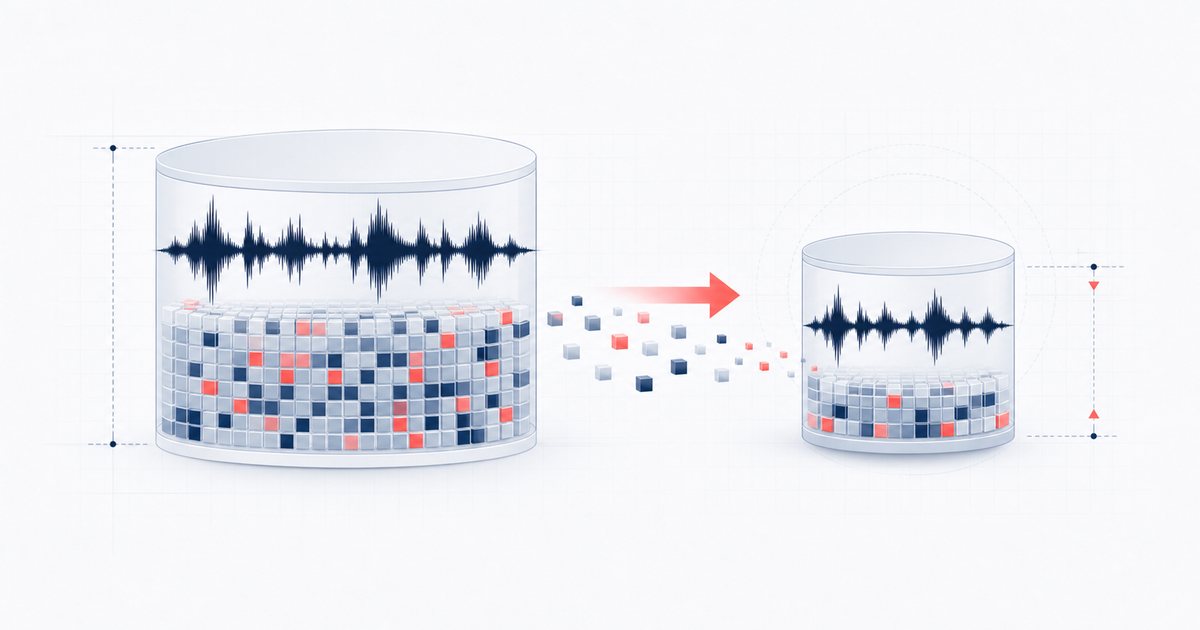
A raw recording stores sound as a long list of numbers — thousands of samples every second, for every channel. A three-minute stereo WAV at 44,100 Hz can easily top 30 MB, which is more than email will accept and far past Discord's free 8 MB ceiling. Compressing an audio file means storing that same sound in fewer bytes, either by re-encoding it to a smart format like MP3 or by trimming the parts of the data your ears barely notice.
There are three levers that decide a file's size: the bitrate (how much data per second the format keeps), the sample rate (how many times per second the sound was measured), and the channels (stereo is twice the size of mono). The Audio Compressor exposes all three plus one-click presets, so you can shrink a file as gently or as aggressively as you like.
How to compress an audio file step by step
The whole process happens on this page — no software to install, nothing sent to a server.
- Open the tool. Head to the Audio Compressor. It loads instantly in your browser.
- Drop your file in. Drag an MP3, WAV, M4A or other audio file onto the dropzone, or click to browse. The tool decodes it on your device and shows the original size, length, sample rate and whether it's mono or stereo.
- Pick a target. Presets for Discord, email and WhatsApp choose settings aimed at a cap. They are estimates, not guarantees. For manual control, choose MP3 bitrate (320 down to 64 kbps), sample rate and channels; WAV avoids lossy compression but is usually larger.
- Check the live estimate. A readout updates as you adjust anything, telling you the estimated output size and how much smaller (or larger) it is than the original — so you never guess.
- Preview before you commit. Play back the loaded original with the built-in player to confirm it's the right clip and quality you started from.
- Compress & download. Click Compress & Download. The tool mixes to mono if you chose it, resamples if needed, encodes, and saves the finished file to your downloads — named with a "(compressed)" tag so you don't overwrite the original.
Choosing the right settings
If you are targeting a platform cap, use a preset as a starting estimate, then verify the actual encoded file. Headers and encoder behavior add overhead, and a long file can remain too large even at 64 kbps. If needed, trim or split it. For manual tuning:
- Music you want to keep sounding good: MP3 at 192 or 128 kbps, keep the sample rate, keep stereo. This is where most people stop hearing the difference.
- Voice notes, podcasts, lectures: MP3 at 96 or 64 kbps and a 22,050 Hz sample rate in mono. Speech survives heavy compression remarkably well, and the file shrinks dramatically.
- Archiving or editing later: stick with WAV. It's lossless so it stays larger, but you keep every bit of quality.
Remember that compressing an audio file to MP3 is "lossy" — once data is gone, it's gone, so always keep your original if it matters. Compressing the same file twice won't claw quality back; start fresh from the source each time.
🗜️ Try the Audio Compressor (free) →
Why compress in your browser?
AudioWrench decodes and re-encodes the file on-device through browser audio APIs, so the recording is not sent to AudioWrench for processing. There is no account or watermark. Inputs are capped at 200 MB, and available memory, codec support and device speed set additional practical limits.
FAQ
Does compressing an audio file lower its quality?
How do I aim for Discord's 8 MB limit?
What's the difference between compressing file size and a dynamics compressor?
Is my audio uploaded to a server when I compress it?
Sources and review notes
File size is mainly controlled by duration, bitrate, sample rate, channel count and codec overhead. A target-size preset remains an estimate until the actual encode finishes.
- W3C Web Audio API 1.0 — Audio decoding, buffers, resampling and channel processing.
- W3C MediaStream Recording — Browser recording containers, codecs and bitrate options.