How to make slowed and reverb.
Create a hazy slowed-and-reverb effect in your browser by changing playback rate and adding a hall tail. The selected track is not uploaded to AudioWrench.
What "slowed and reverb" actually means
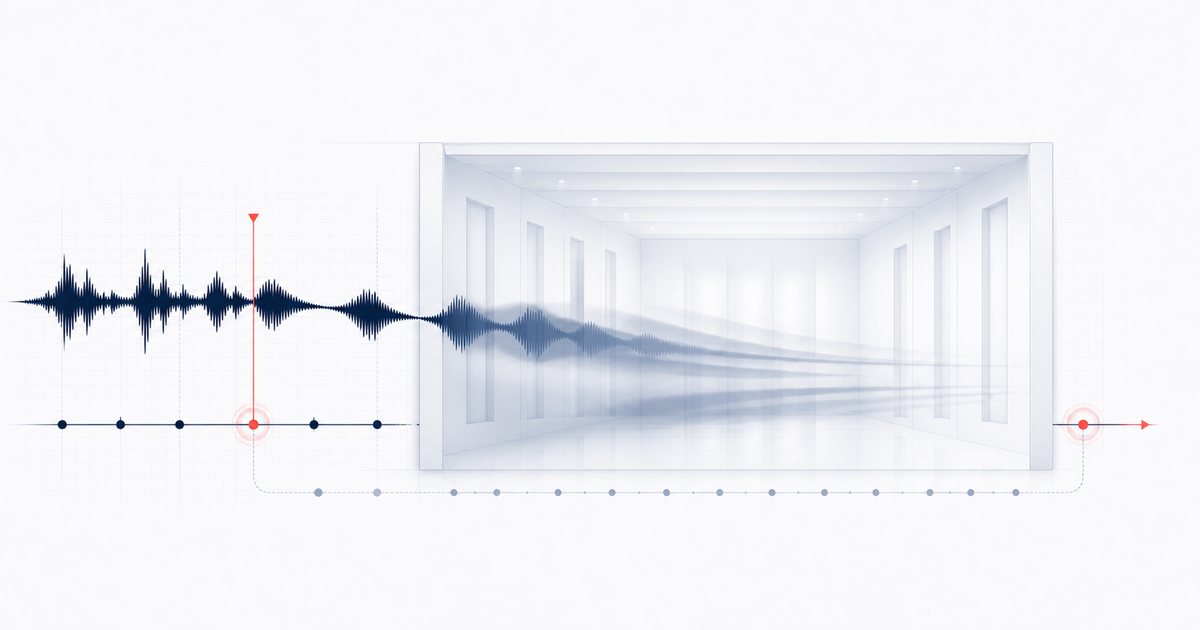
A slowed and reverb edit does two simple things at once. First, it plays the song back slower — usually somewhere between 65% and 85% of the original speed. Because the playback rate drops, the pitch drops with it, giving voices and instruments that warm, melted, half-asleep quality. That isn't a bug; it is the aesthetic. Second, it drowns the result in reverb so everything feels spacious and far away, like the song is playing in an empty hall at 2 a.m.
The style has a few cousins you'll hear in the same corners of the internet: Vaporwave (slower still, heavier reverb) and Nightcore Reverse (a lighter, more nostalgic take). Learning how to make slowed and reverb really just means learning how to balance those two dials — speed and space — against each other.
How to make slowed and reverb, step by step
The Slowed + Reverb tool is built around exactly this workflow. Here's the whole flow:
- Drop your song in. Drag an audio file onto the dropzone, or click to browse. The track is decoded on your device and appears as an "Original" player so you can hear the source before you touch anything.
- Pick a preset. Tap one of the preset chips — 🎵 TikTok Slowed, 🌙 Nightcore Reverse, 🌴 Vaporwave, or 🎛️ Custom. Each one instantly sets a sensible speed and reverb amount so you're starting from a sound, not a blank slate.
- Fine-tune speed and wet level. Adjust playback speed and how much reverb is mixed in, then preview. The renderer uses one synthetic hall algorithm throughout; presets do not switch room models.
- Apply the effect. Hit ✨ Apply effect. The tool renders the whole track offline at your chosen speed, adds the reverb tail, and normalizes the level so it isn't too quiet.
- Preview. Press play on the "Processed" player to hear the slowed and reverb version. If it's not quite there, nudge the sliders and apply again — re-rendering is quick.
- Download. Export as MP3 (small, ready to post) or WAV (lossless, ready to edit further). The file saves straight to your device.
Settings that get you the right vibe
If you're not sure where to land, these are reliable starting points:
- Classic TikTok slowed: ~80% speed, ~40% reverb. Recognisable but still clear and danceable.
- Full Vaporwave: ~65% speed with a heavier wet mix. Slow, woozy and more washed out.
- Nightcore Reverse: ~75% speed with lighter reverb — slowed, but airier and less drenched.
As a starting point, slower edits often use more wet signal. If vocals smear or transients lose definition, reduce the reverb amount. The algorithm remains the same synthetic hall at every preset.
🌊 Try the Slowed + Reverb tool (free) →
Why do it in your browser?
The Slowed + Reverb tool decodes and processes the selected song on your device using the browser's Web Audio API, without uploading that song to AudioWrench. Ordinary page assets still load as described in the privacy notice. There is no account or cost, and temporary audio state is released when the page closes. Runtime and practical file size depend on browser memory, codec support and device performance.
A few tips for a cleaner result
Start from the best source you have: a clean MP3 or WAV slows down far more nicely than a quiet, already-compressed clip. If you only want a snippet for a video, trim the track first with the Trimmer, then bring the short clip in so you're not rendering minutes you'll never use.
FAQ
What is slowed and reverb?
What speed and reverb settings should I use?
Is my song uploaded anywhere?
What format can I export, and will the quality drop?
Sources and review notes
Playback-rate slowdown changes speed and pitch together. Reverb is produced by convolution with a generated impulse response in the current implementation.
- W3C AudioBufferSourceNode — Playback-rate and detune behavior.
- W3C ConvolverNode — Convolution reverb processing model.