Vaporwave.
Sink any song to 65% speed and drown it in cathedral reverb. Instant late-night mall nostalgia — one click away.
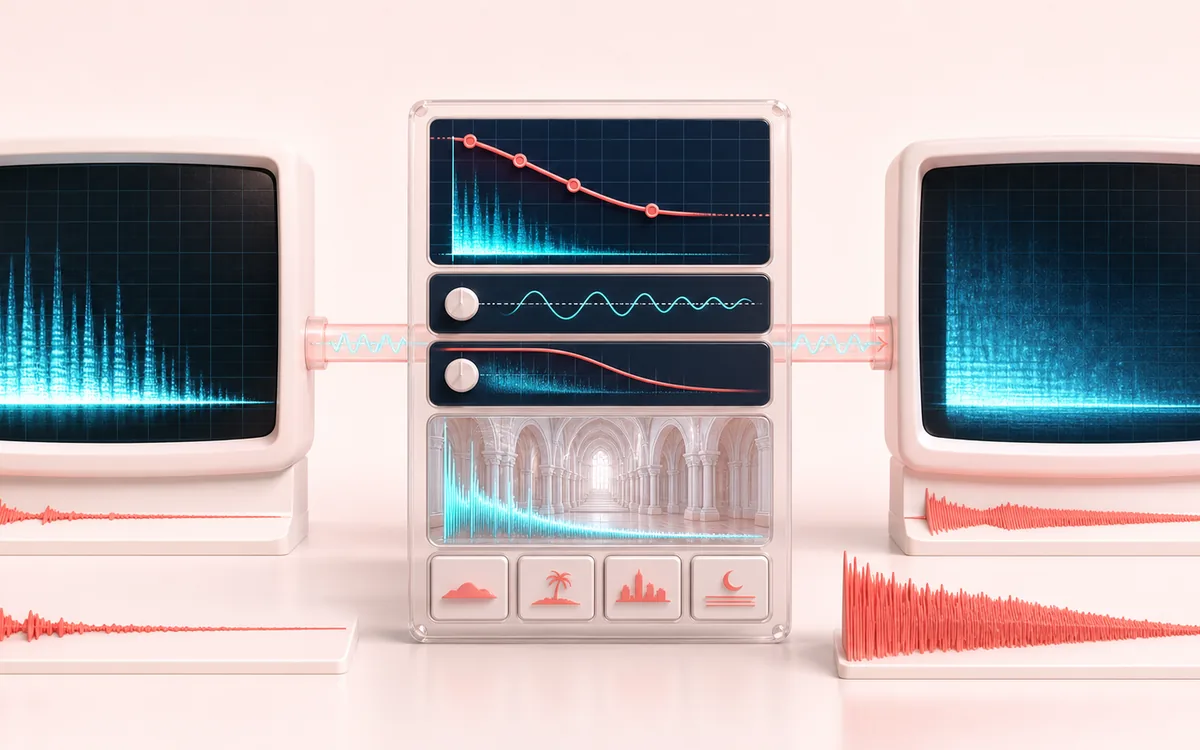
TIME + SPACE MAP
Vapor Tape Drift
Trace the dry event into motion, repeats or ambience. The visual separates the direct sound from what arrives later, making timing, density, feedback and stereo movement easier to reason about.
Open the full signal breakdownBest source, processing logic, limits and three-pass listening check
- Clean music source
Start with the right material
Nostalgic edits, drones, transitions and source material that benefits from a long tail.
- Slow filter and blur
Understand the transformation
Playback rate is reduced to roughly 55 to 75 percent and the result is mixed with a synthetic cathedral response.
- Vaporwave render
Verify the usable result
A longer, lower-pitched render with a dense ambient wash.
Where this workflow stops
The effect can hide transients and make vocals hard to understand. It is an audio transform, not a genre or copyright clearance tool.
Make the final decision by ear
- Judge timing against the rhythm rather than in solo.
- Check whether the tail masks the next word, note or transient.
- Audition mono and headphones when the effect uses stereo motion.
How to apply the vaporwave effect
- Drop any song into the upload box; it decodes locally and shows a preview player.
- Keep the defaults for the classic sound — 65% speed and a deep cathedral reverb — or open the fine-tune sliders to adjust speed (55–75%) and reverb amount.
- Press Apply effect and listen to the rendered preview.
- Download the vaporwave version as a 320 kbps MP3 or a WAV file.
The vaporwave preset slows the track so pitch falls with playback speed, then adds a long cathedral-style reverb. Processing stays inside the browser; inputs are capped at 200 MB and long files remain limited by available memory and device performance.
It is a favorite for aesthetic edits, lo-fi style remixes of your own recordings, ambient backdrops for streams, and simply rediscovering a familiar song at a third less speed. If you want a gentler slow-down, try the Slowed + Reverb or Nightcore Reverse presets instead.
Vaporwave: quick answer and technical limits
Quick answer: A deep slowdown plus long cathedral-style reverb for creating a hazy vaporwave-inspired version of a track.
- Best for
- Nostalgic edits, drones, transitions and source material that benefits from a long tail.
- How it works
- Playback rate is reduced to roughly 55 to 75 percent and the result is mixed with a synthetic cathedral response.
- What you get
- A longer, lower-pitched render with a dense ambient wash.
Know before you use it: The effect can hide transients and make vocals hard to understand. It is an audio transform, not a genre or copyright clearance tool.
Privacy: Selected audio is processed in this browser and is not uploaded to AudioWrench. Normal page assets can still be requested as described in the privacy notice. Privacy details →