TikTok Slowed.
The viral recipe in one click: 80% speed wrapped in a medium hall reverb. Drop a song, hit apply, post your edit.
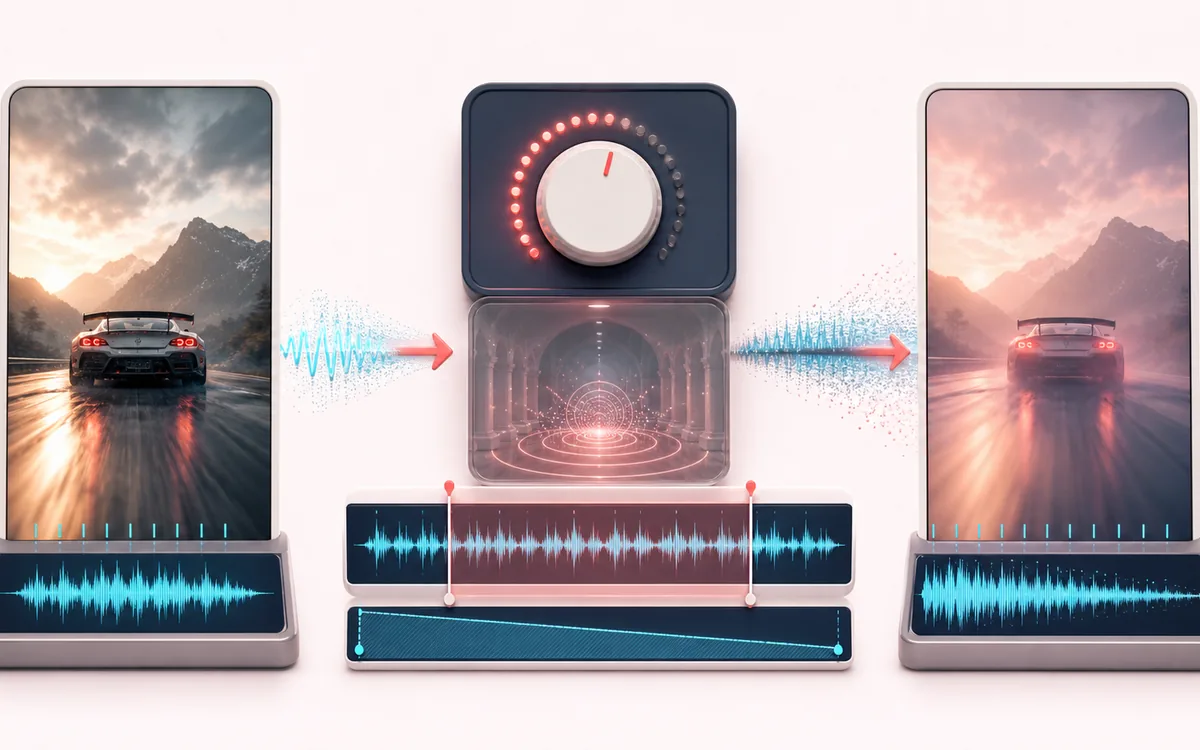
TIME + SPACE MAP
Viral Slowdown View
Trace the dry event into motion, repeats or ambience. The visual separates the direct sound from what arrives later, making timing, density, feedback and stereo movement easier to reason about.
Open the full signal breakdownBest source, processing logic, limits and three-pass listening check
- Social edit source
Start with the right material
Fast slowed edits for short-form videos and moodier alternate versions.
- Apply slow reverb preset
Understand the transformation
Playback-rate slowdown changes speed and pitch together before a fixed hall-style reverb mix is rendered.
- TikTok slowed cut
Verify the usable result
A longer, lower-pitched track with a moderate ambient tail.
Where this workflow stops
This is a fixed aesthetic starting point rather than automatic platform mastering. Check copyright permissions and preview speech clarity before publishing.
Make the final decision by ear
- Judge timing against the rhythm rather than in solo.
- Check whether the tail masks the next word, note or transient.
- Audition mono and headphones when the effect uses stereo motion.
How to make TikTok slowed audio
- Drop your song into the upload box — the original loads instantly with a preview player.
- Leave the defaults alone: 80% speed and a medium hall reverb are the viral preset. The optional fine-tune sliders cover 70–90% speed and any reverb amount.
- Hit Apply effect and preview the slowed result.
- Download it as a 320 kbps MP3 or WAV, ready for your edit.
This TikTok slowed audio maker is the one-click version of our Slowed + Reverb tool: one fixed recipe, tuned to resemble a common slowed-edit sound. The track is slowed so its pitch drops slightly, then a hall reverb fills the space. Rendering runs on your device with the Web Audio API, and the selected song is not uploaded to AudioWrench. There is no processing queue.
It is built for creators making slowed edits for TikTok, Reels and Shorts, but it works just as well for slowed versions of your own demos or for hearing a song in a completely different mood. If you change your mind, the Back to the preset button restores the exact viral settings.
TikTok Slowed: quick answer and technical limits
Quick answer: A preset edit that slows the source to about 80 percent speed and adds a medium hall reverb.
- Best for
- Fast slowed edits for short-form videos and moodier alternate versions.
- How it works
- Playback-rate slowdown changes speed and pitch together before a fixed hall-style reverb mix is rendered.
- What you get
- A longer, lower-pitched track with a moderate ambient tail.
Know before you use it: This is a fixed aesthetic starting point rather than automatic platform mastering. Check copyright permissions and preview speech clarity before publishing.
Privacy: Selected audio is processed in this browser and is not uploaded to AudioWrench. Normal page assets can still be requested as described in the privacy notice. Privacy details →