Stereo Phase Aligner Online
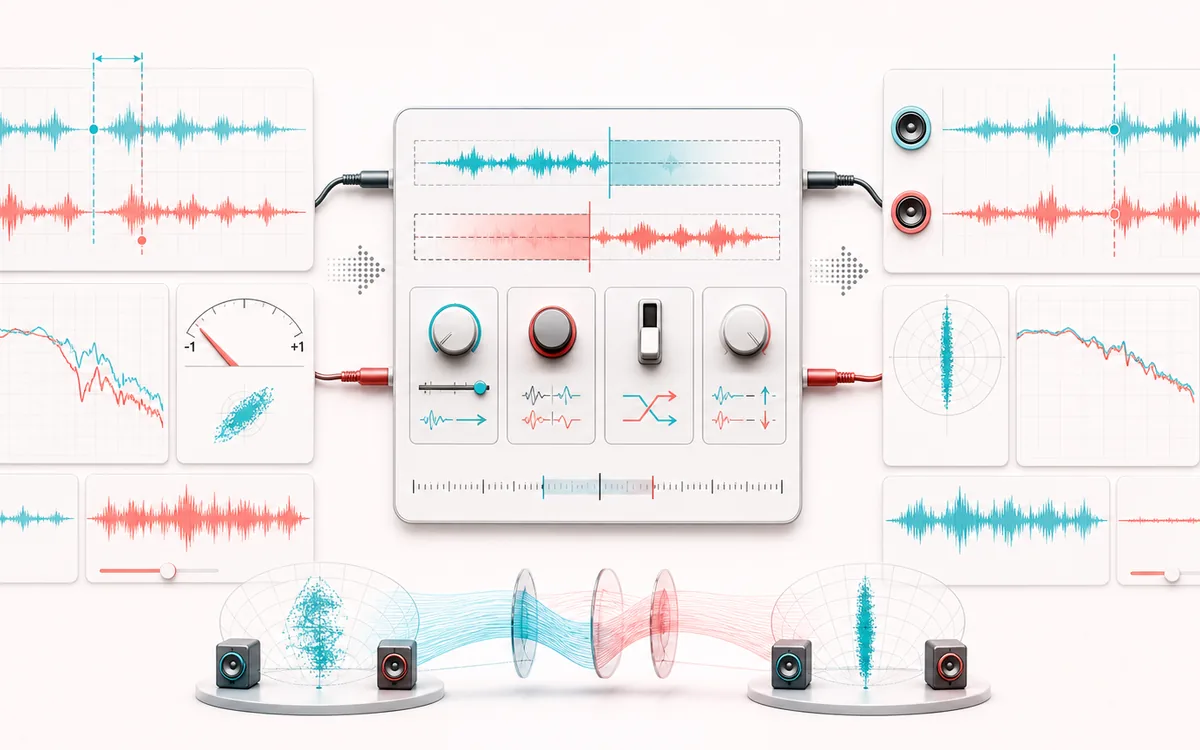
Repair a fixed channel timing or polarity mismatch instead of merely measuring it. Estimate signed lag within ±20 ms, apply a real no-wrap sample delay, inspect correlation before and after, then export the aligned file.
STEREO FIELD MAP
Sample Alignment Scope
Read width and phase as one spatial decision. The useful view is not simply left versus right; it is the relationship between channels, the center image and what survives a mono fold-down.
Open the full signal breakdownBest source, processing logic, limits and three-pass listening check
- Misaligned stereo
Start with the right material
Dual-mic recordings, parallel paths and stereo files whose channels have a fixed short timing offset or one inverted polarity.
- Shift and flip channel
Understand the transformation
Normalized cross-correlation searches a bounded lag window, compares normal and inverted polarity, and applies the chosen integer-sample delay, optional inversion, swap and gain trim without wrapping samples around an edge.
- Phase-aligned stereo
Verify the usable result
Original, aligned, mono and Difference monitoring plus an exact-duration WAV or MP3 render with before/after correlation and the applied channel operation.
Where this workflow stops
It cannot separate sources, recover missing phase information, remove reflections or follow time-varying drift. A changing room or unrelated left/right content may not have one meaningful alignment.
Make the final decision by ear
- Confirm the center stays anchored for important lead material.
- Fold to mono before export and listen for disappearing detail.
- Prefer modest width changes when the source already carries phase complexity.
How to align stereo channels
- Load a real stereo file. Use a two-channel recording in which both channels contain related material, or generate the deterministic 48-sample demo.
- Run Auto estimate. The bounded search compares normalized cross-correlation at signed offsets up to ±20 ms and checks whether one channel should be polarity-inverted.
- Review or edit the repair. Choose which channel to delay, enter samples or milliseconds, invert left or right, swap channels, and apply small gain trims.
- Apply and listen. Compare Original, Aligned and Difference, use Mono audition to expose cancellation, then download WAV or locally encoded MP3.
A repair tool, not another phase meter
Stereo Phase & Mono Compatibility Checker performs full-file measurement and reporting. This aligner makes a new audio result: it delays exactly one output channel with silence-filled leading samples, can reverse polarity, and keeps the exact source duration. The correlation cards show whether that fixed repair improved channel agreement.
The signed lag is descriptive: positive means the right channel arrives later. To repair that case without moving audio earlier, delay the left channel by the same amount. Negative means the left arrives later, so delay the right. No samples wrap from the end to the start.
When fixed alignment works — and when it does not
This workflow is useful for two microphones or a duplicated stereo signal with a stable offset, a polarity-wired channel, or a small fixed converter delay. Cross-correlation needs related content; unrelated stereo ambience, hard-panned instruments, silence and heavy nonlinear processing can produce an uncertain estimate. Always listen in stereo and mono.
It does not separate sources, align multiple independent tracks, correct a drifting recorder clock, follow time-varying delay, or repair frequency-dependent phase rotation. Those jobs need multitrack access or adaptive/spectral processing beyond one fixed stereo-file correction.
Stereo Phase Aligner: quick answer and technical limits
Quick answer: A stereo repair tool that estimates one bounded left/right sample offset and polarity relationship, then renders a no-wrap alignment for before/after correlation and mono checks.
- Best for
- Dual-mic recordings, parallel paths and stereo files whose channels have a fixed short timing offset or one inverted polarity.
- How it works
- Normalized cross-correlation searches a bounded lag window, compares normal and inverted polarity, and applies the chosen integer-sample delay, optional inversion, swap and gain trim without wrapping samples around an edge.
- What you get
- Original, aligned, mono and Difference monitoring plus an exact-duration WAV or MP3 render with before/after correlation and the applied channel operation.
Know before you use it: It cannot separate sources, recover missing phase information, remove reflections or follow time-varying drift. A changing room or unrelated left/right content may not have one meaningful alignment.
Privacy: Selected audio is processed in this browser and is not uploaded to AudioWrench. Normal page assets can still be requested as described in the privacy notice. Privacy details →