Audio Delay Online & Echo Maker
Create audible repeats, not a reverb wash. Dial in exact milliseconds or BPM-synced notes, shape the feedback and tone, send echoes left-to-right with ping pong, then compare and export.
TIME + SPACE MAP
Echo Tap Timeline
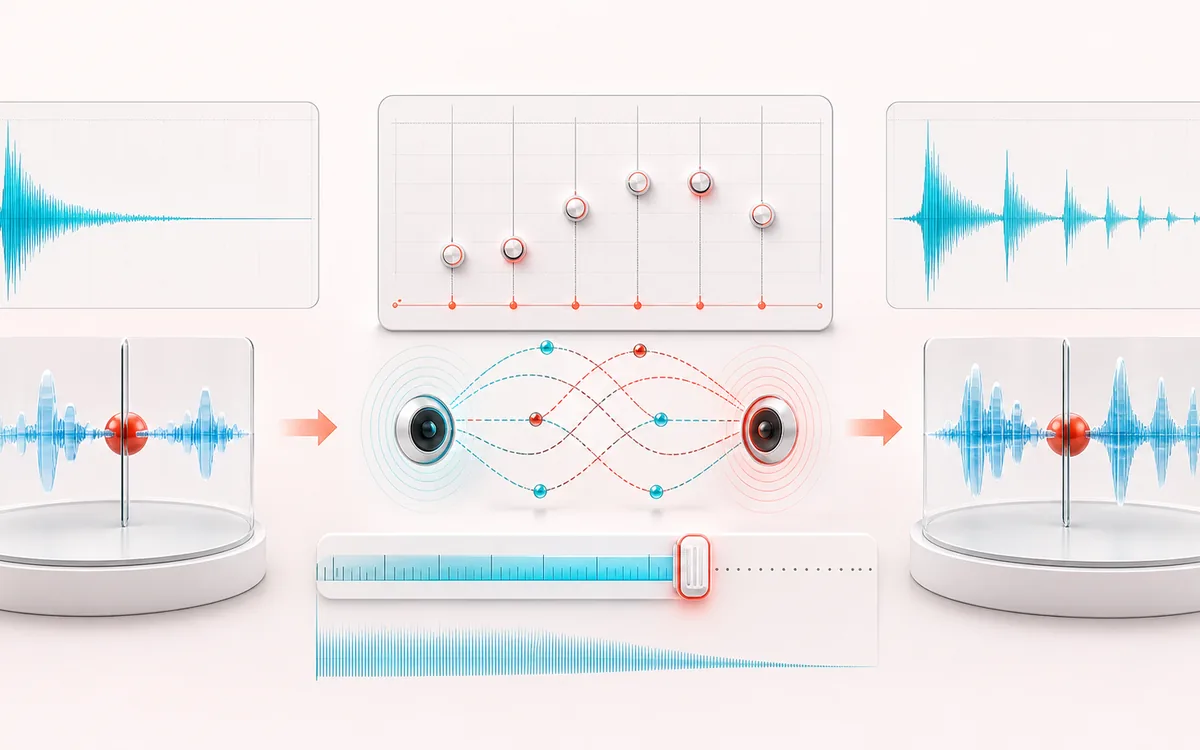
Trace the dry event into motion, repeats or ambience. The visual separates the direct sound from what arrives later, making timing, density, feedback and stereo movement easier to reason about.
Open the full signal breakdownBest source, processing logic, limits and three-pass listening check
- Dry audio
Start with the right material
Vocal slapback, quarter-note echoes, dub-style feedback throws and rhythmic stereo movement.
- Place repeat taps
Understand the transformation
A bounded feedback delay creates repeats at the chosen time while damping rolls off later echoes and ping-pong alternates channels.
- Delayed render
Verify the usable result
A dry/wet comparison and downloadable WAV or MP3 with a capped echo tail.
Where this workflow stops
High feedback can build level quickly, so the tail is safety-capped. Delay repeats the source; it does not model a room like reverb.
Make the final decision by ear
- Judge timing against the rhythm rather than in solo.
- Check whether the tail masks the next word, note or transient.
- Audition mono and headphones when the effect uses stereo motion.
How to add delay to audio online
- Load audio or use the click demo. MP3, WAV, FLAC, OGG, M4A and other formats supported by your browser can be decoded locally.
- Choose milliseconds or BPM sync. Milliseconds give exact echo spacing; BPM mode converts a musical note value into time.
- Shape the repeats. Feedback controls how many echoes return, wet mix controls their level, and damping darkens later repeats. Ping pong crosses feedback between stereo channels.
- Render, compare and export. Listen to A original and B delayed, then download a WAV or locally re-encoded MP3.
Delay settings that stay predictable
The first repeat is placed at the displayed delay time. Feedback then returns that delayed signal at the same interval while the damping filter progressively softens high frequencies. A 0% feedback setting still creates one echo; higher values create a decaying series. This is a discrete echo effect, not an acoustic room simulation.
The automatic tail follows the selected feedback until the theoretical repeat level falls below −60 dB. To protect browser memory, the added tail never exceeds 30 seconds. When the cap is reached, the tool says so before rendering. Output can clip when loud overlapping repeats add together, so the result panel reports its measured sample peak.
Useful starting points
- Slapback: a short 70–140 ms delay with low feedback for vocals, guitars and rockabilly-style thickness.
- Vocal quarter: a quarter-note delay with moderate feedback, tucked behind the dry voice.
- Dub ping pong: a darker, wetter delay with stronger feedback alternating across the stereo field.
Audio Delay & Echo: quick answer and technical limits
Quick answer: A delay and echo maker with millisecond or tempo-synced timing, feedback, damping and optional stereo ping-pong repeats.
- Best for
- Vocal slapback, quarter-note echoes, dub-style feedback throws and rhythmic stereo movement.
- How it works
- A bounded feedback delay creates repeats at the chosen time while damping rolls off later echoes and ping-pong alternates channels.
- What you get
- A dry/wet comparison and downloadable WAV or MP3 with a capped echo tail.
Know before you use it: High feedback can build level quickly, so the tail is safety-capped. Delay repeats the source; it does not model a room like reverb.
Privacy: Selected audio is processed in this browser and is not uploaded to AudioWrench. Normal page assets can still be requested as described in the privacy notice. Privacy details →