Beat Maker.
A classic step sequencer with three synthesized kits. Tap the pads, paint a pattern, dial in tempo and swing — then export two bars as audio.
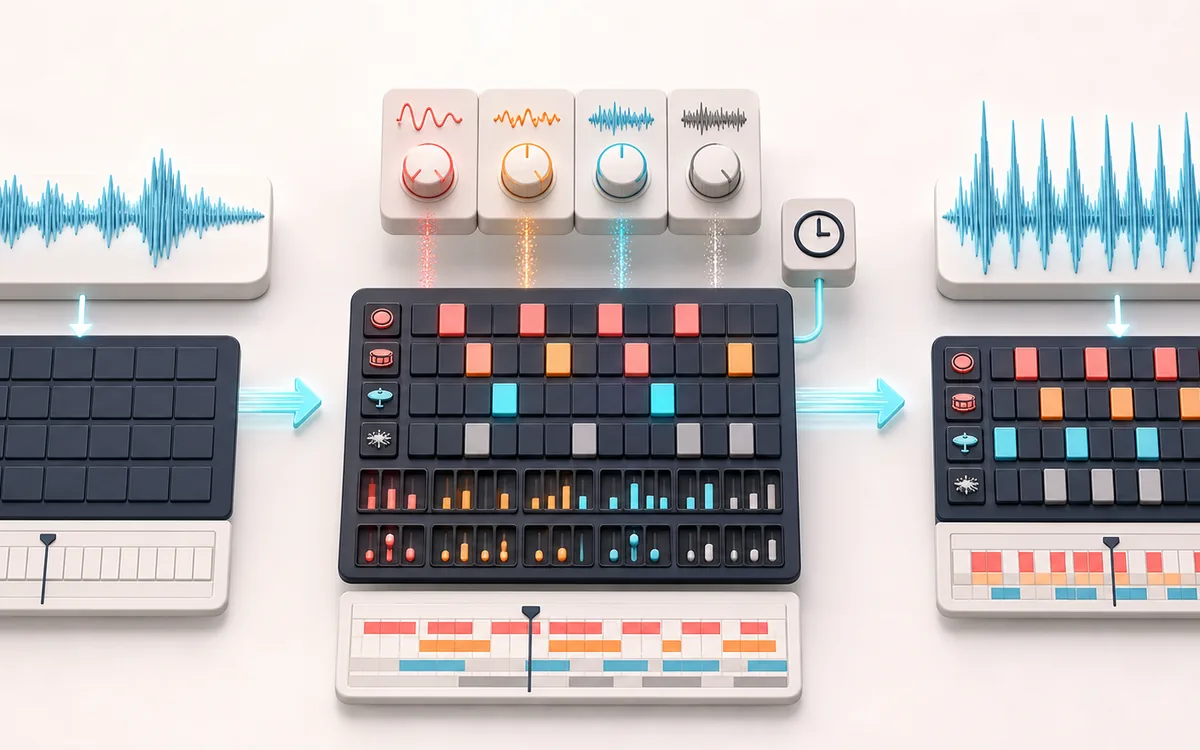
MUSICAL GRID MAP
Drum Step Grid
Connect detected or generated events to a musical grid. Pitch, rhythm and harmony become useful only when event timing, confidence and editable musical labels stay visible together.
Open the full signal breakdownBest source, processing logic, limits and three-pass listening check
- Blank rhythm pattern
Start with the right material
Sketching a beat, learning step sequencing and exporting a simple rhythm bed.
- Program kit steps
Understand the transformation
Web Audio oscillators and noise synthesize the drum voices while a scheduler triggers the selected steps.
- Rendered beat
Verify the usable result
A playable pattern in the 60 to 200 BPM range with local audio export.
Where this workflow stops
The kit is synthesized rather than sample-accurate hardware emulation, and the sequencer is intentionally compact rather than a full song arranger.
Make the final decision by ear
- Confirm tempo, downbeat and key before trusting labels.
- Review low-confidence events by ear and correct them manually.
- Import the result into its target instrument or DAW before committing.
How to make a beat online
- Choose a kit — Classic 808, House 909 or Lo-fi — and tap the pads to hear each drum voice.
- Paint your pattern in the step sequencer, or load a starter groove (Hip-Hop, House, Trap, Techno, Rock) and edit it.
- Dial in the tempo (60–200 BPM) and add swing until the loop grooves.
- Press play to audition, then render two bars in the export panel and download your beat.
This beat maker online is a real drum machine living in a browser tab: the 808, 909 and lo-fi kits are synthesized from scratch with the Web Audio API, so there are no samples to load and nothing to install. Sketch a drum idea on the bus, build a loop for a TikTok edit, lay a groove under a freestyle, or teach rhythm basics in class — the step grid makes patterns visible and instantly editable. Everything is free with no signup, runs offline once loaded, and exports clean audio you can drop into any DAW or video project.
Beat Maker: quick answer and technical limits
Quick answer: A 16-step browser drum machine with procedural 808/909-inspired sounds, tempo, swing and starter patterns.
- Best for
- Sketching a beat, learning step sequencing and exporting a simple rhythm bed.
- How it works
- Web Audio oscillators and noise synthesize the drum voices while a scheduler triggers the selected steps.
- What you get
- A playable pattern in the 60 to 200 BPM range with local audio export.
Know before you use it: The kit is synthesized rather than sample-accurate hardware emulation, and the sequencer is intentionally compact rather than a full song arranger.
Privacy: Selected audio is processed in this browser and is not uploaded to AudioWrench. Normal page assets can still be requested as described in the privacy notice. Privacy details →