Audio to MIDI & Voice to Instrument.
Turn a clean, one-note-at-a-time voice, hum, MP3 or WAV melody into editable notes. Set BPM, quantize timing, export a real .mid file or JSON, and preview it with a local instrument.
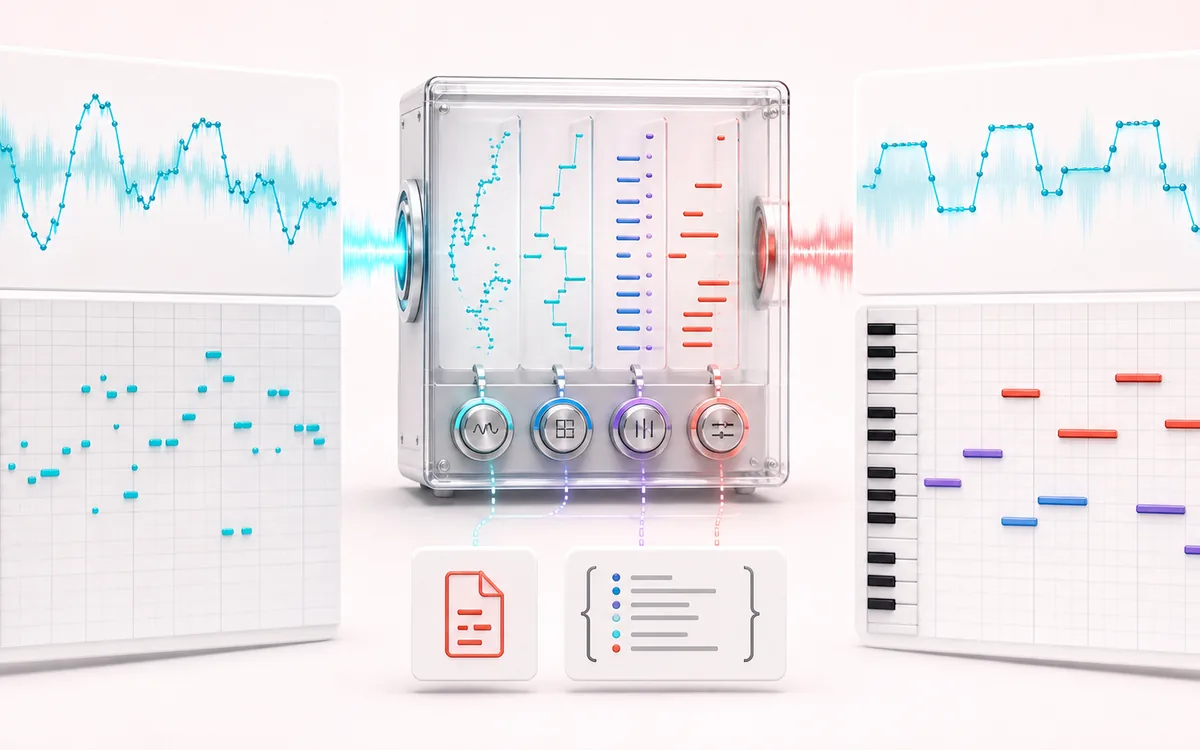
MUSICAL GRID MAP
Voice Note Mapper
Connect detected or generated events to a musical grid. Pitch, rhythm and harmony become useful only when event timing, confidence and editable musical labels stay visible together.
Open the full signal breakdownBest source, processing logic, limits and three-pass listening check
- Hummed melody
Start with the right material
Capturing a melody before it is forgotten, moving a clean single-note line into a DAW and testing it with procedural instrument timbres.
- Detect and map notes
Understand the transformation
Local pitch tracking segments the contour into notes; cleanup, BPM, quantization, velocity and duration controls shape the event list before Standard MIDI File export.
- MIDI instrument part
Verify the usable result
Editable notes, synthesized playback, a parsed .mid file for a DAW and a JSON note list with timing and pitch evidence.
Where this workflow stops
This is monophonic conventional DSP, not polyphonic AI transcription. Chords, accompaniment, noise, room echo and unstable pitch can create octave jumps, missing notes or ghost notes; the instrument previews are procedural approximations.
Make the final decision by ear
- Confirm tempo, downbeat and key before trusting labels.
- Review low-confidence events by ear and correct them manually.
- Import the result into its target instrument or DAW before committing.
How to convert audio, voice or humming to MIDI
- Record a voice, hum or whistle, or choose a browser-decodable audio file such as MP3 or WAV. Use one note at a time without chords or backing music.
- Review the detected monophonic notes. Edit pitch, start time, note length and MIDI velocity; transpose or snap the melody to a major or minor key.
- Enter the MIDI BPM, choose a 1/4, 1/8, 1/16 or 1/32 grid, and apply minimum-note and short-gap cleanup.
- Download a real format-0 Standard MIDI File (.mid), a JSON note list, or the locally synthesized instrument preview as audio.
Honest scope: this is a monophonic pitch detector, not a polyphonic AI transcription service. Chords, drums, dense arrangements and full songs can produce missing notes, false notes or octave jumps. Piano, guitar and cello previews are procedural approximations, not sampled instruments. Selected audio stays in the browser; practical recording length depends on device resources and a safety limit is enforced.
Audio to MIDI & Voice to Instrument: quick answer and technical limits
Quick answer: A local monophonic audio-to-MIDI sketchpad that follows a clear hummed, sung, whistled or instrumental melody and turns it into editable note events.
- Best for
- Capturing a melody before it is forgotten, moving a clean single-note line into a DAW and testing it with procedural instrument timbres.
- How it works
- Local pitch tracking segments the contour into notes; cleanup, BPM, quantization, velocity and duration controls shape the event list before Standard MIDI File export.
- What you get
- Editable notes, synthesized playback, a parsed .mid file for a DAW and a JSON note list with timing and pitch evidence.
Know before you use it: This is monophonic conventional DSP, not polyphonic AI transcription. Chords, accompaniment, noise, room echo and unstable pitch can create octave jumps, missing notes or ghost notes; the instrument previews are procedural approximations.
Privacy: Selected audio is processed in this browser and is not uploaded to AudioWrench. Normal page assets can still be requested as described in the privacy notice. Privacy details →