Speech to Song.
Say a sentence and hear it back as a track — your words pitch-corrected into a melody over generated drums, bass and chords. Six styles, endless remixes.
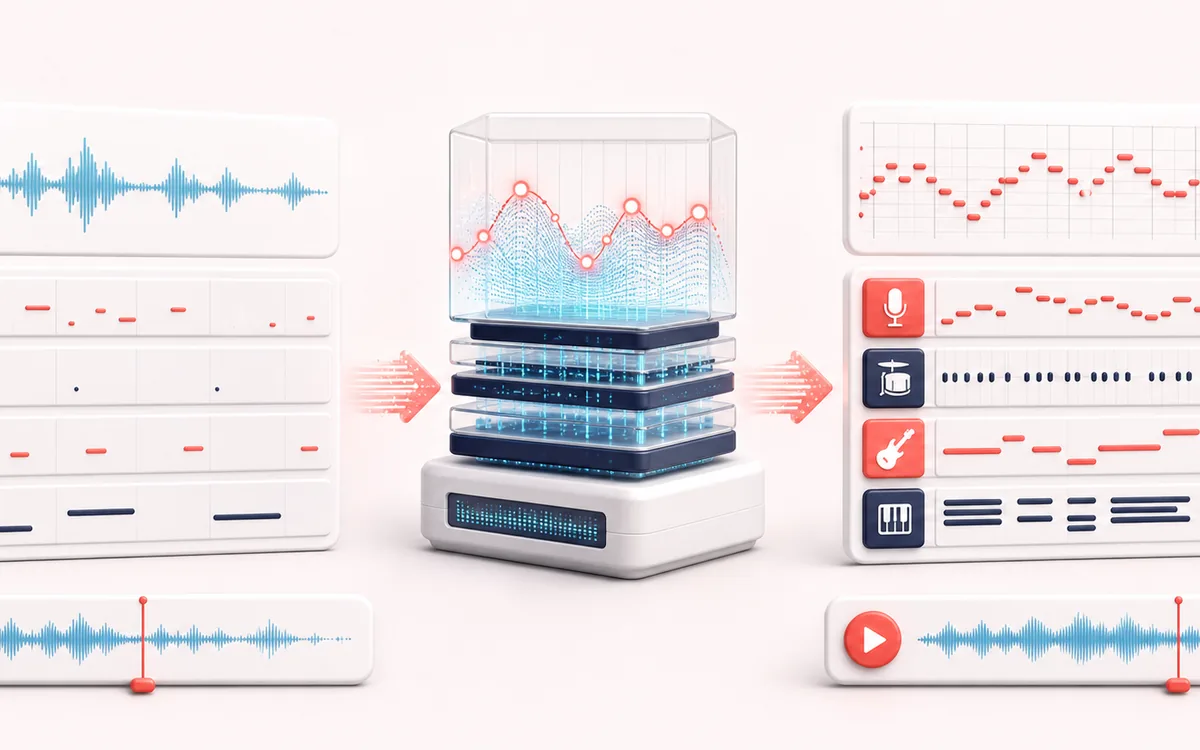
MUSICAL GRID MAP
Speech Melody Builder
Connect detected or generated events to a musical grid. Pitch, rhythm and harmony become useful only when event timing, confidence and editable musical labels stay visible together.
Open the full signal breakdownBest source, processing logic, limits and three-pass listening check
- Spoken phrase
Start with the right material
Sketching musical memes, rhythmic voice ideas and quick synthetic song experiments.
- Tune and arrange
Understand the transformation
Pitch and timing are estimated with signal-processing heuristics, then browser synthesizers generate the backing arrangement.
- Produced song clip
Verify the usable result
A stylized local composition built around the recorded or uploaded voice.
Where this workflow stops
This is not a generative singing model and it does not turn any speech into a studio vocal automatically. Noisy or monotone input may track poorly.
Make the final decision by ear
- Confirm tempo, downbeat and key before trusting labels.
- Review low-confidence events by ear and correct them manually.
- Import the result into its target instrument or DAW before committing.
How to turn speech into a song
- Press Record speech and say a sentence or two — or drop in any voice recording. A clearly spoken phrase works best.
- Pick a style: Trap, Phonk, House, Lo-fi, Pop or Amapiano, and nudge the BPM fine-tune slider if you want a different tempo.
- Hit the remix button and listen — each pass generates a new melody with drums, bass and chords around your words.
- Happy with a take? Download it as MP3 or WAV straight from the produced-track player.
This speech to song converter rebuilds recorded speech as music: syllables are shifted toward a melody while a backing arrangement is synthesized around them. Analysis and rendering run on your device, and the selected recording is not uploaded to AudioWrench. It suits voice memes, birthday-message songs and quick demo ideas; each remix is generated from the current settings.
Speech to Song: quick answer and technical limits
Quick answer: A playful speech effect that tracks spoken pitch and combines it with procedural drums, bass and chords.
- Best for
- Sketching musical memes, rhythmic voice ideas and quick synthetic song experiments.
- How it works
- Pitch and timing are estimated with signal-processing heuristics, then browser synthesizers generate the backing arrangement.
- What you get
- A stylized local composition built around the recorded or uploaded voice.
Know before you use it: This is not a generative singing model and it does not turn any speech into a studio vocal automatically. Noisy or monotone input may track poorly.
Privacy: Selected audio is processed in this browser and is not uploaded to AudioWrench. Normal page assets can still be requested as described in the privacy notice. Privacy details →