How to find the BPM and key of a song.
Drop a track and estimate its tempo, musical key and Camelot code in your browser. The selected file is not uploaded to AudioWrench.
Why BPM and key matter
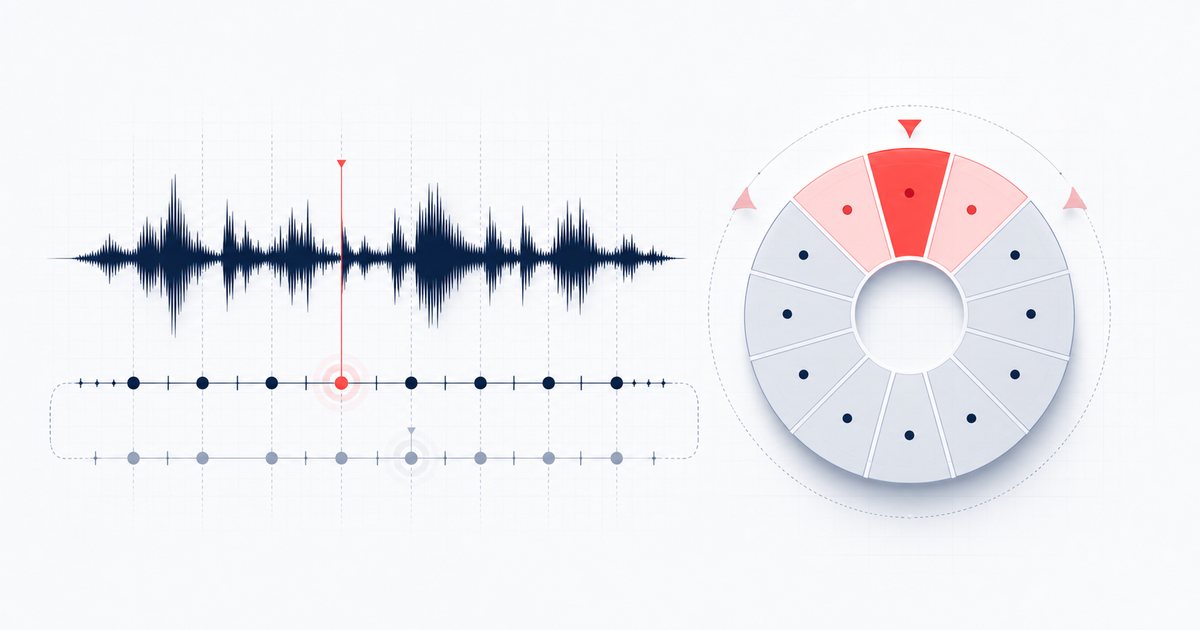
Two numbers tell you almost everything you need to know to work with a piece of music. The BPM (beats per minute) is its tempo — how fast the pulse moves. The key is its tonal home — the scale the melody and chords are built around. DJs match BPM so beats lock together and match key so the harmony does not clash. Producers use both to pitch a sample into a project, line up a remix, or pick a backing track that sits comfortably under a vocal. Even if you just want to practise an instrument along to a song, knowing the tempo lets you set a metronome and the key tells you which notes will sound right.
The good news: you do not need a trained ear or expensive software to find either. A short analysis of the audio itself reveals both, and you can run that analysis on your own machine in a few seconds.
How to find the BPM and key of a song step by step
The AudioWrench BPM Detector does the work for you. Here is the full flow:
- Open the tool. Head to the BPM Detector. It loads instantly in any modern browser — no install, no account.
- Drop your track on the page. Drag an audio file onto the dropzone or click to browse. MP3, WAV, FLAC, M4A and other common browser-supported formats can work. The selected file is decoded on your device and is not uploaded to AudioWrench.
- Wait a couple of seconds. The detector decodes the audio, listens for the repeating beat, and scans the harmonic content. You will see a short status line while it works.
- Read the results. Three cards appear: BPM (the detected tempo), Key (the root note plus major or minor), and Camelot (the DJ-friendly wheel code). A note underneath reports the tempo confidence and, when relevant, the half-time and double-time readings.
- Preview the loaded track. A built-in player lets you play the file back so you can sanity-check the result against what you hear.
- Use the numbers. Nothing to download here — the analysis is the output. Jot down the BPM and key, or feed them straight into your DJ software, DAW or practice session.
Not sure the tempo is right? Tap it out
Automatic detection is fast, but rhythmically tricky tracks — sparse intros, swung grooves, half-time hip-hop — can throw it off. That is what the built-in Tap tempo pad is for. Play the song, tap the pad on every beat, and the readout shows a rolling average of your last eight taps. It resets after two seconds of silence, so you can start over whenever you lose the count. Tapping by feel is the oldest and most reliable way to confirm a BPM, and it takes only a few bars to settle on a steady number.
Reading the key and the Camelot code
The detector reports the key as a root note and a mode — for example A minor or F major. Next to it sits the Camelot code, a shorthand DJs use to mix harmonically. Each key maps to a number from 1 to 12 and a letter (A for minor, B for major), so A minor becomes 8A and C major becomes 8B. Tracks that share a code are in the same key; moving one number around the wheel, or switching the letter while keeping the number, gives a smooth, in-key transition. If you build sets, the Camelot code is often quicker to scan than the key name itself.
Keep in mind that key detection leans on harmonic information. It is dependable on full songs and melodic loops, but a drum-only break or a wall of atonal noise gives it little to grip, and the result can drift. When the stakes are high, confirm by ear or against a reference.
Why do it in your browser?
When you drop a file, AudioWrench decodes and analyses the audio on your device with the Web Audio API; the selected track is not uploaded to AudioWrench. Ordinary page assets still load as described in the privacy notice. There is no account, watermark or cost. Runtime and practical duration depend on browser memory, codec support and device performance.
🔍 Try the BPM Detector (free) →
FAQ
How do I find the BPM and key of a song for free?
Why does the detector sometimes show half or double the BPM?
How accurate is automatic key detection?
What is the Camelot code used for?
Sources and review notes
Tempo and key detection are estimates. Half/double-time ambiguity and relative-key confusion are normal failure modes, so important results should be checked by ear.
- Music Tempo Estimation: Are We Done Yet? — Peer-reviewed discussion of tempo metrics, datasets and octave errors.
- W3C Web Audio API analyser — Frequency-domain analysis available to browser implementations.