Tempo Changer.
Slow a track for practice or speed it up for a mix with time stretching that aims to preserve pitch. Extreme changes can add artifacts.
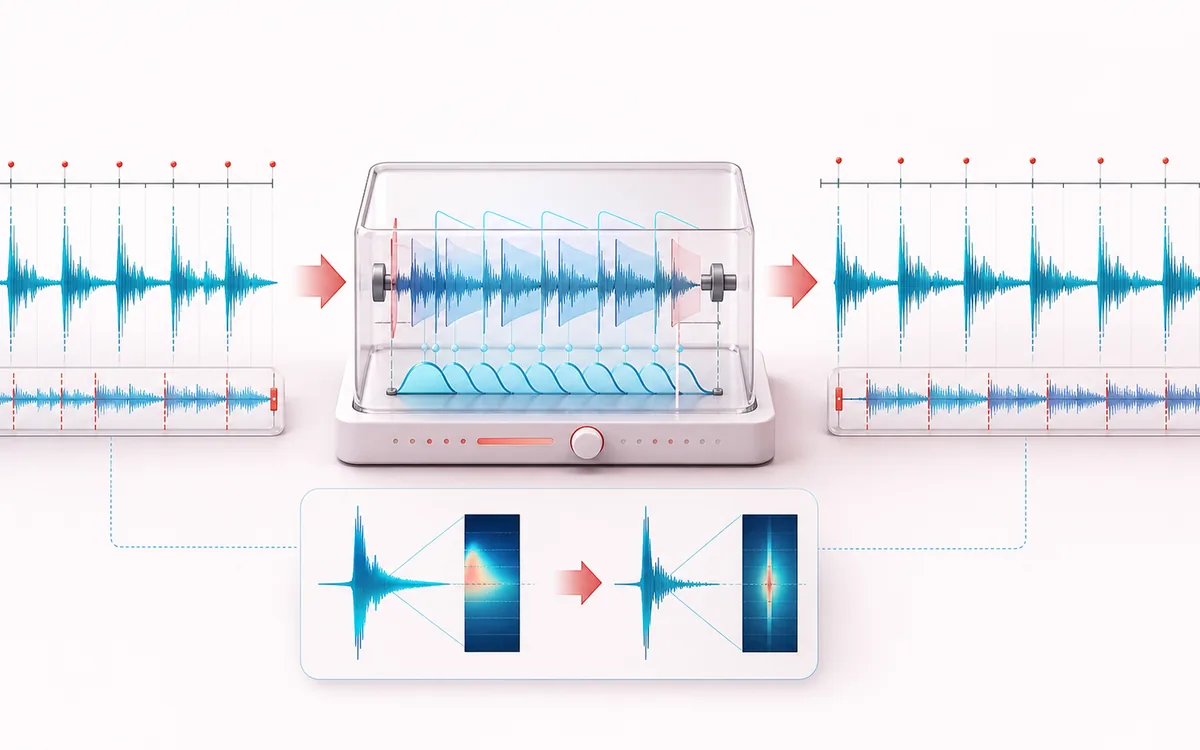
TIMELINE MAP
Tempo Stretch Timeline
Turn one long waveform into deliberate boundaries. The visual emphasizes the selection, transition and resulting edit so that timing decisions remain obvious before anything is rendered.
Open the full signal breakdownBest source, processing logic, limits and three-pass listening check
- Original tempo track
Start with the right material
Slowing a difficult passage for practice or testing a faster arrangement.
- Stretch without repitch
Understand the transformation
Overlap-add time scaling changes timing without simple resampling.
- Tempo-adjusted audio
Verify the usable result
A longer or shorter render whose pitch stays closer to the source.
Where this workflow stops
Extreme changes can smear attacks and produce phase artifacts. It does not analyze bars, beats or tempo maps.
Make the final decision by ear
- Zoom into every boundary and listen across it, not only inside it.
- Leave intentional handles when another editor will continue the work.
- Verify exact duration and ordering after the final render.
How to change tempo without changing pitch
- Drop your track into the upload box — the original loads with a preview player.
- Pick a preset (75% Practice, 100%, 125%, 150%) or set any speed from 50% to 200% on the slider; the estimated output length updates as you move it.
- Press Change tempo and give the time stretch a few seconds to run.
- Preview the result — same key, new speed — and download MP3 or WAV.
A tempo changer is different from a simple speed control: instead of playing the file faster or slower (which drags the pitch along with it), it stretches time while leaving frequency alone. Chords stay in the same key, vocals keep their character, and only the pacing changes. That makes it the right tool for musicians slowing difficult passages, dancers rehearsing choreography at reduced speed, and anyone speeding through lectures and podcasts without chipmunk voices.
Processing stays in the browser with a 200 MB input cap; practical duration and render time depend on available memory and device performance. Use Nightcore or Slowed + Reverb when pitch and speed should move together, or Pitch Shifter when tempo should remain near its original duration.
Tempo Changer: quick answer and technical limits
Quick answer: A time-stretch tool that changes duration from roughly 50 to 200 percent speed while aiming to preserve musical pitch.
- Best for
- Slowing a difficult passage for practice or testing a faster arrangement.
- How it works
- Overlap-add time scaling changes timing without simple resampling.
- What you get
- A longer or shorter render whose pitch stays closer to the source.
Know before you use it: Extreme changes can smear attacks and produce phase artifacts. It does not analyze bars, beats or tempo maps.
Privacy: Selected audio is processed in this browser and is not uploaded to AudioWrench. Normal page assets can still be requested as described in the privacy notice. Privacy details →