432 Hz Converter — 440 Hz to 432 Hz.
Apply an exact tuning-reference ratio while preserving the decoded frame count, tempo and duration. Audio stays in this browser.
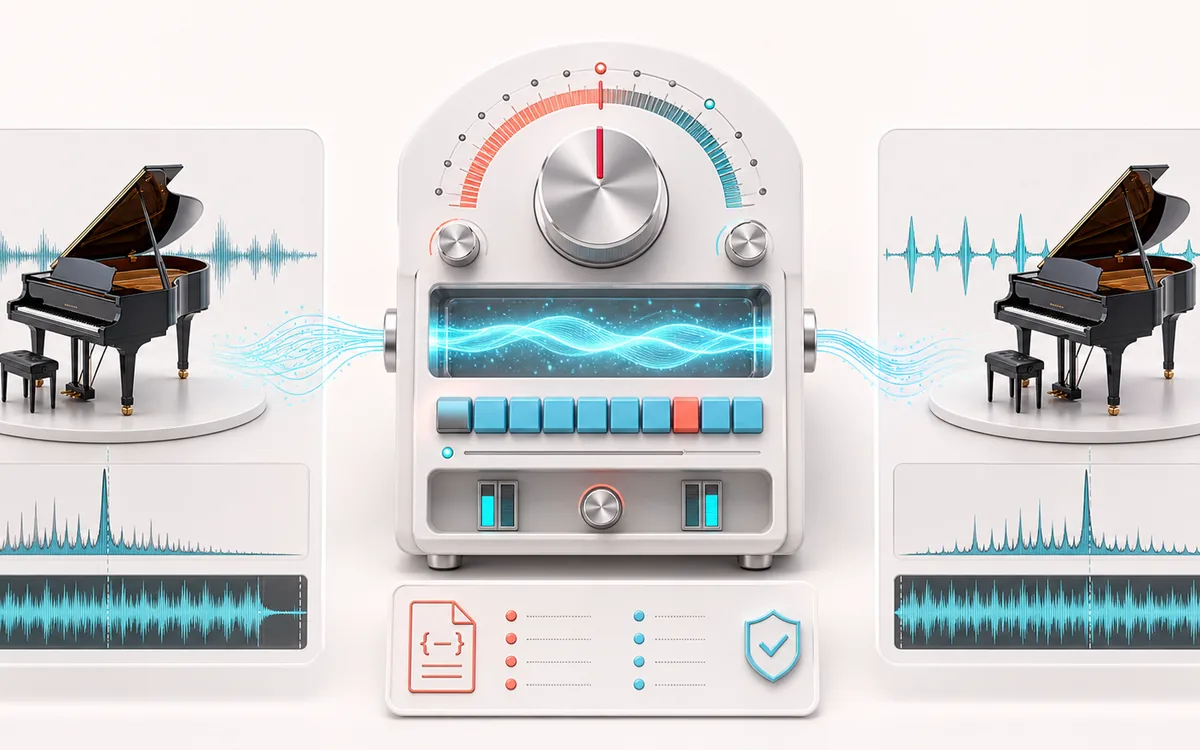
TUNING RATIO MAP
Tuning Reference Shift
Compare one exact tuning ratio across the whole file. The useful evidence is the selected source and target reference, exact ratio and cents shift, and a same-duration A/B result.
Open the full signal breakdownBest source, processing logic, limits and three-pass listening check
- 440 Hz music
Start with the right material
Comparing 440 and 432 Hz references with synchronized A/B or preparing a documented practice version near a custom reference.
- Retune reference
Understand the transformation
A chunked pitch-only render uses the selected target/source ratio, keeps exact decoded frames, exposes progress and records any anti-clipping gain instead of changing speed.
- 432 Hz version
Verify the usable result
A same-duration render with original/result A/B plus a JSON receipt for reference ratio, signed cents, frames, duration and before/after peaks.
Where this workflow stops
The page cannot infer a recording’s real tuning reference; the conversion is correct only when the chosen source assumption matches the material. Browser pitch shifting can add artifacts to dense sources.
Make the final decision by ear
- Confirm that the selected source reference assumption matches the recording.
- Compare original and converted audio at the same synchronized playhead and level.
- Check dense passages for pitch-shift artifacts and verify peaks before export.
How to use the 440 Hz to 432 Hz converter
- Load a song. Its frame count, sample rate, channels and duration are reported after local decoding.
- Keep 440 → 432 Hz, reverse it with 432 → 440 Hz, or set custom source and target references from 430 to 446 Hz.
- Select Convert tuning locally. Progress can be cancelled; partial work is discarded.
- Compare A original and B converted at one synchronized playhead, inspect measured peaks, then download MP3, WAV or the JSON tuning receipt.
For 440 Hz → 432 Hz, the exact reference ratio is 432/440 = 0.981818181818… and the signed shift is −31.766654 cents. The inverse 432 Hz → 440 Hz conversion uses 1.018518518519… and +31.766654 cents. This changes the whole finished mix by one ratio; it does not detect the source reference or separately tune its instruments.
432Hz Converter: quick answer and technical limits
Quick answer: A tuning-reference converter that applies the exact signed-cents ratio between an assumed source and a 430-to-446 Hz target while preserving decoded duration.
- Best for
- Comparing 440 and 432 Hz references with synchronized A/B or preparing a documented practice version near a custom reference.
- How it works
- A chunked pitch-only render uses the selected target/source ratio, keeps exact decoded frames, exposes progress and records any anti-clipping gain instead of changing speed.
- What you get
- A same-duration render with original/result A/B plus a JSON receipt for reference ratio, signed cents, frames, duration and before/after peaks.
Know before you use it: The page cannot infer a recording’s real tuning reference; the conversion is correct only when the chosen source assumption matches the material. Browser pitch shifting can add artifacts to dense sources. This tool makes no health claim and is not a medical treatment.
Privacy: Selected audio is processed in this browser and is not uploaded to AudioWrench. Normal page assets can still be requested as described in the privacy notice. Privacy details →