Online Audio Distortion & Saturation
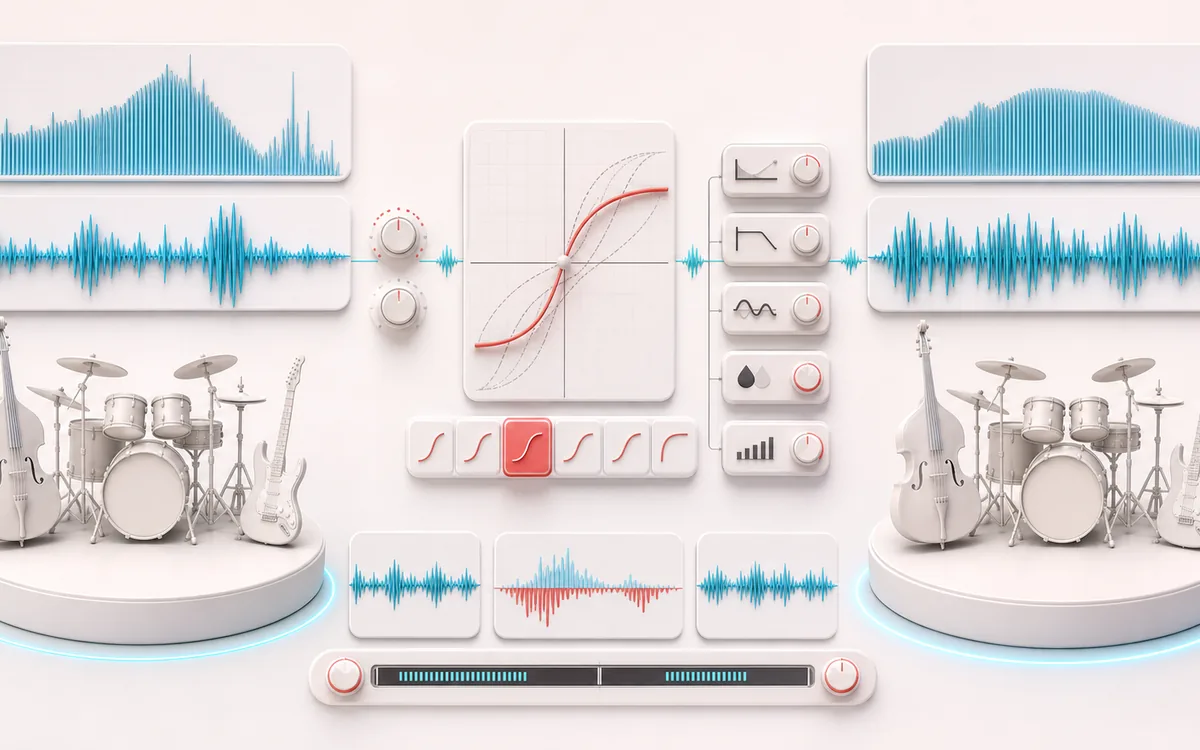
Drive six genuinely different nonlinear transfer shapes, from smooth saturation to destructive foldback and rectification. Set bias, tone, mix and output, compare the exact changed signal, then export without uploading your audio.
SPECTRAL MAP
Transfer Curve Lab
See where tone changes across the frequency range. Read the curve from low to high frequency, then connect every visible move to something you can actually hear in the source.
Open the full signal breakdownBest source, processing logic, limits and three-pass listening check
- Clean input signal
Start with the right material
Adding density to drums, edge to bass or synths, controlled grit to vocals and creative destruction with a dry signal always available for comparison.
- Shape waveform
Understand the transformation
Input drive and bias feed the selected transfer curve, followed by tone shaping, DC blocking, wet/dry mixing and optional gain compensation before the finite output is rendered.
- Saturated output
Verify the usable result
Synchronized Original, Processed and Difference monitoring plus an exact-duration WAV or MP3 export using the chosen preset or custom controls.
Where this workflow stops
Distortion creates new harmonics and can raise peak or perceived level. Gain compensation is an estimate rather than loudness normalization, and aggressive bias or drive can sound harsh even when output samples remain finite.
Make the final decision by ear
- Sweep or solo only to locate a problem; make the final decision in context.
- Watch broad tonal balance as well as narrow resonances.
- Recheck level after any boost so the comparison stays honest.
- Algorithms
- Normalized soft clip, hard clip, cubic tape-style, asymmetric tube-style, foldback and half-wave rectifier.
- Signal path
- Drive and bias → transfer curve → DC blocker → wet low-pass → compensation → dry/wet → output.
- Output
- Same decoded sample rate, channels, frame count and duration; local 16-bit WAV or 320 kbps MP3.
How to add distortion or saturation to audio online
- Choose a browser-supported audio file or generate the deterministic local demo.
- Pick a preset or one of six transfer algorithms, then adjust drive, bias, tone, dry/wet and output.
- Process locally and compare Original, Processed and Difference on the shared timeline and waveform.
- Download the same-length Processed result as WAV or MP3.
Six transfer shapes, six different effects
Soft clip uses a normalized hyperbolic tangent for smooth odd harmonics. Hard clip clamps abruptly. Cubic tape-style uses a bounded cubic curve with a rounder knee. Asymmetric tube-style gives positive and negative halves different curvature. These are useful saturation models, but they do not claim to reproduce a specific circuit or tape machine.
Foldback reflects samples after they cross the threshold, creating non-monotonic, metallic spectra. Half-wave rectifier removes the negative half before DC blocking; it is an intentionally destructive rectification effect, not a tube emulation.
Controls and gain compensation
- Drive adds 0–30 dB before shaping. Automatic compensation is estimated from the selected curve at a reference sine level, so comparisons are less dominated by loudness.
- Bias offsets the signal before the curve. It can expose asymmetric harmonics; a stable 18 Hz DC blocker removes the resulting steady offset.
- Tone is a one-pole post-shaper low-pass on the wet path. Lower values darken newly generated harmonics.
- Dry/wet blends original and shaped samples. At 0% wet and 0 dB output, Processed is sample-identical to Original.
- Output applies final gain. Samples are bounded to the digital range after it, so extreme settings can add more clipping.
Limits worth hearing
- This is deterministic digital waveshaping, not analog hardware. It does not model hysteresis, component drift, transformer behavior or a named commercial device.
- Nonlinear harmonics above Nyquist fold back as aliasing. Hard clip, foldback and rectifier are deliberately harsh; tone can reduce brightness but is not oversampling.
- Sample bounding is not a true-peak limiter. MP3 encoding and playback reconstruction can create inter-sample peaks, so reduce Output when headroom matters.
- Files above 80 MB, longer than 15 minutes or above the screen-specific local memory budget are refused before processing.
- Difference is Processed minus Original sample by sample. It reveals the effect contribution; it is not a separated stem.
Privacy: selected audio is decoded, processed and encoded in this browser. It is not sent to AudioWrench. Normal page assets can still be requested when the page loads.
Audio Distortion & Saturation: quick answer and technical limits
Quick answer: A local waveshaping processor for moving from gentle saturation to deliberate clipping with several audibly different nonlinear transfer curves.
- Best for
- Adding density to drums, edge to bass or synths, controlled grit to vocals and creative destruction with a dry signal always available for comparison.
- How it works
- Input drive and bias feed the selected transfer curve, followed by tone shaping, DC blocking, wet/dry mixing and optional gain compensation before the finite output is rendered.
- What you get
- Synchronized Original, Processed and Difference monitoring plus an exact-duration WAV or MP3 export using the chosen preset or custom controls.
Know before you use it: Distortion creates new harmonics and can raise peak or perceived level. Gain compensation is an estimate rather than loudness normalization, and aggressive bias or drive can sound harsh even when output samples remain finite.
Privacy: Selected audio is processed in this browser and is not uploaded to AudioWrench. Normal page assets can still be requested as described in the privacy notice. Privacy details →