Online Bitcrusher & Lo-Fi Effect
Reduce audio to 4–16 bits, hold samples for crunchy low-rate character, shape aliasing with filters and add repeatable dither. Compare every change, then export without uploading your file.
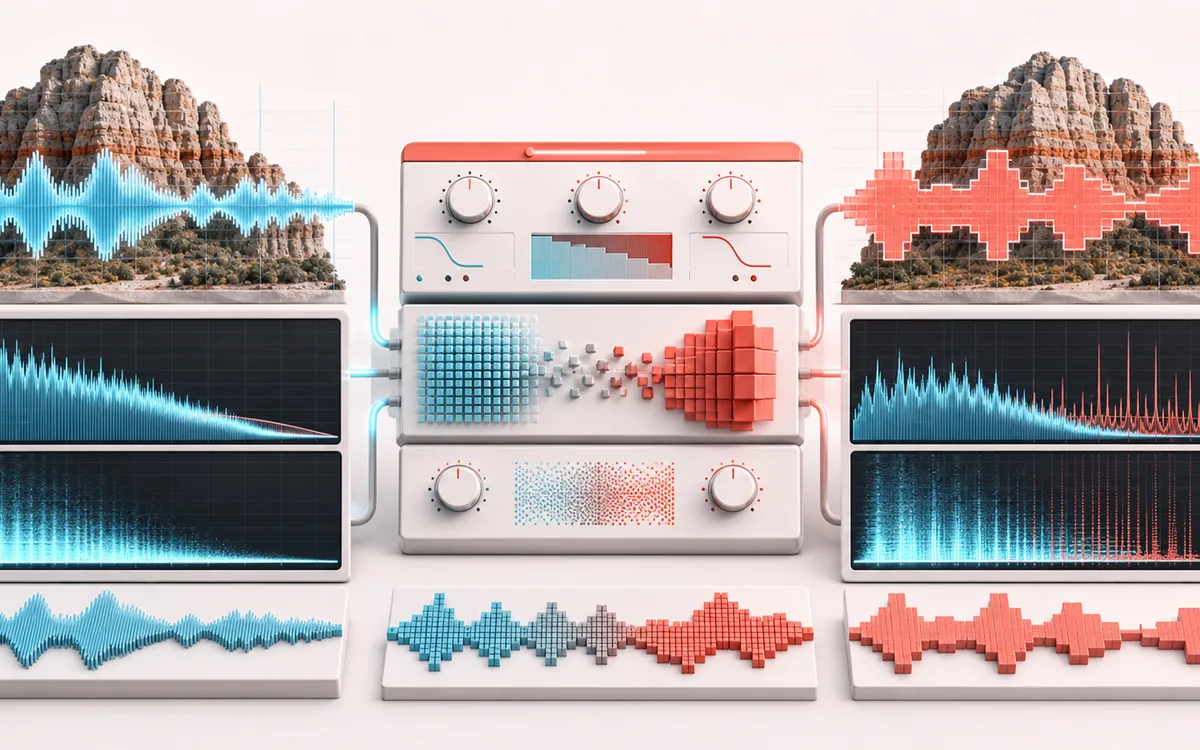
SPECTRAL MAP
Digital Resolution Grid
See where tone changes across the frequency range. Read the curve from low to high frequency, then connect every visible move to something you can actually hear in the source.
Open the full signal breakdownBest source, processing logic, limits and three-pass listening check
- Full-resolution audio
Start with the right material
Retro drums, game-style effects, brittle synth textures, degraded transitions and controlled digital grit that is different from analog-style saturation.
- Reduce bits and rate
Understand the transformation
Adjustable drive feeds bit-depth quantization and sample hold; deterministic dither and pre/post low-pass filters let you trade aliasing, noise and brightness before the wet/dry mix.
- Crushed lo-fi render
Verify the usable result
Original, crushed and Difference monitoring plus an exact-duration WAV or MP3 export that can be reproduced from the same settings and source.
Where this workflow stops
Low bit depth and strong downsampling intentionally add noise and aliasing. Dither decorrelates quantization error but does not restore removed detail, and filtering only controls part of the resulting spectrum.
Make the final decision by ear
- Sweep or solo only to locate a problem; make the final decision in context.
- Watch broad tonal balance as well as narrow resonances.
- Recheck level after any boost so the comparison stays honest.
- Resolution
- 4–16 bit linear or μ-law quantization with optional deterministic TPDF dither.
- Rate
- Integer 1×–32× sample-and-hold reduction with switchable pre and post low-pass filters.
- Output
- Same decoded sample rate, channels, frame count and duration, exported as WAV or MP3.
How to bitcrush audio online
- Choose a browser-decodable audio file or generate the deterministic local demo.
- Choose a preset, then adjust bit depth, sample hold, quantization law, dither, filtering, drive, dry/wet and output.
- Render locally, then switch between Original, Processed and Difference on the shared playback timeline.
- Download the same-frame processed result as WAV or MP3.
Bit depth and sample rate are different controls
Bit depth limits the number of amplitude values. At 4-bit, the quantizer has only 16 possible levels; at 8-bit it has 256. You can see the exact level count and step size in the live bit monitor. The sample-hold control changes time resolution instead: at 8×, one quantized value occupies eight decoded frames.
The file itself keeps its original decoded sample rate. The hold stage creates the sound of a lower effective rate without changing the number of output frames, so Original, Processed and Difference remain aligned sample for sample.
Shape clean crunch or hard aliasing
- Linear PCM uses evenly spaced levels. μ-law compands the signal so quieter values receive more of the available resolution.
- Seeded TPDF dither adds two deterministic noise draws before quantization. Reusing the seed makes a render reproducible.
- Pre anti-alias filters before the hold stage to reduce foldover. Post low-pass softens the staircase and images after it.
- Drive adds bounded soft clipping on the wet path. Dry/wet blends that path with Original, and Output applies final trim.
Presets with measurable differences
- 8-bit Game exposes linear quantization and a 6× hold with no smoothing.
- Retro Sampler uses 12-bit resolution, a gentler 4× hold and pre filtering.
- Broken Radio combines 5-bit μ-law, 16× hold, strong drive, dither and both filters.
- Subtle Digital Crunch keeps 14 bits, blends lightly and smooths both sides of a 2× hold.
Limits, privacy and export facts
- Files over 80 MB, longer than 15 minutes or above the local memory budget are refused before rendering.
- Changing the source or a control cancels an in-progress render. Partial and stale results cannot be downloaded.
- Difference is Processed minus Original at each frame. It is a diagnostic signal, not a separated stem.
- WAV is a new 16-bit PCM file. MP3 is a new lossy 320 kbps encode; source metadata is not preserved.
Privacy: selected audio is decoded, processed and encoded in this browser. It is not sent to AudioWrench. Normal page assets can still be requested when the page first loads.
Bitcrusher & Lo-Fi Effect: quick answer and technical limits
Quick answer: A local lo-fi processor that reduces amplitude resolution and effective sample rate to create quantization noise, stair-stepped transients and sample-hold artifacts.
- Best for
- Retro drums, game-style effects, brittle synth textures, degraded transitions and controlled digital grit that is different from analog-style saturation.
- How it works
- Adjustable drive feeds bit-depth quantization and sample hold; deterministic dither and pre/post low-pass filters let you trade aliasing, noise and brightness before the wet/dry mix.
- What you get
- Original, crushed and Difference monitoring plus an exact-duration WAV or MP3 export that can be reproduced from the same settings and source.
Know before you use it: Low bit depth and strong downsampling intentionally add noise and aliasing. Dither decorrelates quantization error but does not restore removed detail, and filtering only controls part of the resulting spectrum.
Privacy: Selected audio is processed in this browser and is not uploaded to AudioWrench. Normal page assets can still be requested as described in the privacy notice. Privacy details →