Granular Synthesizer Online.
Scatter any sound into a live cloud of 20–500 ms grains. Stretch, freeze, smear and glitch it, then record your performance.
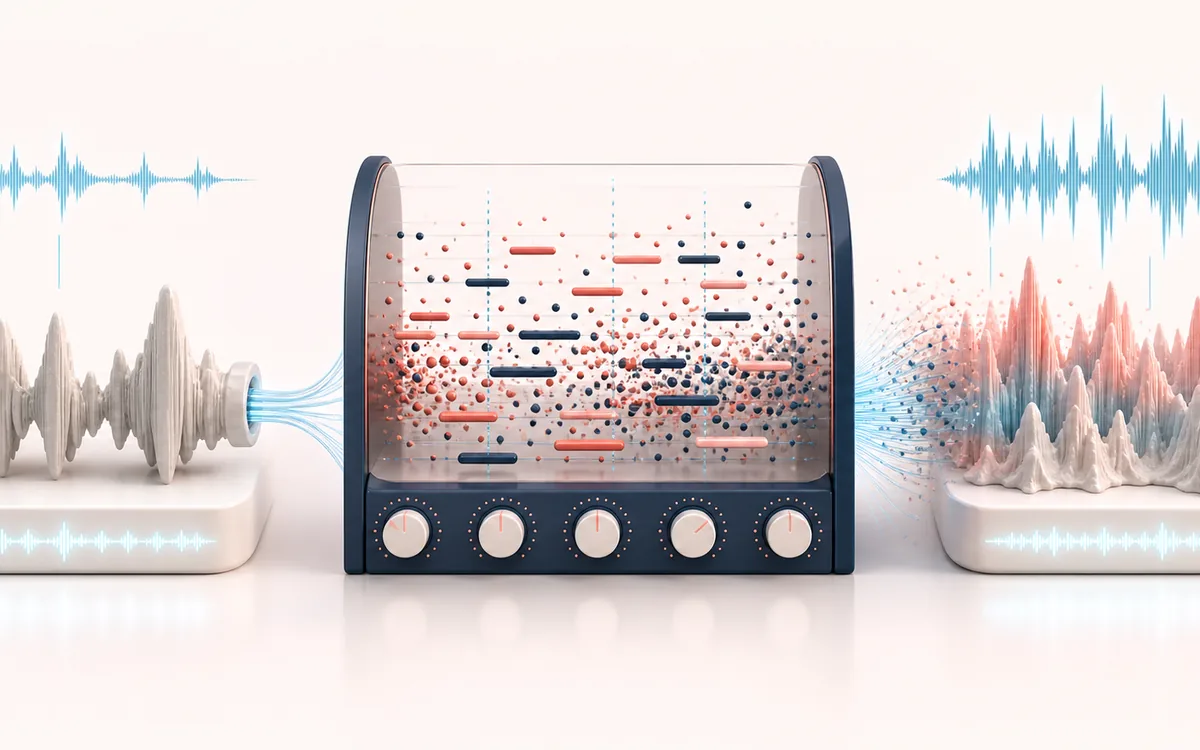
TIME + SPACE MAP
Grain Cloud Canvas
Trace the dry event into motion, repeats or ambience. The visual separates the direct sound from what arrives later, making timing, density, feedback and stereo movement easier to reason about.
Open the full signal breakdownBest source, processing logic, limits and three-pass listening check
- Source audio texture
Start with the right material
Drones, pads, glitch textures and discovering new material inside a short sample.
- Scatter micro-grains
Understand the transformation
Many overlapping buffer fragments are scheduled locally with randomized timing and pitch around the selected controls.
- Granular soundscape
Verify the usable result
A live resynthesis performance and a locally captured output.
Where this workflow stops
Granular output is intentionally stochastic, so repeated takes can differ. Dense settings are CPU-heavy and may crackle on slower devices.
Make the final decision by ear
- Judge timing against the rhythm rather than in solo.
- Check whether the tail masks the next word, note or transient.
- Audition mono and headphones when the effect uses stereo motion.
- Source
- Microphone or browser-decodable audio up to 200 MB.
- Grain engine
- 20–500 ms grains at 1–100 grains per second, with spray and pitch jitter.
- Output
- A real-time performance recording downloadable as WAV or MP3.
How to use the granular synthesizer
- Load a source: drop any audio file in, or press Record a sample and capture a sound with your mic.
- Pick a preset — Frozen Pad, Shimmer, Granular Echo, Glitch or Drone — or shape your own with the grain size, density, spray and pitch sliders.
- Start the engine and perform on the XY pad: horizontal movement scans through the sample, vertical movement bends pitch.
- Open the record panel to capture your performance, then download the take.
How it works: a scheduler creates short overlapping Web Audio sources with triangular gain envelopes, random pan, position spray and pitch jitter. The signal then passes through a low-pass filter, feedback delay, hall-reverb send and output recorder — all locally in your browser.
Limits: the export captures a real-time performance, not a deterministic offline render. High density, long source files and effects can overload slower phones or CPUs and cause crackles. Microphone use needs permission. AudioWrench grants no rights to your source recording; use only audio you own or are licensed to transform.
Granular Synthesizer: quick answer and technical limits
Quick answer: A real-time granular instrument that slices uploaded sound into tiny grains and scatters them by position, size, density, pitch and randomness.
- Best for
- Drones, pads, glitch textures and discovering new material inside a short sample.
- How it works
- Many overlapping buffer fragments are scheduled locally with randomized timing and pitch around the selected controls.
- What you get
- A live resynthesis performance and a locally captured output.
Know before you use it: Granular output is intentionally stochastic, so repeated takes can differ. Dense settings are CPU-heavy and may crackle on slower devices.
Public browser workflow evidence
Question: Can the granular instrument load a local fixture, render a short capture and export a readable WAV?
Observed result: The tool captured 0.7 seconds of granular output and exported a valid 138,284-byte WAV.
Evidence boundary: Granular scheduling is intentionally stochastic, so this verifies the workflow and file output rather than a fixed artistic result.
Network observation: No audio-payload or cross-origin requests were observed during this published workflow.
Privacy: Selected audio is processed in this browser and is not uploaded to AudioWrench. Normal page assets can still be requested as described in the privacy notice. Privacy details →