Stem separation troubleshooting: bleed, phase and export checks.
A split can finish successfully and still sound wrong. Use the symptom-first checks below to decide whether you are hearing normal source overlap, a poor method match or a browser/export failure.
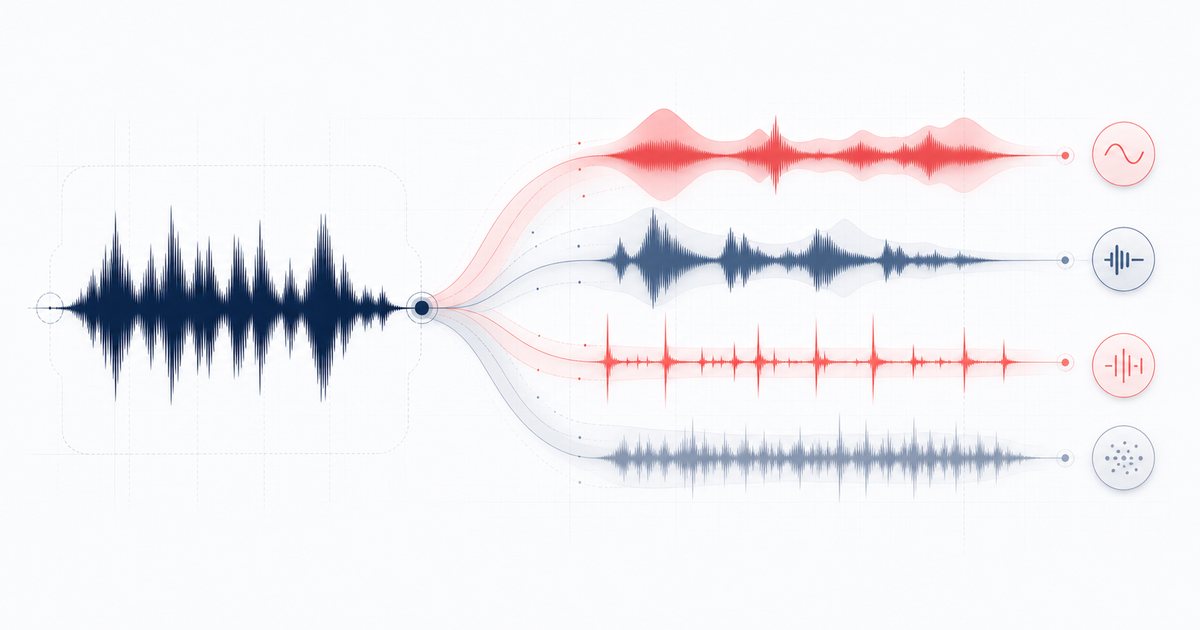
Start with the symptom, not another split
Vocals remain in the other stem
Lead vocals, guitars, keys and snares often share the same midrange and centre position. Mid/side and frequency rules cannot know which source created every shared sample. Solo the vocal and other stems, then judge the combination needed for the job. If clean lead-vocal isolation is the requirement, compare the Vocal Remover neural option or another documented neural workflow.
The bass stem contains the kick
A kick drum's fundamental can sit in the same low-frequency region as bass notes. The transient part may route toward drums while the sustained low end remains in bass. Try muting rather than soloing: if the practical backing mix works, the overlap is not automatically a failed export.
Drums sound smeared or cymbals leak everywhere
Transient emphasis can find sharp attacks, but cymbals and distorted instruments also contain wide-band energy. Dense limiting makes that boundary harder. Test a lossless source when available and compare a short percussion-heavy section before processing the full song.
All stems together sound hollow
First compare at matched playback level and with every stem unmuted. Do not add polarity inversion, time shifts or extra processing during this check. The published deterministic fixture verifies that the authored four-way route can recombine close to its input, but it does not prove perceptual isolation on mastered music.
A four-step stem check
- Reconstruction pass: play all four stems together and switch against the original at a similar level. Listen for missing centre energy, obvious timing offsets or a broken export.
- Leakage pass: solo vocals, drums, bass and other over the same 10–20 second section. Note where shared instruments appear; do not expect silence outside the named source.
- Utility pass: audition only the combination required for the real task — for example drums plus bass for practice, or everything except vocals for a backing track. Utility matters more than perfect solo isolation.
- Method decision: keep the result if it solves the real task; otherwise switch to a centre-channel or documented neural workflow instead of repeatedly exporting the same heuristic split.
AudioWrench's public fixture exported four PCM16 WAV stems and recombined them with RMSE 0.00003146 and peak error 0.00009155. That is routing evidence on one deterministic fixture, not a promise that arbitrary commercial mixes will separate cleanly. See the benchmark and scope limit.
🎚️ Try the Stem Splitter (free) →
Choose the method by the deliverable
Fast practice mute or rough remix sketch: use the local four-stem heuristic. It starts quickly, keeps the selected audio on-device and exposes every stem for solo, mute and download.
Lead vocal or karaoke target: test a centre-channel vocal workflow first, then compare a documented neural option if the vocal overlaps heavily with centred instruments.
Clean production stems: request stems from the original multitrack session when possible. No separator can recover information that was never uniquely preserved in the finished stereo master.
Browser and export failures
- The split stops or the tab reloads: decoded PCM can require much more memory than the compressed source. Try a shorter excerpt, close memory-heavy tabs and prefer a desktop browser.
- A format will not open: codec support comes from the browser. Convert the source to WAV with a trusted local workflow and retry.
- Only one export sounds wrong: replay that stem in the browser before downloading. If browser playback is correct, compare the WAV in a neutral player before adding DAW processing.
FAQ
Why do vocals bleed into the other stem?
Why do kick drums appear in the bass stem?
How should I check whether the exported stems are usable?
When should I use a neural separator instead?
Sources and review notes
The current AudioWrench Stem Splitter uses mid/side, frequency and transient heuristics. This troubleshooting guide was checked against the public workflow benchmark and its explicit scope limits.
- W3C Web Audio API 1.0 — Browser channel, filter, analyser and offline-rendering primitives.
- AudioWrench Stem Splitter benchmark — Deterministic export/reconstruction result and the boundary that it does not establish perceptual isolation quality.
- AudioWrench review methodology — Source-review standard behind the visible algorithm description.