Stem Splitter.
Create approximate bass, vocal, drum and other stems with fast local DSP — no AI model or server queue. Solo or mute them in a live mix, then download each one separately.
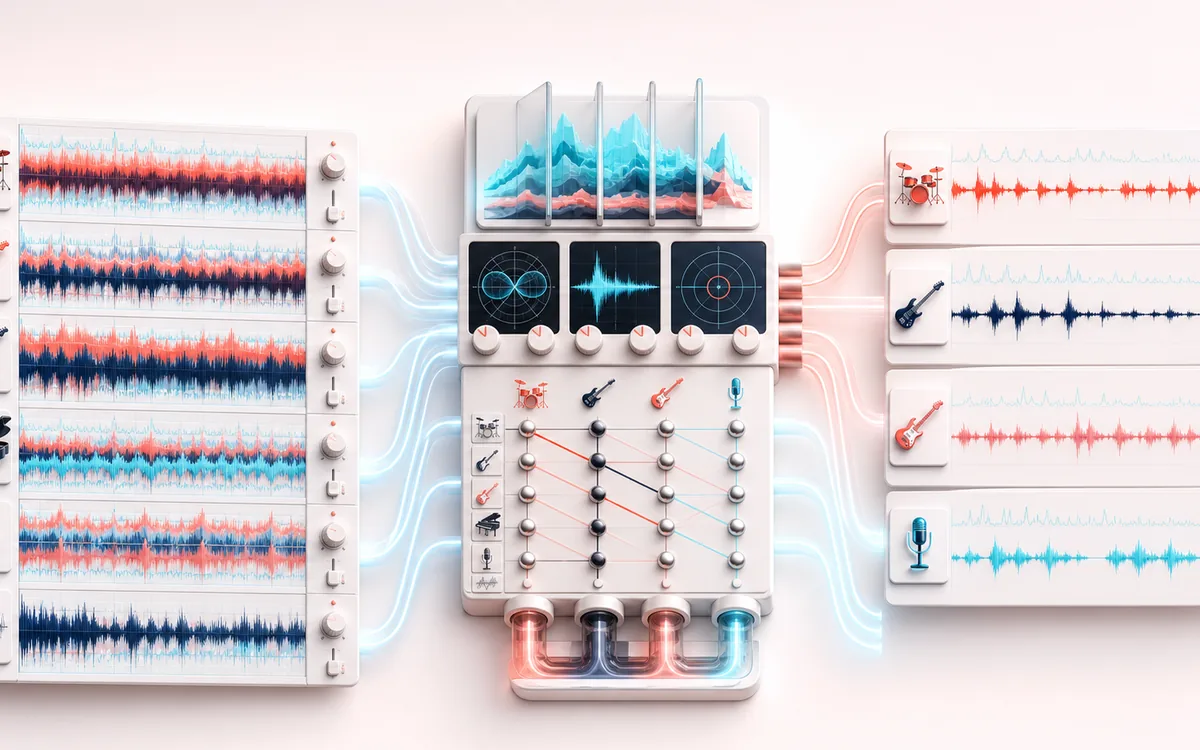
SPECTRAL MAP
Four-Stem Spectrum
See where tone changes across the frequency range. Read the curve from low to high frequency, then connect every visible move to something you can actually hear in the source.
Open the full signal breakdownBest source, processing logic, limits and three-pass listening check
- Full song mix
Start with the right material
Practice mutes, rough stem previews and quickly inspecting parts of a conventional stereo mix.
- Separate source groups
Understand the transformation
Mid/side relationships, frequency bands and transient emphasis are combined into four approximate outputs.
- Downloadable stems
Verify the usable result
Four locally generated stem estimates with solo, mute and individual download controls.
Where this workflow stops
Sources overlap in real music, so bleed and artifacts are expected. It will not match dedicated neural stem-separation software on dense or unusual mixes.
Make the final decision by ear
- Sweep or solo only to locate a problem; make the final decision in context.
- Watch broad tonal balance as well as narrow resonances.
- Recheck level after any boost so the comparison stays honest.
How to split a song into stems
- Drop a track into the upload panel — any format your browser can decode (MP3, WAV, FLAC, OGG, M4A).
- Press the split button and let the separation run on your device.
- Audition the result in the live mix: solo or mute Bass, Vocals, Drums and Other to hear each layer on its own.
- Download the stems you need — each one exports individually as WAV or MP3.
This stem splitter estimates four layers with local frequency, phase and transient DSP. It is useful for rough karaoke, practice and remix sketches, but overlap between vocals, instruments and drums can create substantial bleed or artifacts. It is not an AI separator and does not promise studio-isolated stems. Inputs are capped at 200 MB; long tracks can take more time or exceed device memory.
Stem Splitter: quick answer and technical limits
Quick answer: A fast heuristic stem splitter that estimates vocals, drums, bass and other content with stereo, frequency and transient cues; it is not an AI separation model.
- Best for
- Practice mutes, rough stem previews and quickly inspecting parts of a conventional stereo mix.
- How it works
- Mid/side relationships, frequency bands and transient emphasis are combined into four approximate outputs.
- What you get
- Four locally generated stem estimates with solo, mute and individual download controls.
Know before you use it: Sources overlap in real music, so bleed and artifacts are expected. It will not match dedicated neural stem-separation software on dense or unusual mixes.
Public browser workflow evidence
Question: Can the real UI export bass, vocals, drums and other WAV stems with the expected authored routing and a sample-level sum close to the input fixture?
Observed result: All four PCM16 WAV stems exported and summed back to the fixture with RMSE 0.00003146 and peak error 0.00009155; authored bass, vocal and transient/side routing checks passed.
Evidence boundary: The splitter is a frequency/transient heuristic, not an AI source-separation model. The fixture verifies deterministic routing and reconstruction, not perceptual isolation on real music.
Network observation: No audio-payload or cross-origin requests were observed during this published workflow.
Privacy: Selected audio is processed in this browser and is not uploaded to AudioWrench. Normal page assets can still be requested as described in the privacy notice. Privacy details →