Noise Remover.
Clean hiss, hum, wind and room rumble out of your recordings. Spectral noise reduction learns the noise floor and subtracts it — all on your device.
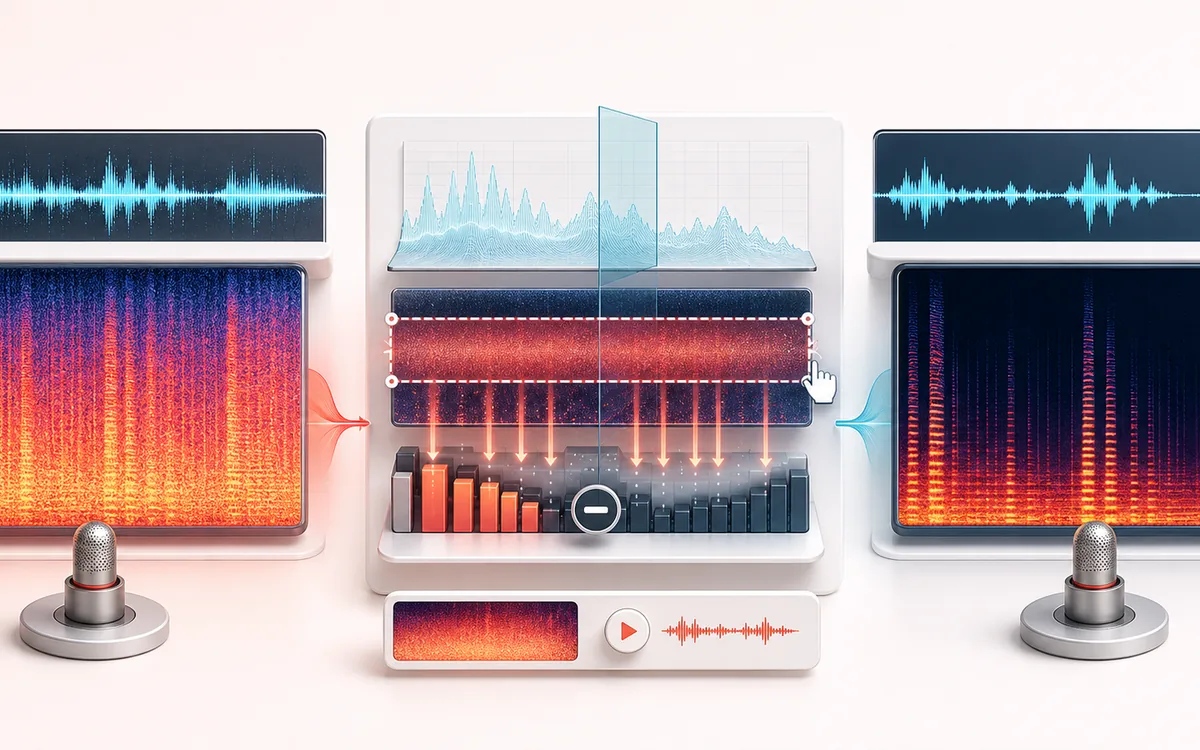
RESTORATION MAP
Noise Profile Cleanup
Separate the damaged event from healthy context. A repair is safest when the affected span is narrow, the surrounding signal is trustworthy and the difference audition contains mostly the defect.
Open the full signal breakdownBest source, processing logic, limits and three-pass listening check
- Noisy recording
Start with the right material
Reducing steady hiss, fan noise or room tone in speech and simple recordings.
- Suppress background bed
Understand the transformation
Short-time frequency analysis estimates noise energy and applies spectral subtraction before reconstruction.
- Cleaned audio
Verify the usable result
A cleaned local render with adjustable reduction strength.
Where this workflow stops
Changing noise, overlapping voices and strong room echo are difficult to remove. Aggressive settings can produce watery or musical-noise artifacts.
Make the final decision by ear
- Review every detected event near drums, consonants and other sharp attacks.
- Use Difference audition to hear what the repair removes or invents.
- Prefer several small repairs over one aggressive global pass.
How to remove background noise from audio
- Drop a noisy recording into the upload panel — voice memos, podcast takes, interviews or music all work.
- Set the reduction strength slider: the default is a good starting point for typical mic hiss and room noise.
- Press apply and let the spectral processor learn the noise floor and subtract it.
- A/B the Before and After players, adjust the strength if needed, then download the clean file.
This background noise remover uses spectral subtraction for steady sounds such as fan drone, hiss or hum. It can also introduce metallic or watery artifacts, especially when noise overlaps speech, so preview the result and reduce the strength when needed. Processing stays local; inputs are capped at 200 MB and device memory sets the practical duration. A short noise-only section helps the profile.
Noise Remover: quick answer and technical limits
Quick answer: A spectral noise-reduction tool that learns or estimates a noise floor and subtracts it from the recording.
- Best for
- Reducing steady hiss, fan noise or room tone in speech and simple recordings.
- How it works
- Short-time frequency analysis estimates noise energy and applies spectral subtraction before reconstruction.
- What you get
- A cleaned local render with adjustable reduction strength.
Know before you use it: Changing noise, overlapping voices and strong room echo are difficult to remove. Aggressive settings can produce watery or musical-noise artifacts.
Public browser workflow evidence
Question: Can the real UI learn a deterministic stationary noise floor, reduce broadband noise and hum, retain the authored speech-proxy tones and export a readable WAV?
Observed result: Default-strength cleanup reduced noise-only RMS by 40.39 dB and 120 Hz hum by 101.37 dB, retained 94.57% of the authored speech-proxy tones and improved SNR by 23.06 dB.
Evidence boundary: This case covers one seeded stationary noise profile and synthetic tones. It does not establish quality for changing noise, reverberation, overlapping voices or one-off sounds.
Network observation: No audio-payload or cross-origin requests were observed during this published workflow.
Privacy: Selected audio is processed in this browser and is not uploaded to AudioWrench. Normal page assets can still be requested as described in the privacy notice. Privacy details →