Vocal Remover.
Reduce or isolate a lead vocal with instant center-channel DSP or optional UVR-MDX-NET neural beta. The song is processed locally; neural mode first downloads its model and runtime.
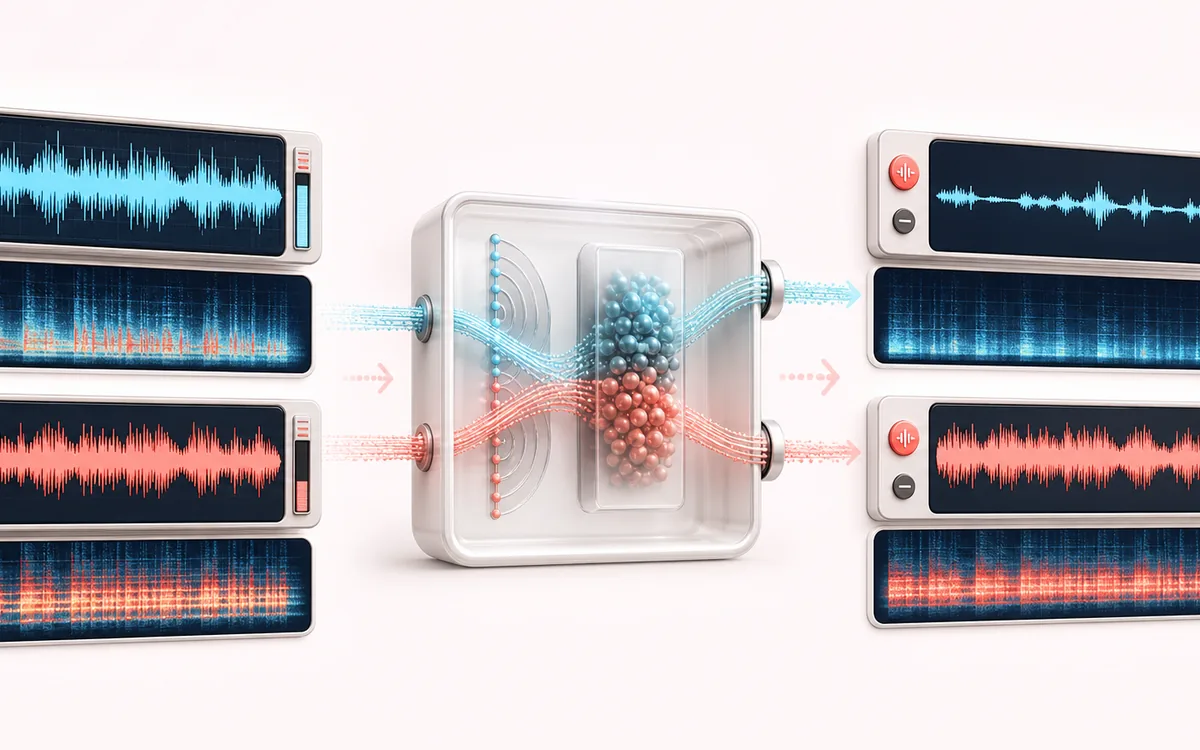
SPECTRAL MAP
Vocal Center Split
See where tone changes across the frequency range. Read the curve from low to high frequency, then connect every visible move to something you can actually hear in the source.
Open the full signal breakdownBest source, processing logic, limits and three-pass listening check
- Mixed song
Start with the right material
Making practice instrumentals, checking center-panned vocals or isolating a lead for a remix draft.
- Separate center vocal
Understand the transformation
Instant mode uses stereo phase relationships. Neural mode downloads an ONNX runtime and UVR-MDX-NET model, then performs inference in the browser.
- Vocal and instrumental
Verify the usable result
Separate vocal and instrumental previews that can be downloaded after processing.
Where this workflow stops
Results depend heavily on the mix. Centered bass, reverb and doubled vocals can leak between outputs; the optional model is a large download and uses significant memory.
Make the final decision by ear
- Sweep or solo only to locate a problem; make the final decision in context.
- Watch broad tonal balance as well as narrow resonances.
- Recheck level after any boost so the comparison stays honest.
How to remove vocals from a song
- Drop a song into the upload panel — MP3, WAV, FLAC, OGG and M4A all work.
- Choose a mode: Remove vocals (instrumental) for karaoke backing tracks, or Isolate vocals (acapella) to keep only the voice.
- Set the separation intensity slider — start at full strength and back it off if the instrumental starts sounding hollow.
- Press apply, compare the result with the original, then download it as MP3 or WAV.
This vocal remover offers two local workflows. Instant mode uses phase and frequency DSP: because lead vocals are often mixed near the center, it can reduce the center channel for karaoke or keep centered content for an acapella-style result. Neural beta mode optionally downloads an approximately 67 MB UVR-MDX-NET model and its browser runtime for more detailed separation. Your song is not uploaded in either mode, although neural mode needs that model download before it can run. Results still depend on the mix, especially reverb, doubled vocals and off-center parts.
Vocal Remover: quick answer and technical limits
Quick answer: A two-mode vocal separator: instant phase-based DSP for quick karaoke results, plus an optional neural UVR model for a slower separation attempt.
- Best for
- Making practice instrumentals, checking center-panned vocals or isolating a lead for a remix draft.
- How it works
- Instant mode uses stereo phase relationships. Neural mode downloads an ONNX runtime and UVR-MDX-NET model, then performs inference in the browser.
- What you get
- Separate vocal and instrumental previews that can be downloaded after processing.
Know before you use it: Results depend heavily on the mix. Centered bass, reverb and doubled vocals can leak between outputs; the optional model is a large download and uses significant memory.
Public browser workflow evidence
Question: Can the real UI route a controlled centred vocal and anti-phase side signal into instrumental and acapella WAV outputs without invoking the optional neural model?
Observed result: Both instant-DSP exports passed: instrumental vocal/side ratio 0.028881, acapella side/vocal ratio 0.000002, with no neural-model request.
Evidence boundary: These cases cover the instant phase-DSP engine on one synthetic stereo mix. They do not test the optional neural engine or establish separation quality for mastered songs.
Network observation: No audio-payload or cross-origin requests were observed during this published workflow.
Privacy: The optional engine and model are downloaded from jsDelivr and Hugging Face. The selected song is processed in the browser and is not uploaded to AudioWrench. Privacy details →