Useful presence
Compares the window's average signal level with louder regions in the same episode. Loudness alone never decides the rank.
FREE LOCAL PODCAST HIGHLIGHT WORKSPACE
Scan one long episode for measurable clip candidates, see exactly why each window ranked, listen in context, refine boundaries and export approved clips—without sending the recording to AudioWrench.
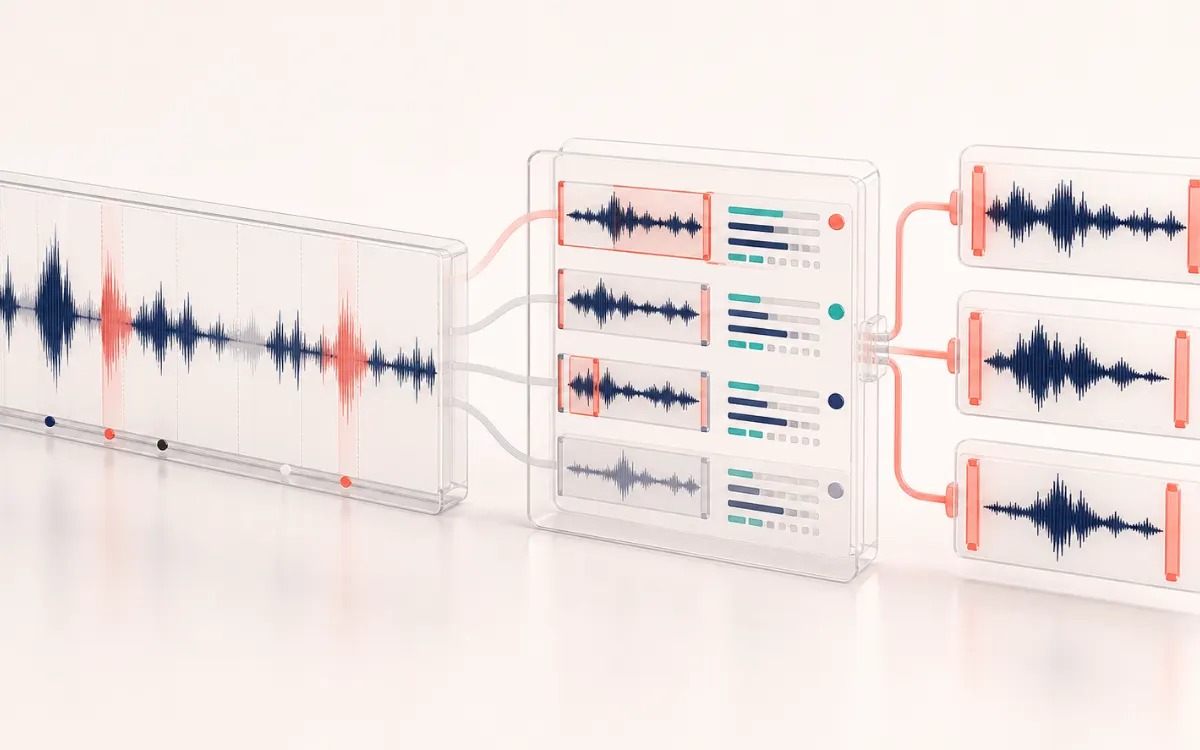
TIMELINE MAP
Turn one long waveform into deliberate boundaries. The visual emphasizes the selection, transition and resulting edit so that timing decisions remain obvious before anything is rendered.
Podcasts, interviews, lectures and other long spoken recordings that contain several useful excerpts and need a fast first pass without uploading the source.
A deterministic browser-local scan measures energy, active-speech continuity, local contrast, boundary quality and clipping risk. It ranks candidate windows without claiming transcript understanding or predicting virality.
Source-versus-clip audition, editable start and end times, keep decisions, WAV or MP3 for the selected clip, and a local ZIP of kept WAV clips with JSON and CSV manifests.
Signal evidence cannot know factual meaning, consent, speaker intent, legal context or whether a sentence is complete. Rankings require human listening and editorial review, and large sources may use a reduced or one-at-a-time memory plan on constrained devices.
Quick answer: Podcast Clip Maker helps you navigate a long recording by ranking 15–90 second windows from audio energy, activity continuity, local contrast and boundary quality. It never claims to understand the transcript or predict virality. You approve the context, edit the cut and export locally.
Compares the window's average signal level with louder regions in the same episode. Loudness alone never decides the rank.
Rewards windows that contain connected active material instead of mostly dead air or one isolated spike.
Looks for changing signal shape that can distinguish a complete moment from flat background or uniform noise.
Prefers quieter edges where a short fade is less likely to cut a loud syllable, while keeping exact times editable.
The browser opens the source and plans working memory from actual decoded frames, channels, sample rate and device signals.
Choose a duration and ranking profile. The same deterministic math produces an inspectable candidate list.
Switch between the complete source and the selected clip. Check that the idea begins and ends with enough context.
Keep chosen candidates and export one clip or an open ZIP with lossless audio plus JSON and CSV manifests.
| Workflow | What it helps with | What still needs you |
|---|---|---|
| Podcast Clip Maker | Finds several signal-strong windows, exposes score components, supports exact local edits and batch delivery. | Meaning, factual accuracy, speaker consent, complete sentences and audience fit. |
| Basic audio trimmer | Fast cutting when you already know the start and end times. | Discovering candidate moments and organizing several approved clips. |
| Transcript/AI clipping service | Can use words, topics or learned patterns when a model and supported language are available. | Reviewing model choices, upload policy, context, claims, speaker rights and export constraints. |
The ranker does not know what anyone said. A high score can still contain an incomplete idea, sensitive information or the wrong speaker.
There is no invented “viral score.” The 0–100 number summarizes this episode's audio evidence only.
Large files are planned from decoded PCM and device capacity. Low-memory devices can fall back to lean analysis or one-at-a-time export.
Selected audio is not uploaded to AudioWrench. Normal HTML, CSS, JavaScript, font and image assets are still loaded from the website.
Quick answer: A local podcast clipping workspace that ranks reviewable windows with transparent signal evidence, then lets an editor refine exact boundaries before exporting one clip or a reviewed batch.
Know before you use it: Signal evidence cannot know factual meaning, consent, speaker intent, legal context or whether a sentence is complete. Rankings require human listening and editorial review, and large sources may use a reduced or one-at-a-time memory plan on constrained devices.
Privacy: The recording is decoded, analyzed, previewed and encoded in the current browser tab. Audio is not uploaded to AudioWrench; only ordinary page assets are requested as described in the privacy notice. Privacy details →