Speech to Text.
Transcribe live from your microphone, or run Whisper AI fully on-device to turn audio files and recordings into text. Timestamps on every line, TXT and SRT export.
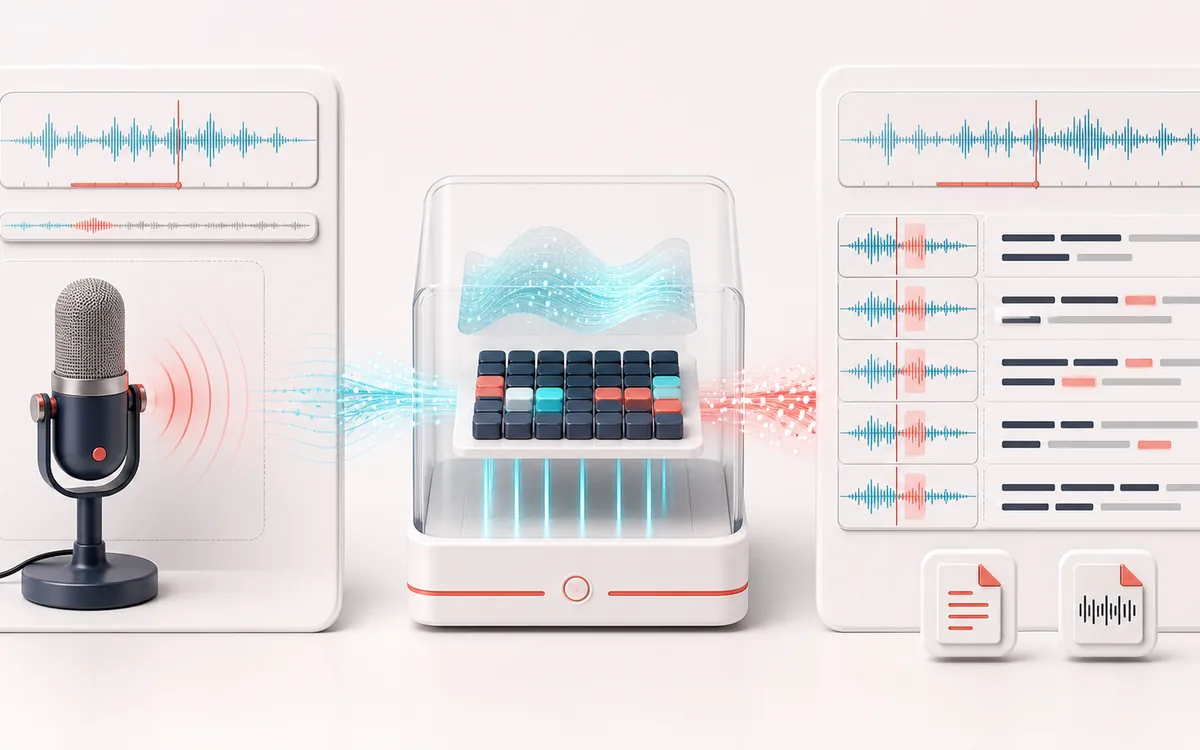
VOICE DETAIL MAP
Transcript Timeline
Keep speech intelligible while changing only the target detail. The voice path makes phrases, breaths, consonants and tonal character visible as separate decisions instead of treating dialogue as one uniform waveform.
Open the full signal breakdownBest source, processing logic, limits and three-pass listening check
- Speech recording
Start with the right material
Draft transcripts, subtitle timing and turning clear speech into editable text.
- Recognize words
Understand the transformation
Live mode uses the browser or operating-system speech service; file mode downloads a Whisper model and runs inference in the browser.
- Timed transcript
Verify the usable result
Editable text plus TXT or timestamped SRT export when timing data is available.
Where this workflow stops
Accuracy depends on language, noise, speaker overlap and device speed. Live speech may be processed by the browser vendor; choose local Whisper when that distinction matters.
Make the final decision by ear
- Listen to complete phrases so edits retain natural timing.
- Protect consonants and breaths that carry intelligibility or emotion.
- Compare on both headphones and ordinary speakers before delivery.
How to convert speech to text online
- Choose your language from the selector so the recognizer knows what to listen for.
- Press start and speak — the transcript builds live, with a timestamp on every line. Press again to stop.
- Have a recording instead? Use the on-device Whisper AI transcription to turn audio files into text without uploading them.
- Export the finished transcript as plain TXT or as SRT subtitles with timecodes.
This tool has two distinct data paths. Local Whisper downloads a model, then transcribes a selected audio file on your device. Live microphone dictation uses the Web Speech service exposed by the browser or operating system and may send audio to that vendor. Accuracy, language support and availability vary; review timestamps and names before using the transcript or SRT.
Speech to Text: quick answer and technical limits
Quick answer: A transcription page with two modes: browser live dictation and optional local Whisper transcription for uploaded audio.
- Best for
- Draft transcripts, subtitle timing and turning clear speech into editable text.
- How it works
- Live mode uses the browser or operating-system speech service; file mode downloads a Whisper model and runs inference in the browser.
- What you get
- Editable text plus TXT or timestamped SRT export when timing data is available.
Know before you use it: Accuracy depends on language, noise, speaker overlap and device speed. Live speech may be processed by the browser vendor; choose local Whisper when that distinction matters.
Privacy: Whisper mode downloads model files from third-party hosting and processes the selected audio locally. Live mode can send microphone audio to the browser or OS speech provider. Privacy details →