Text to Speech.
Type anything and have it read aloud — instantly with your device’s system voices, or with neural AI voices that run in your browser and export to real MP3 / WAV files.
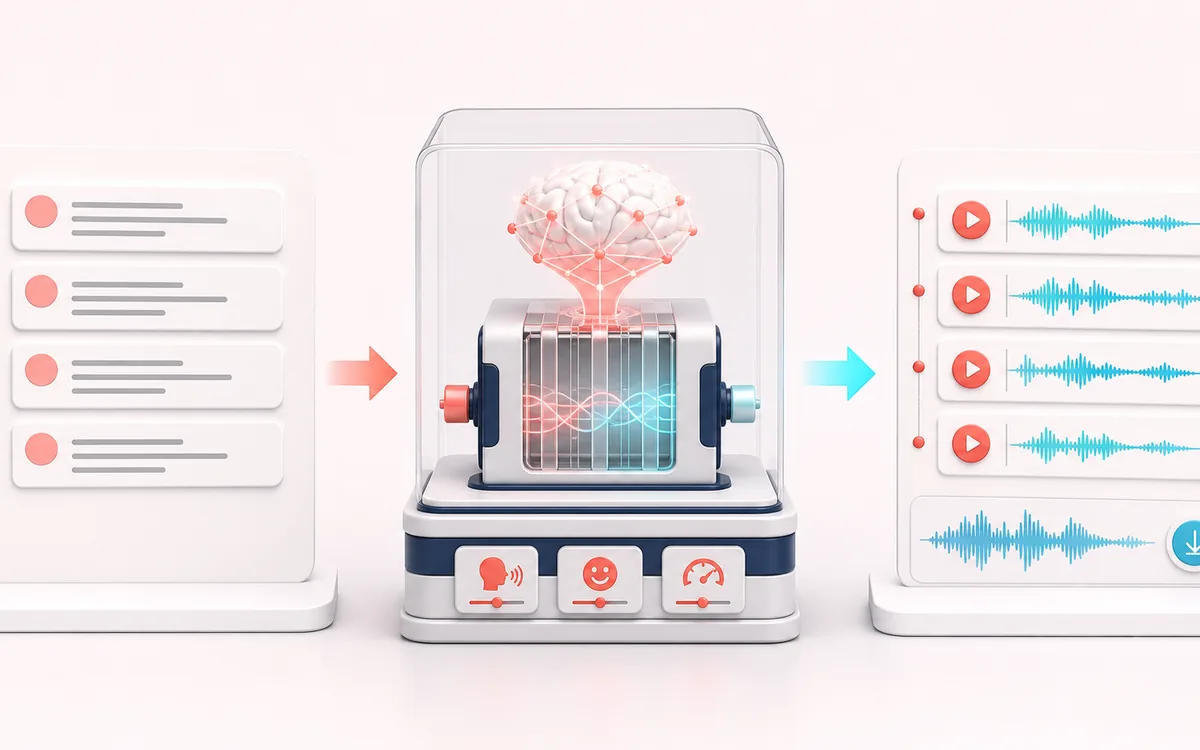
VOICE DETAIL MAP
Text Voice Renderer
Keep speech intelligible while changing only the target detail. The voice path makes phrases, breaths, consonants and tonal character visible as separate decisions instead of treating dialogue as one uniform waveform.
Open the full signal breakdownBest source, processing logic, limits and three-pass listening check
- Written script
Start with the right material
Voiceover drafts, accessibility listening and generating a reference read of short scripts.
- Synthesize narration
Understand the transformation
System mode calls browser or OS speech synthesis; Kokoro mode downloads its runtime and model for local inference.
- Spoken audio file
Verify the usable result
Immediate spoken playback, with downloadable audio available in the neural workflow where supported.
Where this workflow stops
Voice selection, pronunciation and system-mode export vary by browser. The optional neural package is large and can be slow on low-memory devices.
Make the final decision by ear
- Listen to complete phrases so edits retain natural timing.
- Protect consonants and breaths that carry intelligibility or emotion.
- Compare on both headphones and ordinary speakers before delivery.
How to turn text into speech
- Type or paste the text you want to hear into the text box.
- Choose a voice — your device's built-in voices are grouped by language, with in-browser neural AI voices available too.
- Fine-tune the rate, pitch and volume sliders until the delivery sounds right.
- Press speak to listen, pause or stop any time — and with a neural voice, download the result as MP3 or WAV.
This text-to-speech tool supports two paths. System voices come from the browser or operating system and may be local or remote, with provider-specific availability and limits. Kokoro neural voices require an approximately 90 MB model download, then render locally in the tab and can export MP3 or WAV. Long text and rendering speed depend on device memory and performance.
Text to Speech: quick answer and technical limits
Quick answer: A text reader with fast system voices and an optional Kokoro neural voice that runs in the browser after its model downloads.
- Best for
- Voiceover drafts, accessibility listening and generating a reference read of short scripts.
- How it works
- System mode calls browser or OS speech synthesis; Kokoro mode downloads its runtime and model for local inference.
- What you get
- Immediate spoken playback, with downloadable audio available in the neural workflow where supported.
Know before you use it: Voice selection, pronunciation and system-mode export vary by browser. The optional neural package is large and can be slow on low-memory devices.
Privacy: Kokoro downloads model assets from jsDelivr and Hugging Face and performs inference locally. System speech can depend on the browser or operating-system provider. Privacy details →