Voice Changer.
Record yourself or choose a file, then apply chipmunk, demon, robot, alien and other effects. Rendering runs locally and the selected audio is not uploaded to AudioWrench.
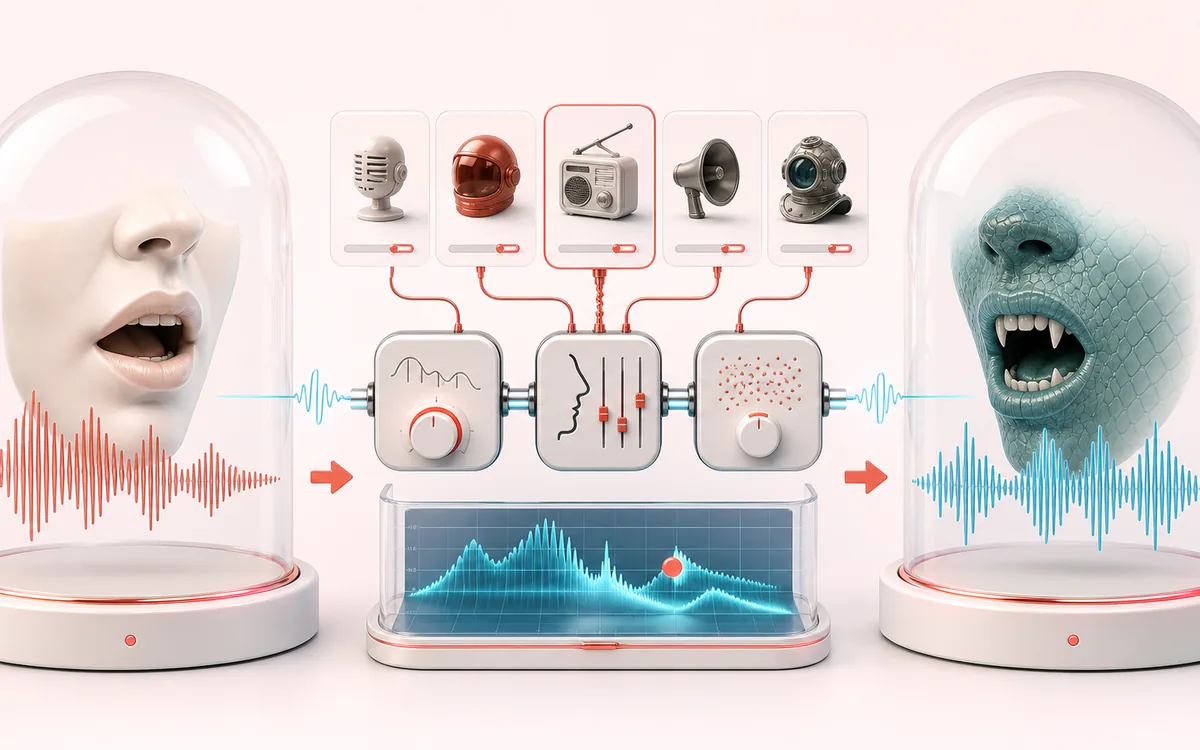
VOICE DETAIL MAP
Voice Character Rack
Keep speech intelligible while changing only the target detail. The voice path makes phrases, breaths, consonants and tonal character visible as separate decisions instead of treating dialogue as one uniform waveform.
Open the full signal breakdownBest source, processing logic, limits and three-pass listening check
- Recorded voice
Start with the right material
Character voices, game clips, anonymous drafts and quick sound-design experiments.
- Apply character chain
Understand the transformation
Each preset combines pitch, filters, modulation, distortion, delay or reverb in a defined browser-audio graph.
- Transformed voice
Verify the usable result
A previewable transformed voice that can be rendered locally for download.
Where this workflow stops
These are audio effects, not identity replacement or speech synthesis. Extreme settings can reduce intelligibility and expose background noise.
Make the final decision by ear
- Listen to complete phrases so edits retain natural timing.
- Protect consonants and breaths that carry intelligibility or emotion.
- Compare on both headphones and ordinary speakers before delivery.
How to change your voice online
- Press Record from microphone and say something — or drop a voice recording into the panel.
- Tap one of the 14 effect chips: Chipmunk, Demon, Robot, Anime, Telephone and more.
- The processed version renders on your device in a few seconds — press play to preview it.
- Switch effects as often as you like, then download your favorite as MP3 or WAV.
This voice changer applies fourteen local effect presets built from pitch shifting, ring modulation, filtering, distortion, echo and convolution reverb. Results are stylized effects, not identity synthesis. Inputs are capped at 200 MB, and render time depends on browser memory and device performance.
Voice Changer: quick answer and technical limits
Quick answer: A collection of 14 preset Web Audio effect chains for making a recording sound deeper, brighter, robotic, distorted or stylized.
- Best for
- Character voices, game clips, anonymous drafts and quick sound-design experiments.
- How it works
- Each preset combines pitch, filters, modulation, distortion, delay or reverb in a defined browser-audio graph.
- What you get
- A previewable transformed voice that can be rendered locally for download.
Know before you use it: These are audio effects, not identity replacement or speech synthesis. Extreme settings can reduce intelligibility and expose background noise.
Privacy: Selected audio is processed in this browser and is not uploaded to AudioWrench. Normal page assets can still be requested as described in the privacy notice. Privacy details →