Voice Cloning.
Record about ten seconds of your voice, let us measure its pitch and timbre, then type anything and hear it spoken back through the system voice tuned closest to your profile.
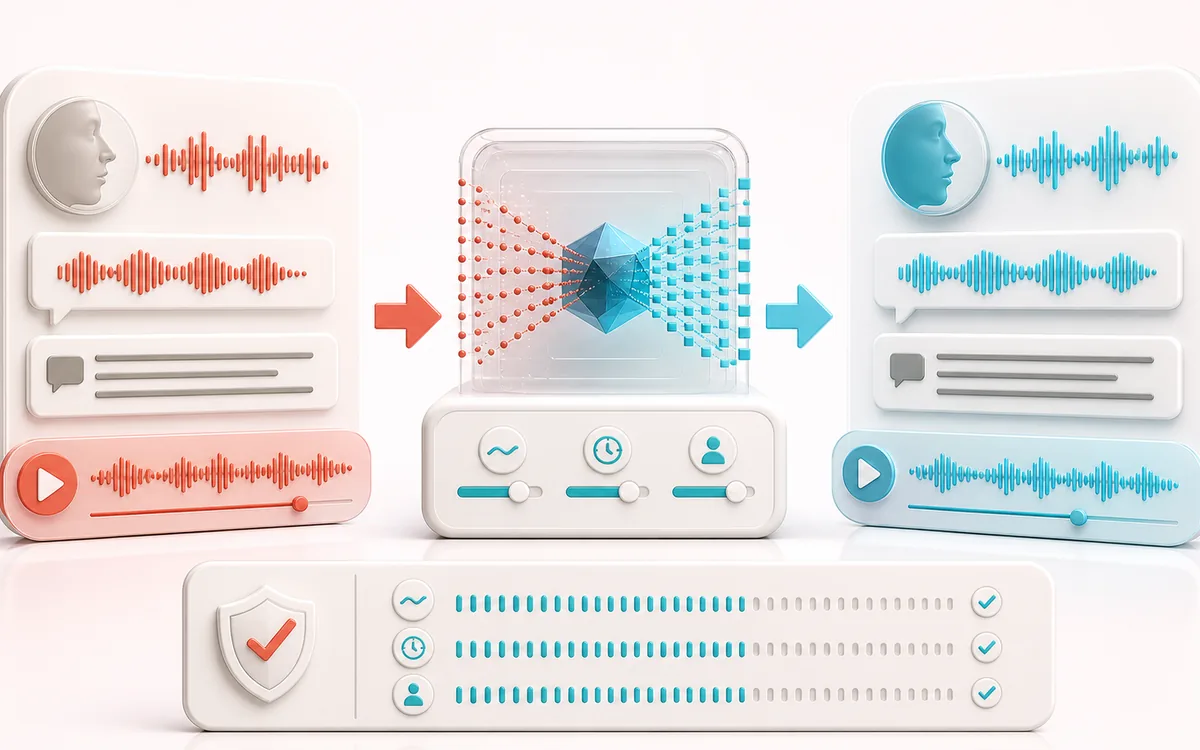
VOICE DETAIL MAP
Voice Profile Bridge
Keep speech intelligible while changing only the target detail. The voice path makes phrases, breaths, consonants and tonal character visible as separate decisions instead of treating dialogue as one uniform waveform.
Open the full signal breakdownBest source, processing logic, limits and three-pass listening check
- Voice sample and text
Start with the right material
Testing how text sounds with a roughly matched system voice profile.
- Model speaker tone
Understand the transformation
Local analysis estimates profile traits, then an installed browser or operating-system voice speaks the typed text.
- Cloned speech
Verify the usable result
System speech adjusted toward the measured profile, not a new neural replica of the recorded person.
Where this workflow stops
It cannot reproduce a person’s identity, accent or exact voice and should not be used for impersonation. Available voices and export behavior depend on the device.
Make the final decision by ear
- Listen to complete phrases so edits retain natural timing.
- Protect consonants and breaths that carry intelligibility or emotion.
- Compare on both headphones and ordinary speakers before delivery.
How voice profile matching works
- Press Record sample and read a few sentences naturally — about ten seconds is enough. You can also drop in an existing clean voice recording.
- Review your voice profile: the tool shows the average pitch, range and brightness it measured from the sample.
- Type or paste the text you want spoken and set the speaking rate slider to taste.
- Press speak to hear the text read through the system voice tuned closest to your profile — replay or compare with your sample any time.
This voice matching tool is built around an honest idea: instead of shipping your recorded sample to a cloud model, it measures pitch and timbre locally and steers a browser/OS text-to-speech voice toward that profile. The sample is not uploaded to AudioWrench. The selected system voice can be local or remote, however, so its provider may receive the typed text; see the privacy notice. Use it to prototype voiceover lines or explore how pitch and brightness shape a voice. It is profile matching rather than a neural clone, so treat it as a fast approximation.
Voice Cloning: quick answer and technical limits
Quick answer: A voice-profile matching experiment that measures a short sample and selects speech settings that resemble its pitch and speaking style; it does not clone the speaker’s timbre.
- Best for
- Testing how text sounds with a roughly matched system voice profile.
- How it works
- Local analysis estimates profile traits, then an installed browser or operating-system voice speaks the typed text.
- What you get
- System speech adjusted toward the measured profile, not a new neural replica of the recorded person.
Know before you use it: It cannot reproduce a person’s identity, accent or exact voice and should not be used for impersonation. Available voices and export behavior depend on the device.
Privacy: The profile analysis stays in the page. Speech synthesis uses the selected browser or operating-system voice and may depend on that platform provider. Privacy details →