Voice Recorder.
Record through the browser, watch the live level meter, then download MP3 or WAV. The captured audio is processed locally and is not uploaded to AudioWrench.
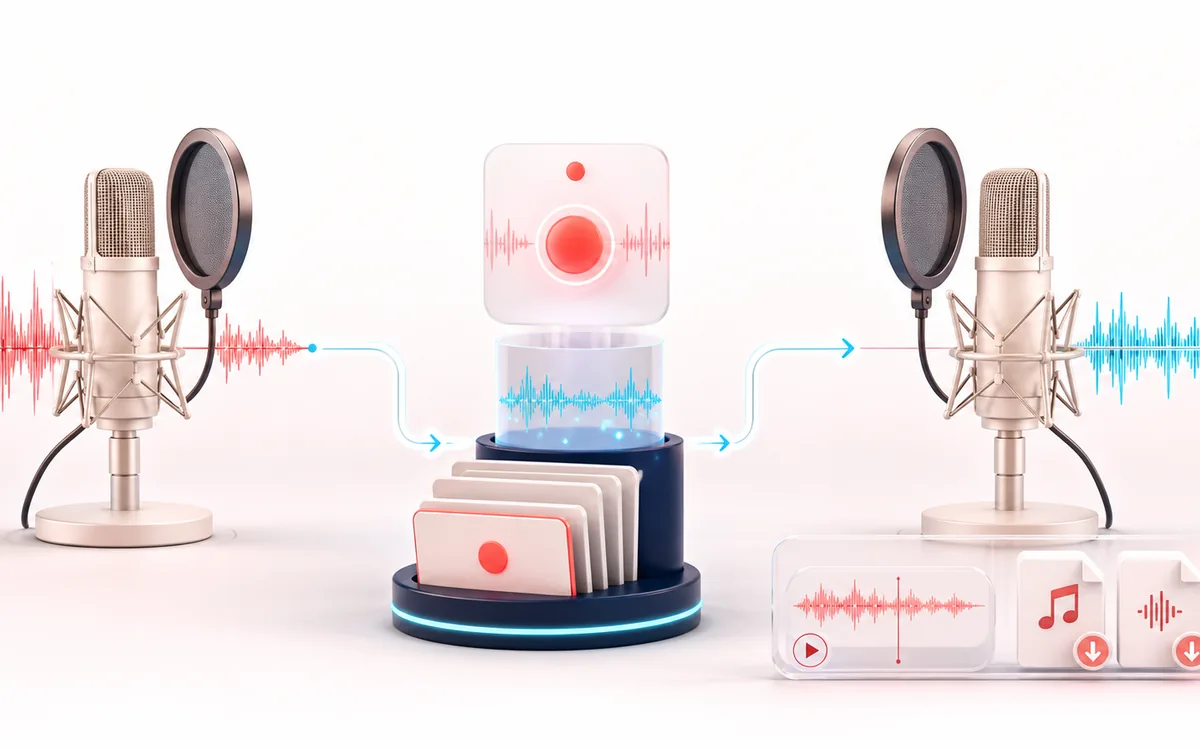
VOICE DETAIL MAP
Recording Take View
Keep speech intelligible while changing only the target detail. The voice path makes phrases, breaths, consonants and tonal character visible as separate decisions instead of treating dialogue as one uniform waveform.
Open the full signal breakdownBest source, processing logic, limits and three-pass listening check
- Live microphone
Start with the right material
Voice notes, audition drafts, pronunciation clips and quick microphone checks.
- Capture one take
Understand the transformation
MediaRecorder captures browser-supported WebM/Opus, which is then decoded and locally exported in the chosen audio format.
- Voice recording
Verify the usable result
A recorded take with preview plus MP3 or WAV download.
Where this workflow stops
The recorder has start and stop rather than pause/resume editing. Microphone quality, browser codec support, memory and the standard upload/capture limit constrain long sessions.
Make the final decision by ear
- Listen to complete phrases so edits retain natural timing.
- Protect consonants and breaths that carry intelligibility or emotion.
- Compare on both headphones and ordinary speakers before delivery.
How to record your voice
- Press Start recording and allow microphone access when your browser asks.
- Speak naturally — watch the live level meter move and the elapsed timer count up so you know it is working.
- Press Stop recording; your take loads onto a waveform you can play back and scrub.
- Download it as 320 kbps MP3 or WAV, or hit Record again for a fresh take.
This online voice recorder captures through browser media APIs and prepares the download on your device, with no AudioWrench account. Browser recording typically starts as WebM/Opus before local decoding and MP3 or WAV export, so it is not a lossless direct capture path. Use the live level meter to avoid obvious overload; it is not a calibrated input meter. Session length depends on browser memory and device resources.
Voice Recorder: quick answer and technical limits
Quick answer: A simple microphone recorder that captures one take in the browser, then converts it to downloadable MP3 or WAV.
- Best for
- Voice notes, audition drafts, pronunciation clips and quick microphone checks.
- How it works
- MediaRecorder captures browser-supported WebM/Opus, which is then decoded and locally exported in the chosen audio format.
- What you get
- A recorded take with preview plus MP3 or WAV download.
Know before you use it: The recorder has start and stop rather than pause/resume editing. Microphone quality, browser codec support, memory and the standard upload/capture limit constrain long sessions.
Privacy: Selected audio is processed in this browser and is not uploaded to AudioWrench. Normal page assets can still be requested as described in the privacy notice. Privacy details →