Online MIDI Humanizer
Import a rigid MIDI performance, shape its grid and swing, then add repeatable timing, velocity and gate variation without broken note pairs.
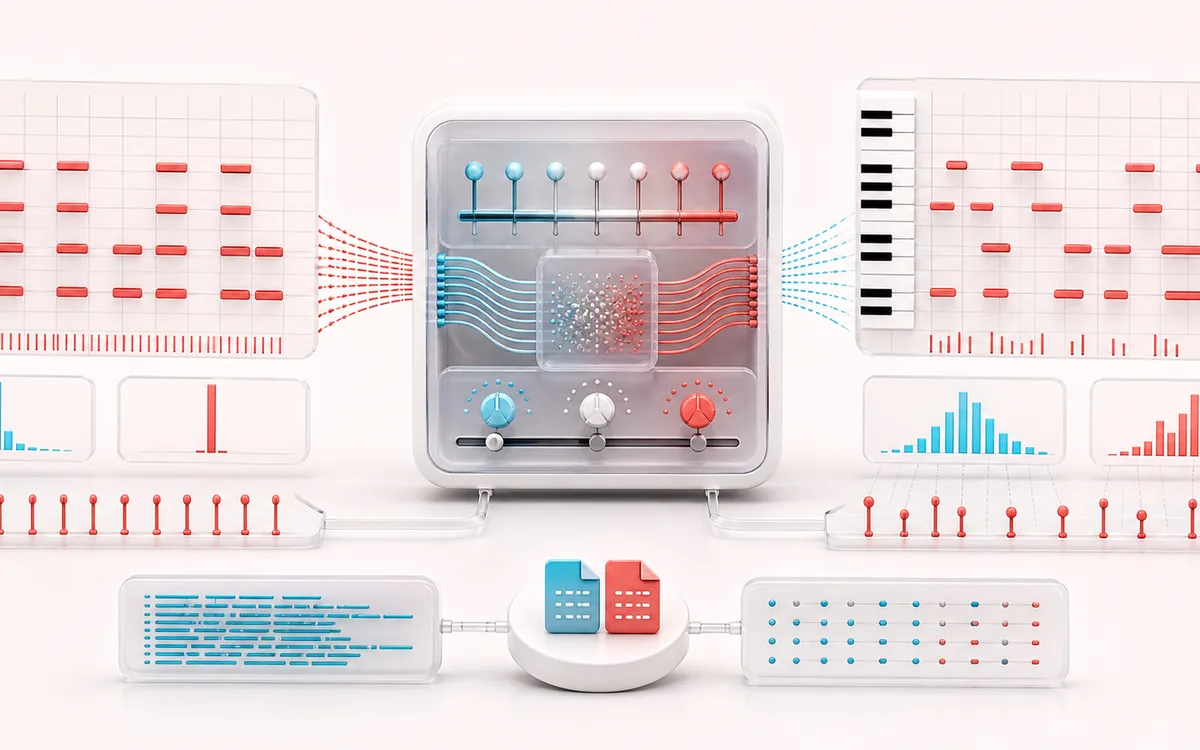
MUSICAL GRID MAP
MIDI Feel Deviations
Connect detected or generated events to a musical grid. Pitch, rhythm and harmony become useful only when event timing, confidence and editable musical labels stay visible together.
Open the full signal breakdownBest source, processing logic, limits and three-pass listening check
- Quantized MIDI file
Start with the right material
Softening rigid programmed piano, drums, bass or synth parts, applying swing or partial quantization and creating controlled alternate takes from one MIDI file.
- Vary timing and velocity
Understand the transformation
Parsed note-on and note-off pairs are mapped to ticks, quantize and swing resolve a timing base, then a visible seed drives bounded timing, velocity and duration variation while protecting valid non-negative note pairs.
- Humanized MIDI
Verify the usable result
Piano-roll and event feedback, local synth audition and a valid Standard MIDI File plus JSON note list for the transformed performance.
Where this workflow stops
Humanization cannot infer a performer’s intent and extreme randomization can damage groove or articulation. Unsupported controllers, SysEx or complex tempo maps may be simplified as disclosed on the page.
Make the final decision by ear
- Confirm tempo, downbeat and key before trusting labels.
- Review low-confidence events by ear and correct them manually.
- Import the result into its target instrument or DAW before committing.
- Input
- Standard MIDI File format 0 or 1 with PPQ timing; built-in demo for instant use.
- Performance pass
- Seeded timing, velocity and gate variation after optional quantize and swing.
- Output
- Valid format 0 SMF with tempo map and channels, plus inspectable JSON note rows.
How to humanize an existing MIDI file
- Choose a format 0 or format 1 MIDI file, or load the included two-tempo demo.
- Set optional grid resolution, quantize strength and swing to establish the performance pocket.
- Choose a visible seed and bounded timing, velocity and gate ranges, then apply Humanize.
- Compare original and edited notes in the piano roll and event table, audition, undo if needed, and export MIDI or JSON.
Deterministic variation with musical boundaries
Each note receives repeatable pseudo-random offsets derived from its source identity and the visible seed. Timing never becomes negative, velocity remains between 1 and 127, duration remains at least one tick, and successive notes on the same channel and pitch are made non-overlapping.
Quantize strength pulls note starts toward the selected subdivision before swing delays every odd subdivision. Humanized timing is applied last, so the editor can retain a pocket while still introducing controlled imperfection.
Format 0, format 1 and preserved data
Format 0 is read directly. Format 1 note tracks are merged chronologically into one format 0 export while MIDI channel assignments and tempo changes are retained. Note-on velocity, note-off duration and PPQ timing are supported.
This focused editor does not preserve SMPTE timing, controller automation, pitch bend, aftertouch, lyrics, markers, track names, SysEx or proprietary sequencer data. The event table and JSON make the resulting note transformation explicit before export.
Privacy: MIDI bytes are parsed in this browser. Audition uses a local Web Audio synth, and exports are created on this device without uploading the performance.
MIDI Humanizer: quick answer and technical limits
Quick answer: A MIDI performance editor that imports existing note events and applies repeatable bounded changes to timing, velocity and gate length instead of generating a new composition.
- Best for
- Softening rigid programmed piano, drums, bass or synth parts, applying swing or partial quantization and creating controlled alternate takes from one MIDI file.
- How it works
- Parsed note-on and note-off pairs are mapped to ticks, quantize and swing resolve a timing base, then a visible seed drives bounded timing, velocity and duration variation while protecting valid non-negative note pairs.
- What you get
- Piano-roll and event feedback, local synth audition and a valid Standard MIDI File plus JSON note list for the transformed performance.
Know before you use it: Humanization cannot infer a performer’s intent and extreme randomization can damage groove or articulation. Unsupported controllers, SysEx or complex tempo maps may be simplified as disclosed on the page.
Privacy: Selected audio is processed in this browser and is not uploaded to AudioWrench. Normal page assets can still be requested as described in the privacy notice. Privacy details →