Audio Envelope Extractor Online
Turn changing audio level into clean automation points. Select the channel matrix and detector, shape the envelope, inspect the timeline, then export CSV, JSON or Standard MIDI CC.
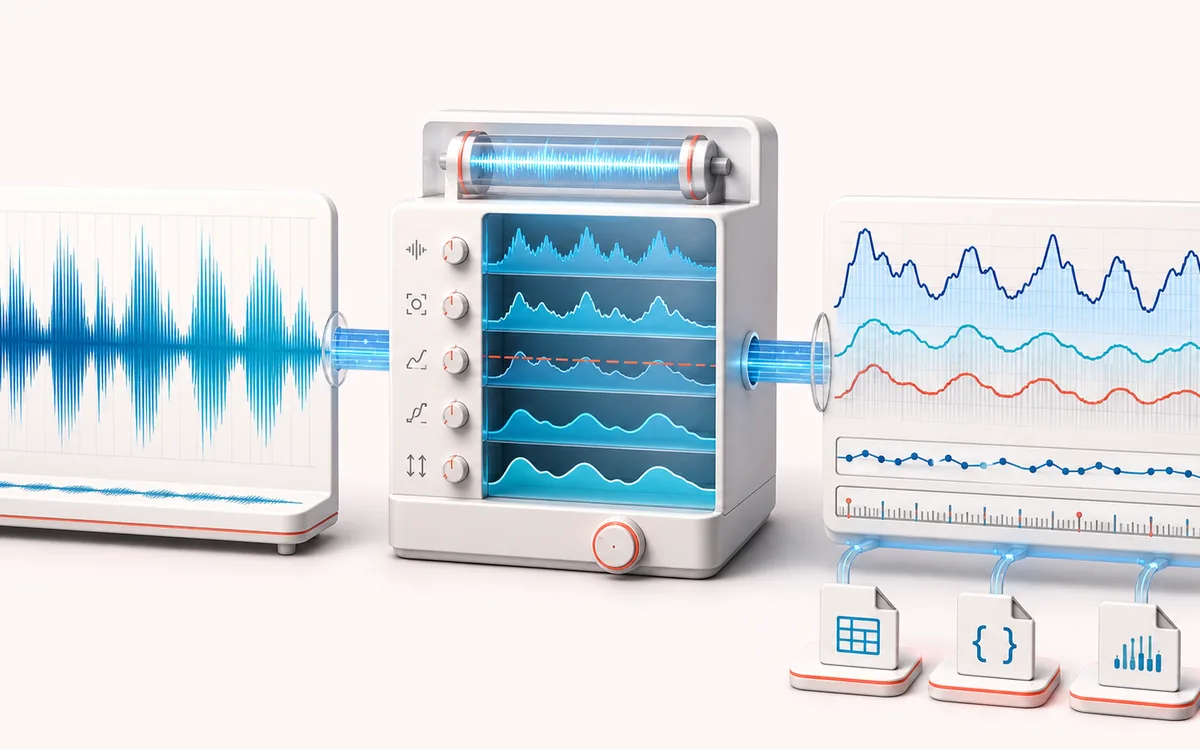
MEASUREMENT MAP
Amplitude Curve Trace
Turn a signal into evidence you can inspect. A useful analyzer connects the raw trace, the measurement window and a clearly labeled result without pretending that one number explains the whole recording.
Open the full signal breakdownBest source, processing logic, limits and three-pass listening check
- Audio amplitude
Start with the right material
Deriving sidechain, lighting, animation, expression or MIDI controller motion from a voice, instrument, drum loop or complete mix.
- Extract editable envelope
Understand the transformation
The selected mono, left, right, mid or side signal is scanned in bounded windows with peak, RMS or absolute detection, then threshold, smoothing, normalization and inversion resolve a finite control curve.
- Automation data
Verify the usable result
A visible time/value envelope with source audition plus CSV, JSON and Standard MIDI CC exports mapped to the chosen tempo, PPQ, channel and controller number.
Where this workflow stops
Amplitude does not identify musical meaning, stems or individual events. Dense mixes create combined motion, smoothing removes fast detail, and a fixed BPM map may not align with tempo-changing recordings.
Make the final decision by ear
- Use the same window and settings when comparing two files.
- Treat estimates as evidence, not as a substitute for listening.
- Export or note the measurement context alongside the result.
- Five channel views
- Analyze channel mix, left, right, stereo mid or stereo side without uploading the source.
- Three detectors
- RMS follows energy, peak catches the largest sample and absolute averages rectified magnitude.
- Three data formats
- Exact CSV and JSON points plus a format-0 Standard MIDI File with tempo, CC events and End of Track.
How to extract an audio envelope online
- Load audio or generate the stepped-amplitude local demo.
- Choose mix/L/R/mid/side, RMS/peak/absolute and window or points-per-second resolution.
- Apply smoothing, threshold, normalize, invert and the required output range.
- Inspect the timeline and export CSV, JSON or Standard MIDI CC.
From audio dynamics to reusable control data
Envelope extraction reduces a waveform to time/value pairs. RMS is useful for perceived energy and broad movement. Peak preserves brief spikes. Absolute averages rectified samples and reacts more directly than RMS. Smoothing removes fast changes; threshold suppresses low-level motion before optional normalization, inversion and range mapping.
CSV and JSON retain seconds and floating-point values. MIDI converts seconds into ticks using BPM and PPQ, quantizes the selected range to 7-bit CC values, and writes the selected controller and channel into a Standard MIDI File.
Limits and privacy
- Dense points can create large automation files and heavy DAW lanes. Choose the lowest useful resolution.
- MIDI CC has 128 values. CSV and JSON keep more numeric precision.
- Mid/side uses a normalized stereo matrix. A mono or identical stereo source has a zero side signal.
- The selected audio is decoded and analyzed locally and is not uploaded to AudioWrench.
Audio Envelope Extractor: quick answer and technical limits
Quick answer: A local analysis workspace that converts changing audio amplitude into time-stamped automation points instead of drawing a static waveform image.
- Best for
- Deriving sidechain, lighting, animation, expression or MIDI controller motion from a voice, instrument, drum loop or complete mix.
- How it works
- The selected mono, left, right, mid or side signal is scanned in bounded windows with peak, RMS or absolute detection, then threshold, smoothing, normalization and inversion resolve a finite control curve.
- What you get
- A visible time/value envelope with source audition plus CSV, JSON and Standard MIDI CC exports mapped to the chosen tempo, PPQ, channel and controller number.
Know before you use it: Amplitude does not identify musical meaning, stems or individual events. Dense mixes create combined motion, smoothing removes fast detail, and a fixed BPM map may not align with tempo-changing recordings.
Privacy: Selected audio is processed in this browser and is not uploaded to AudioWrench. Normal page assets can still be requested as described in the privacy notice. Privacy details →