Every chapter in context
Import the whole book, preserve filename order, assign opening, chapter, closing and sample roles, then see project-level readiness instead of isolated file scores.
Batch audiobook workflow · local QC · non-destructive prep
Check every chapter together, listen where the measurements point, prepare reversible fixes and export a delivery package—without uploading your recordings.
One decision surface for ordered chapters, technical targets, session consistency and the human delivery checklist.
MEASUREMENT MAP
Turn a signal into evidence you can inspect. A useful analyzer connects the raw trace, the measurement window and a clearly labeled result without pretending that one number explains the whole recording.
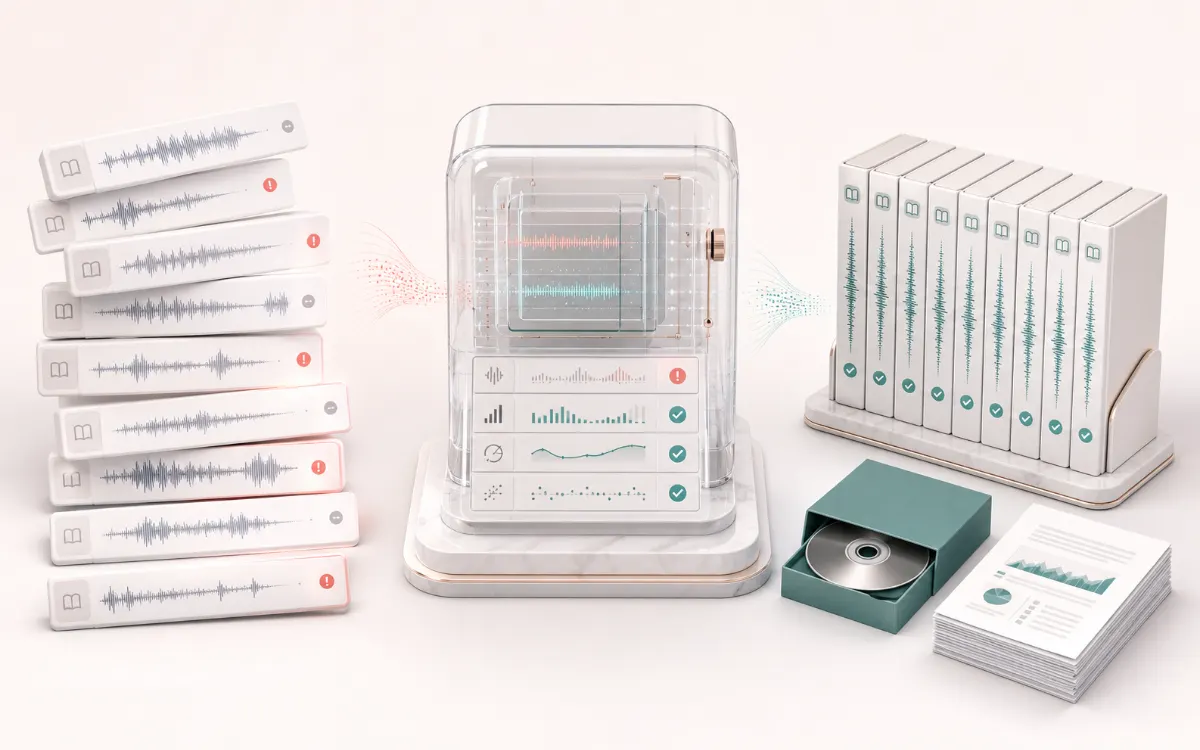
Independent narrators, authors and producers preparing opening credits, chapters, closing credits and retail samples for ACX-style technical submission requirements.
Files are decoded sequentially, measured for RMS, sample peak, estimated quiet-floor behavior, edge room tone and cross-chapter consistency, then optionally prepared with bounded edge spacing, linked dynamics, target gain and peak protection.
Before, Prepared and Difference audition for the selected chapter plus ordered 44.1 kHz CBR MP3 files, optional WAV review masters, M3U8, JSON, CSV and an HTML QC report.
Noise floor is an estimate rather than an automatic pass/fail authority. The browser cannot verify pronunciation, spoken credits, rights, editing quality or marketplace acceptance, and the tool is not affiliated with or endorsed by Audible or ACX.
Quick answer: AudioWrench checks chapter loudness, sample peaks, noise-floor estimate, opening and closing room tone, duration, channel consistency and delivery format in one local project. It helps prepare files; it does not replace official review or human listening.
Import the whole book, preserve filename order, assign opening, chapter, closing and sample roles, then see project-level readiness instead of isolated file scores.
Read decoded full-file RMS, sample peak, clipping candidates, a clearly labelled noise-floor estimate, edge room tone, duration, channels and sample rate.
Flag level, room-tone and voice-color outliers that can reveal a changed microphone, distance, room or recording session even when each file passes alone.
Safe edge, gain, linked compression, channel-layout and resample operations are visible before processing. Noise and edit defects stay listening decisions.
Audition a selected chapter and inspect the metric change. A level-matched Before option avoids mistaking a louder result for a better one.
Export ordered 44.1 kHz CBR MP3 chapters, optional WAV review masters, M3U8 listening order and JSON, CSV and printable HTML reports.
| File organization | One chapter or section per file; opening and closing credits are separate files. Delivery filenames use standard US alphanumeric characters and identify the section. |
|---|---|
| Duration | No longer than 120 minutes per file. |
| Channel layout | All submitted files are consistently mono or consistently stereo. |
| RMS | Each file measures between −23 dB and −18 dB RMS. |
| Sample peak | Peaks do not exceed −3 dB. |
| Noise floor | No higher than −60 dB RMS. AudioWrench labels its automatic value as an estimate and asks for a representative room-tone listen. |
| Beginning and end | 1 to 5 seconds of clean room tone at the start and end of every file. |
| Delivery encoding | 44.1 kHz MP3 at 192 kbps or higher, constant bit rate. |
Before delivery, compare your files with the current ACX audio submission requirements and the ACX Audio Lab FAQ. Platform requirements can change.
The published target concerns each complete file. A chapter can have acceptable peaks and still be too quiet or too loud on average.
It is not an oversampled true-peak claim. Peak protection controls headroom while the RMS plan deals with average level.
The automatic estimate uses quiet decoded windows. Air conditioning, computer fans, distant traffic and microphone self-noise still require listening.
The studio measures consecutive quiet windows at both edges. Room tone should sound like the recording space, not digital silence or a repeated artifact.
Median and spread views reveal chapters that diverge from neighboring sessions even when their individual technical values are inside a broad target.
Input can be browser-decodable audio. Final chapter files are rendered to the chosen CBR MP3 bitrate and 44.1 kHz sample rate in the export phase.
A waveform cannot know whether narration is compelling, a name is pronounced correctly or emphasis matches the manuscript.
Clicks, breaths, repeated phrases, missing words, plosives, page turns and room changes can escape automated measurement. Listen through every file.
The content checklist records your confirmation; it does not determine ownership, authorization, marketplace policy or an official review outcome.
Quick answer: A local whole-book preflight and preparation workspace that orders audiobook chapters, measures delivery constraints, explains chapter-to-chapter consistency and builds an open delivery package without uploading narration.
Know before you use it: Noise floor is an estimate rather than an automatic pass/fail authority. The browser cannot verify pronunciation, spoken credits, rights, editing quality or marketplace acceptance, and the tool is not affiliated with or endorsed by Audible or ACX.
Privacy: Each selected chapter is decoded, analyzed, prepared and encoded in the current browser tab. Metadata-only project state can be saved locally; source PCM and narration are not uploaded to AudioWrench. Privacy details →
No. Selected chapter audio is decoded, analyzed, auditioned and encoded locally in the browser. Normal page assets can still be requested.
No. The studio checks published technical targets and exposes its measurements, but official review and human listening remain authoritative.
It is a low-percentile decoded-PCM RMS window estimate. Confirm it with representative room tone and headphones; it is not a certified meter reading.
It analyzes files sequentially and prepares exports chapter by chapter. A device-aware package plan chooses ZIP or report and one-by-one fallback instead of one fixed upload-size limit.
It cannot verify pronunciation, performance, rights, spoken headers, missing text, every edit defect or official acceptance. These remain human checks.
The package can contain ordered 44.1 kHz CBR MP3 chapters, optional WAV review masters, M3U8 listening order and JSON, CSV and HTML QC reports.
Keep the whole-book studio as the project map, then route only the affected chapter to a focused local repair tool.