Noise Generator.
Blend white, pink, brown and green noise. Inspect actual samples, control playback and save the same current 30-second mix. Choose a texture, not a promised sleep or focus outcome.
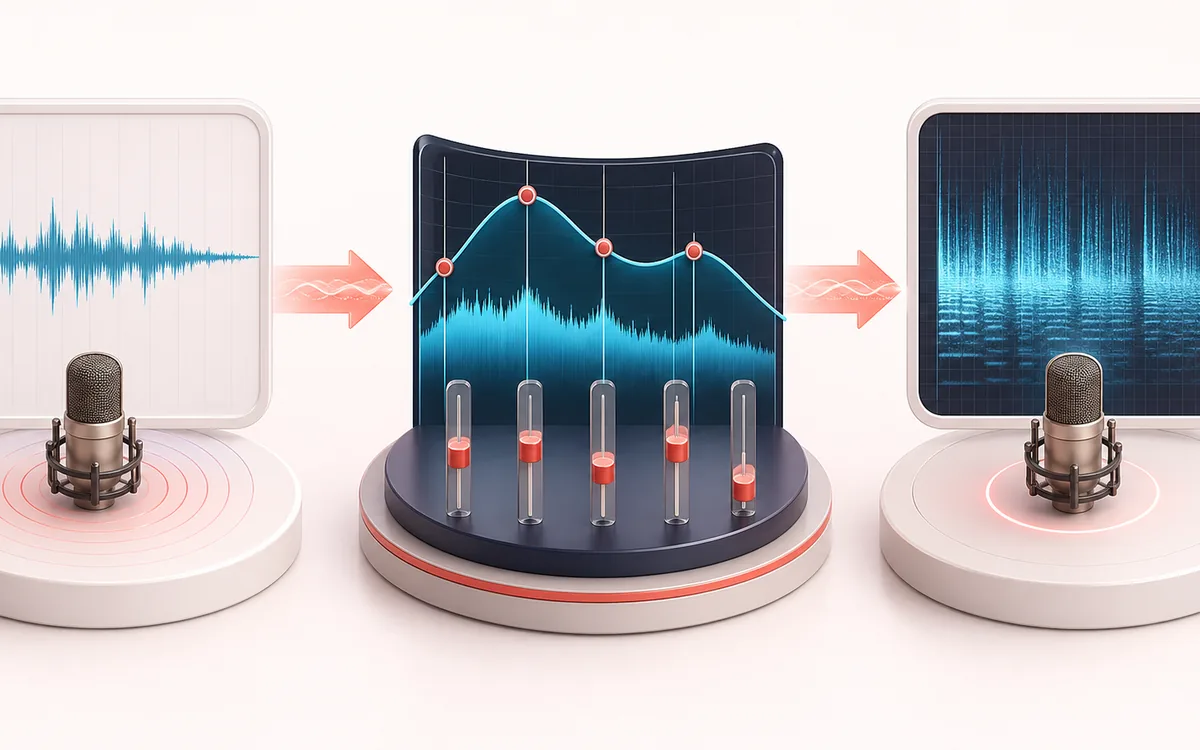
MEASUREMENT MAP
Noise Color Mixer
Keep your chosen mix from preview to file. One stable palette feeds controlled live sources and the current export, with real digital sample metrics and no silent boost of quiet settings.
Open the full signal breakdownBest source, processing logic, limits and three-pass listening check
- Noise color settings
Start with the right material
Speaker checks, masking background distractions and creating neutral noise assets.
- Blend spectral noise
Understand the transformation
Browser DSP synthesizes the selected noise spectrum and can render a short local file.
- Timed noise output
Verify the usable result
Live noise playback or a generated clip, with export duration capped by the tool.
Where this workflow stops
The output is not a sleep or health treatment. Keep levels moderate, especially on headphones; the downloadable render is limited to about 30 seconds.
Make the final decision by ear
- Use the same window and settings when comparing two files.
- Treat estimates as evidence, not as a substitute for listening.
- Export or note the measurement context alongside the result.
How to use the noise generator
- Raise one or more color sliders — white, pink, brown or green — to build the sound you want.
- Set the master volume to a comfortable level for sleep, study or masking background noise.
- Pick a sleep timer (5 to 60 minutes) if you want the noise to fade out on its own.
- Press Play noise explicitly, or save the current 30-second mix without starting sound. Prefer WAV for sample-continuous looping; MP3/player gapless behavior is not guaranteed.
This noise generator provides four colors that can be blended from bright static to a deep brown rumble. People often use steady noise to mask office sounds, create a consistent room bed or support relaxation; this is not a medical treatment and comfortable volume matters. The signal is generated locally, there is no source recording to upload to AudioWrench, and the downloaded loop can be played offline.
Noise Generator: quick answer and technical limits
Quick answer: A local four-color noise mixer with actual sample preview, independent levels, controlled playback and a current-mix export.
- Best for
- Comparing generated textures and making reusable noise assets without uploads.
- How it works
- A stable 44.1 kHz two-second palette is mixed with attenuation-only headroom, then Master gain. Native source scheduling controls fades and the editable audio-clock timer.
- What you get
- Thirty-second WAV or MP3 from the same pattern and levels, or a local workspace handoff; waveform, sample peak and digital RMS describe the current mix.
Know before you use it: Not a sleep, focus or health treatment, calibrated room measurement or true-peak limiter. The file repeats a two-second pattern; MP3/player gapless behavior is not guaranteed. Browser or OS suspension can pause the timer.
Privacy: Selected audio is processed in this browser and is not uploaded to AudioWrench. Normal page assets can still be requested as described in the privacy notice. Privacy details →
Read the full colored-noise mixing, timer and current-export guide →