Tinnitus Masker.
Choose an approximate reference pitch, then explore notched noise, pink noise or gentle tones as optional background sound. This is an uncalibrated sound generator, not tinnitus treatment.
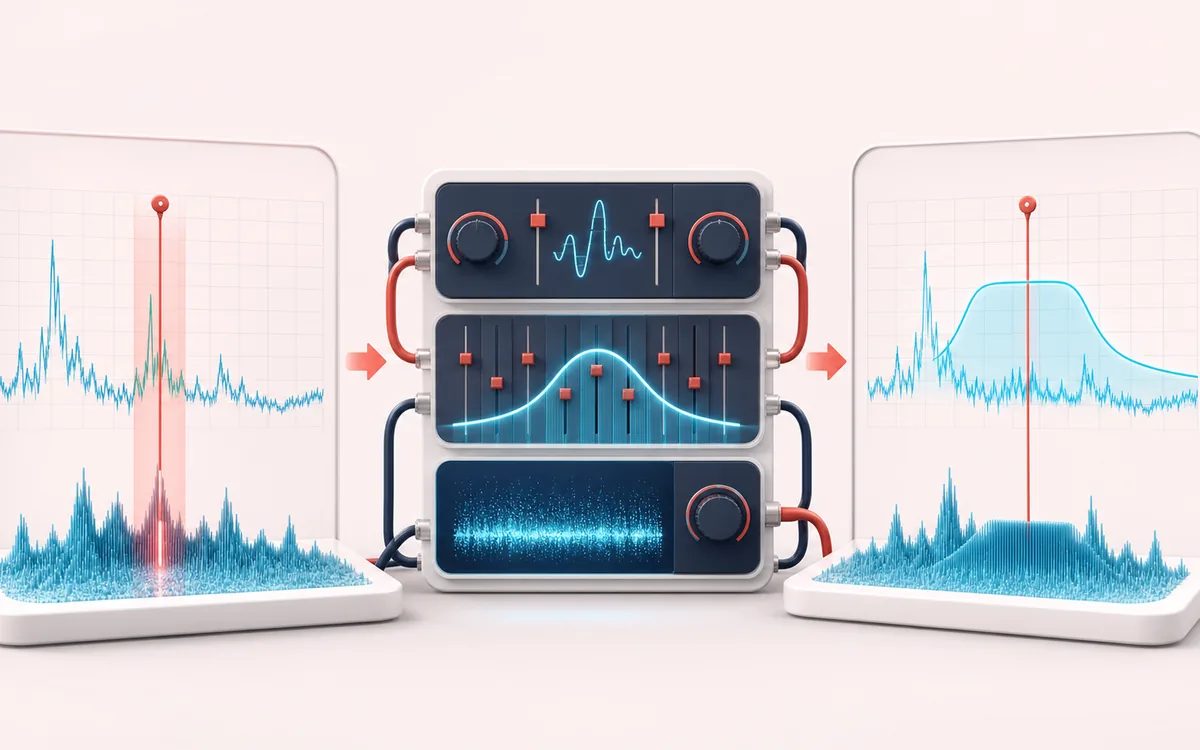
MEASUREMENT MAP
Reference Tone & Noise Lab
Turn a signal into evidence you can inspect. A useful analyzer connects the raw trace, the measurement window and a clearly labeled result without pretending that one number explains the whole recording.
Open the full signal breakdownBest source, processing logic, limits and three-pass listening check
- Selected reference pitch
Start with the right material
Low-volume reference-tone and background-sound experiments in the browser.
- Shape low-level sound
Understand the transformation
Local oscillators, filters and noise generators create the selected reference tone and background spectrum.
- Background sound
Verify the usable result
Real-time playback and a short downloadable loop based on the selected frequency, mode and level.
Where this workflow stops
This is not treatment and does not diagnose or cure tinnitus. Use a low volume, stop if symptoms worsen, and seek qualified medical advice for persistent or one-sided symptoms.
Make the final decision by ear
- Use the same window and settings when comparing two files.
- Treat estimates as evidence, not as a substitute for listening.
- Export or note the measurement context alongside the result.
How to configure the background sound
- In Step 1, play the reference tone at a low level and choose the approximate pitch you want to use.
- In Step 2, choose a mode: notched noise, pink noise or layered tones.
- For notched noise, set the notch width so the gap sits neatly over your pitch.
- Keep the volume low, optionally add a timer, or download the configured background-sound loop for offline use.
This page creates notched white noise, pink noise or layered sine tones around an approximate reference frequency. These are configurable background sounds; AudioWrench does not claim that they treat tinnitus or change its cause. Keep playback low, never raise volume to overpower a perceived sound, and stop on discomfort. The generator runs locally and can export a loop, but it is not calibrated medical equipment.
Tinnitus Masker: quick answer and technical limits
Quick answer: An uncalibrated background-sound generator for selecting a reference pitch and mixing notched noise, pink noise or layered tones.
- Best for
- Low-volume reference-tone and background-sound experiments in the browser.
- How it works
- Local oscillators, filters and noise generators create the selected reference tone and background spectrum.
- What you get
- Real-time playback and a short downloadable loop based on the selected frequency, mode and level.
Know before you use it: This is not treatment and does not diagnose or cure tinnitus. Use a low volume, stop if symptoms worsen, and seek qualified medical advice for persistent or one-sided symptoms.
Privacy: Selected audio is processed in this browser and is not uploaded to AudioWrench. Normal page assets can still be requested as described in the privacy notice. Privacy details →