Hearing Test & Tone Generator.
Generate browser test tones, sweep the nominal audible range and compare left with right. The result is an informal, uncalibrated check — not a hearing diagnosis.
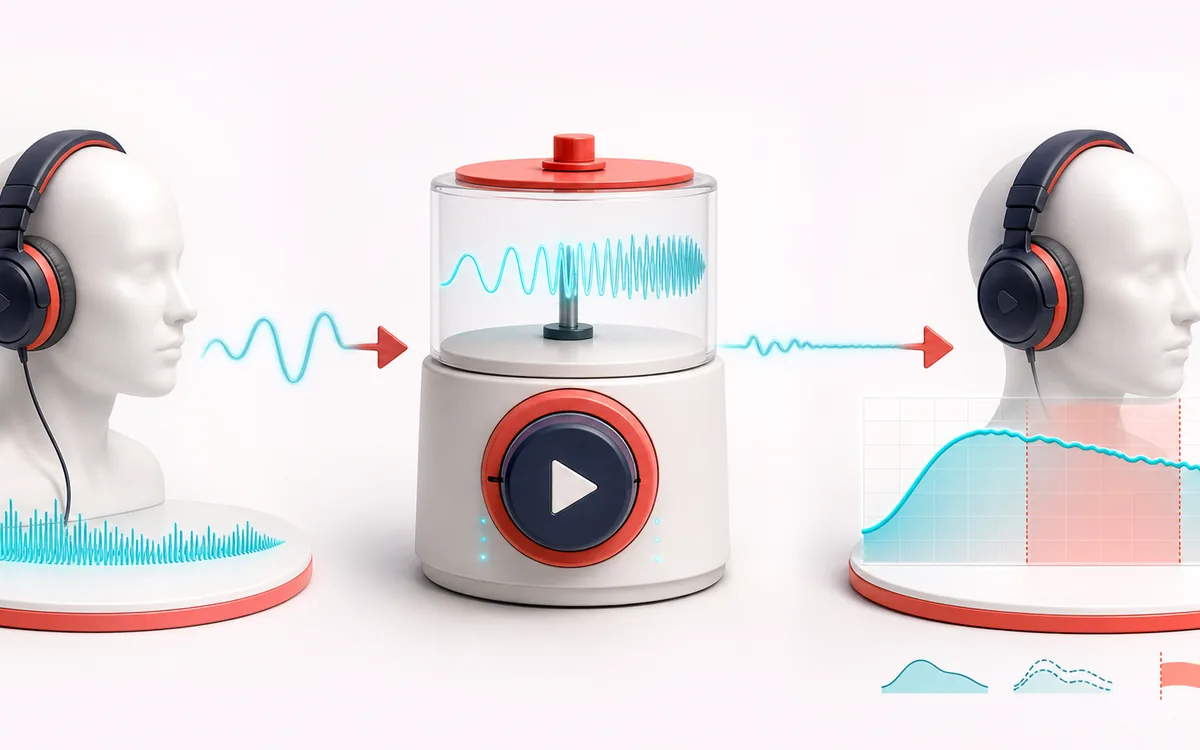
MEASUREMENT MAP
Frequency Hearing Sweep
Turn a signal into evidence you can inspect. A useful analyzer connects the raw trace, the measurement window and a clearly labeled result without pretending that one number explains the whole recording.
Open the full signal breakdownBest source, processing logic, limits and three-pass listening check
- Headphones and listener
Start with the right material
Speaker checks and personal listening curiosity at a safe, low volume.
- Play test tones
Understand the transformation
Web Audio oscillators generate tones across roughly 20 Hz to 20 kHz.
- Observed hearing range
Verify the usable result
An uncalibrated self-reported frequency range for this device and listening setup.
Where this workflow stops
This is not an audiogram or medical hearing test. Hardware, volume, background noise and age all affect results; stop if uncomfortable and consult a hearing professional for concerns.
Make the final decision by ear
- Use the same window and settings when comparing two files.
- Treat estimates as evidence, not as a substitute for listening.
- Export or note the measurement context alongside the result.
How to test your hearing online
- Lower device volume before starting. Use a low, comfortable setting and never increase it to chase an inaudible tone. The page’s digital gain is not a calibrated acoustic safety limit.
- Choose Frequency, Volume, waveform and output channel while stopped. Use Play tone explicitly; it auto-stops after 30 seconds. Choosing settings alone does not play a confirmation tone.
- Use Start sweep (10 s) for the logarithmic 20 Hz–20 kHz sine sweep. Stop sweep, Stop all audio or Escape can interrupt it. Starting another source replaces the current one.
- Use Start range check for two-second sine tones from 8–20 kHz. Replay replaces the prior burst; Not heard ends the ladder and the rest remain Not tested. Stop check cancels without inferring a result.
This browser tone generator pairs an uncalibrated signal source with an informal listening-range check. It can help explore whether speakers reproduce a tone, find possible rattles or compare left and right earbuds, but headphones, volume, device frequency response and background noise strongly affect what you hear. The result is not a measurement of biological age, hearing loss or medical status. Use a comfortable level and see an audiologist for a calibrated assessment.
Read the worked tone and setup guide → for control names, answer examples, equipment limits and non-diagnostic interpretation.
Hearing Test & Tone Generator: quick answer and technical limits
Quick answer: A browser tone and frequency-sweep experiment for informally checking what you can hear through the current device and headphones.
- Best for
- Playback-setup checks at a low, comfortable setting; digital gain does not establish acoustic safety.
- How it works
- Web Audio oscillators generate tones across roughly 20 Hz to 20 kHz.
- What you get
- Submitted answers and the highest confirmed test tone in this uncalibrated setup; remaining tones may be untested.
Know before you use it: This is not an audiogram or medical hearing test. Hardware, volume, background noise and age all affect results; stop if uncomfortable and consult a hearing professional for concerns.
Privacy: Tones are generated locally without a microphone or audio upload. Answers stay in page memory; copying a setup result is an explicit clipboard action. Normal page assets can still load as described in the privacy notice. Privacy details →