Online Audio Flanger
Sweep a short delay through your audio for moving comb-filter notches, jet-like motion and metallic resonance. Shape rate, depth, center delay, feedback, mix and stereo phase, then compare and export without uploading your file.
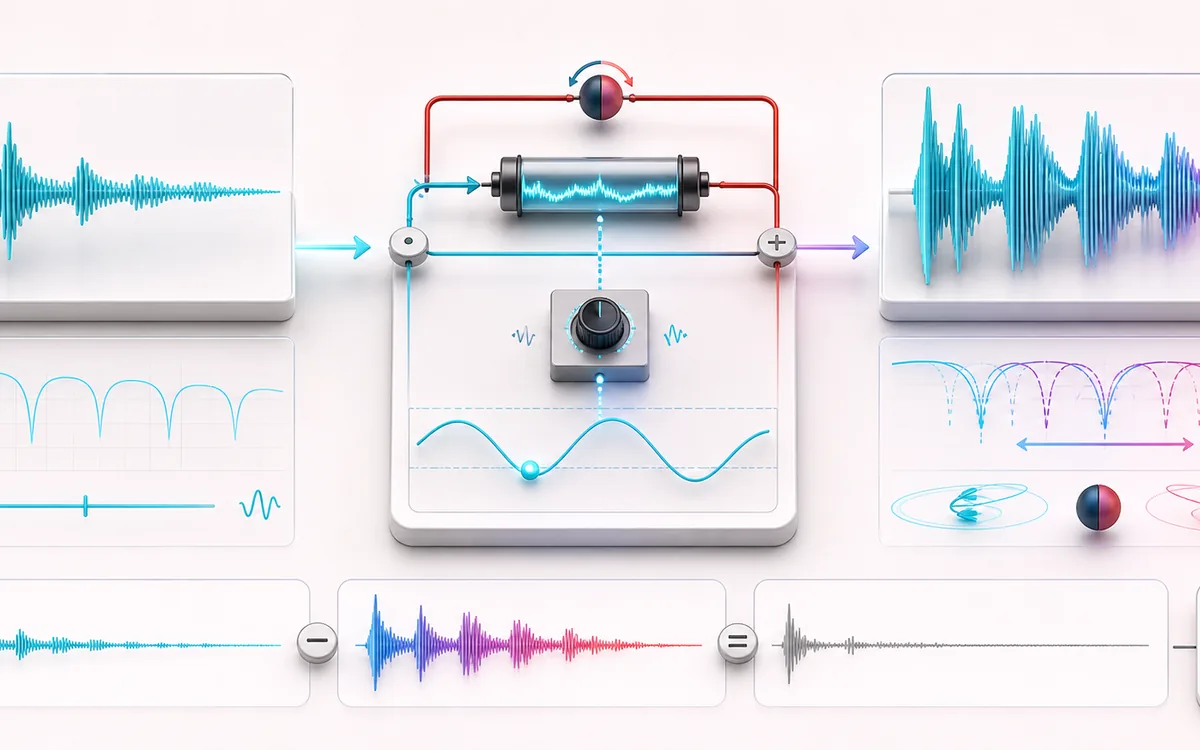
TIME + SPACE MAP
Sweeping Comb View
Trace the dry event into motion, repeats or ambience. The visual separates the direct sound from what arrives later, making timing, density, feedback and stereo movement easier to reason about.
Open the full signal breakdownBest source, processing logic, limits and three-pass listening check
- Clean source
Start with the right material
Jet-like drum transitions, metallic guitar movement, animated synth textures and short creative effect throws.
- Sweep short delay
Understand the transformation
A bounded LFO moves the delay around a center value while stable feedback recirculates the delayed sample; stereo phase can offset the sweep between channels.
- Flanged output
Verify the usable result
Synchronized Original, Processed and Difference monitoring plus a WAV or MP3 render using the selected preset or controls.
Where this workflow stops
Flanging intentionally creates strong phase cancellation and resonance. High feedback or wet mix can sound hollow, raise peaks and weaken mono compatibility; it is not the multi-voice detuning used by Chorus.
Make the final decision by ear
- Judge timing against the rhythm rather than in solo.
- Check whether the tail masks the next word, note or transient.
- Audition mono and headphones when the effect uses stereo motion.
- Input
- One mono or stereo audio file your browser can decode, or a deterministic generated demo.
- Signal path
- Dry signal plus one continuously modulated fractional delay per channel with bounded recirculating feedback.
- Output
- Original sample rate and channel count, with a calculated feedback tail capped at 750 ms; local WAV or MP3 export.
How to add a flanger effect to audio online
- Choose a mono or stereo audio file, or use the deterministic generated demo.
- Choose a preset, then adjust rate, depth, center delay, feedback, mix and stereo phase.
- Render the complete file locally, then switch among Original, Processed and Difference without losing the play position.
- Download the processed result as a new WAV or MP3 file.
How a real flanger creates moving comb filters
A flanger mixes the dry signal with one very short delayed copy. The delay moves continuously, so the frequencies that cancel and reinforce also move. This produces the familiar sweeping comb-filter pattern. Feedback sends part of the delayed signal back around the delay line, sharpening the peaks and notches.
This renderer uses linear interpolation at fractional sample positions rather than jumping between whole-sample delays. Stereo phase offsets the right-channel LFO relative to the left; it does not add extra chorus voices. A mono source stays mono, while a stereo source can use true left/right phase separation.
What each control changes
- Rate sets how quickly the comb pattern sweeps. Slow rates create long jet passes; high rates produce a vibrato-like metallic motion.
- Depth is the delay excursion around the center. If a requested sweep would cross zero, the renderer clamps it to a safe quarter-millisecond minimum.
- Center delay moves the average comb spacing. Shorter delays place notches farther apart; longer delays pack them more closely.
- Feedback controls recirculation from -90% to +90%. Its absolute value determines decay time; the sign changes the comb character.
- Mix blends dry and delayed signals with equal-power gains. Around 50% gives the clearest comb cancellations.
- Stereo phase offsets left and right LFO positions from 0 to 180 degrees. It affects stereo sources only because channel count is preserved.
Tail, limits and export behavior
- The tail is calculated from maximum delay and absolute feedback toward -60 dB, rounded up to complete frames and capped at 750 ms. With zero feedback, one maximum-delay pass is retained.
- Original listening is padded with silence to the exact processed length. Difference is Processed minus that padded Original, so all three modes share one synchronized timeline.
- Files longer than 15 minutes and jobs above the local memory budget are refused to protect the browser tab.
- A peak safety gain is applied only if the rendered signal would exceed 0.985. Result details report whether this happened.
- WAV is a new 16-bit PCM file. MP3 is a new lossy encode. Source metadata and container-specific chunks are not copied.
Privacy: selected audio stays in this browser. Normal page assets are loaded from AudioWrench, but the audio file itself is not sent to a server.
Online Audio Flanger: quick answer and technical limits
Quick answer: A local flanger that sweeps one very short fractional delay against the source to create moving comb-filter peaks and notches.
- Best for
- Jet-like drum transitions, metallic guitar movement, animated synth textures and short creative effect throws.
- How it works
- A bounded LFO moves the delay around a center value while stable feedback recirculates the delayed sample; stereo phase can offset the sweep between channels.
- What you get
- Synchronized Original, Processed and Difference monitoring plus a WAV or MP3 render using the selected preset or controls.
Know before you use it: Flanging intentionally creates strong phase cancellation and resonance. High feedback or wet mix can sound hollow, raise peaks and weaken mono compatibility; it is not the multi-voice detuning used by Chorus.
Privacy: Selected audio is processed in this browser and is not uploaded to AudioWrench. Normal page assets can still be requested as described in the privacy notice. Privacy details →