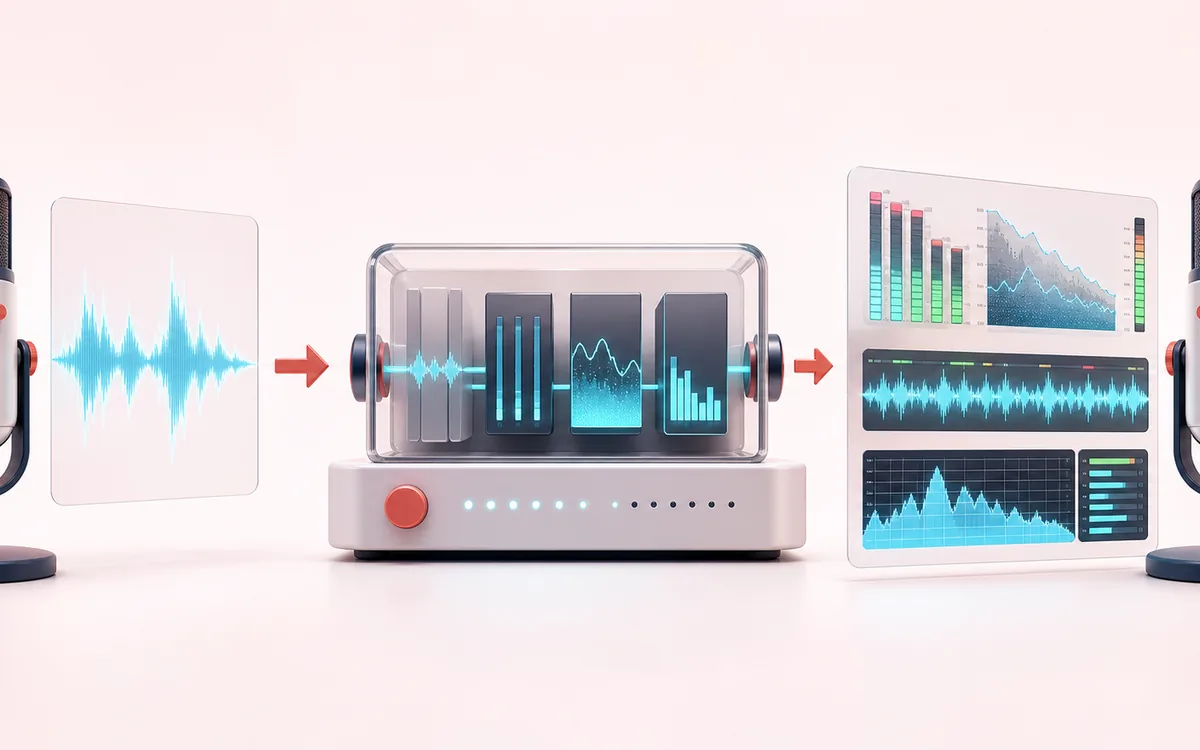
- Measures
- Current block RMS, sample peak, a two-second peak hold with visible decay, contiguous clip events and recent digital history.
- Units
- Relative dBFS, where 0 dBFS is digital full scale in the browser sample stream. This is not dB SPL.
- Privacy
- The microphone stream is analyzed locally, is not recorded by this tool and is not uploaded to AudioWrench.
How to check microphone level online
- Select Start microphone and allow access in the browser. If you do not want to grant access, use the deterministic local demo.
- Speak at the intended recording distance and with the same microphone gain, browser and operating-system settings you plan to use.
- Watch RMS for the current average digital level, Peak for short maximum samples, Peak hold for recent worst case and Clip events for entries into full-scale sample runs.
- Leave digital headroom for louder words and unexpected peaks. Select Stop when finished; the tool stops every active microphone track.
Relative dBFS is not calibrated dB SPL
This page is a digital input meter, not a sound level meter. dBFS compares decoded sample amplitude with digital full scale. The number depends on the microphone, preamp, device gain, operating system, browser processing and distance from the source.
Without a calibrated microphone, acoustic calibrator and defined measurement method, browser dBFS cannot be converted into room dB SPL. Do not use this page for hearing safety, occupational exposure, environmental noise compliance, equipment certification or any decision that requires calibrated acoustic level.
A practical spoken-recording headroom guide
For many spoken-word workflows, RMS somewhere around −24 to −12 dBFS and peaks below roughly −6 dBFS can be a workable starting region. It is not a universal delivery target: microphone noise, voice dynamics, codec processing and the recording platform can change the useful range.
A level inside that band does not prove that speech is clear. Intelligibility also depends on background noise, reflections, microphone position, frequency response, plosives and performance. Listen to a short test recording and follow the delivery specification for the destination.
How RMS, peak, peak hold and clip events are calculated
- RMS: square root of the mean squared samples in the current analysis block, converted to dBFS.
- Peak: largest absolute sample in the same block, converted to dBFS.
- Peak hold: highest recent peak held for two seconds, then reduced at 18 dB per second until the current peak or a new maximum replaces it.
- Clip event: one entry into a contiguous run of samples with absolute magnitude at least 0.999. A new event is counted after samples leave that region and enter it again.
- Timeline: rolling 30 seconds sampled five times per second. It is bounded to 150 points.
Digital clip events can reveal samples at full scale, but they do not detect every form of overload. A microphone capsule, analog preamp or converter can distort before the browser samples reach 0 dBFS.
Microphone permission and privacy
The browser asks for microphone permission only after Start microphone is selected. If access is blocked, use the site controls near the address bar and operating-system privacy settings, then retry. The local demo does not request microphone access.
Analysis runs in memory and the tool does not record or upload the stream. Stop ends all active tracks; page hide and unload handlers also stop them. Normal page assets can still be requested as described in the privacy notice.
Microphone Level Meter: quick answer and technical limits
Quick answer: A live digital input meter for relative RMS, peak, headroom, peak hold and clipping events from the current microphone.
- Best for
- Setting recording gain, checking speech headroom and spotting digital clipping before a voice note, stream, podcast or call.
- How it works
- The browser samples the selected microphone locally, calculates short-window RMS and sample peak in dBFS and draws a bounded rolling history.
- What you get
- Readable live level facts, peak hold, clip count and a recent dBFS timeline without recording or uploading the microphone stream.
Know before you use it: dBFS is relative to digital full scale, not calibrated sound-pressure level. This cannot measure room loudness in dB SPL or certify safe exposure.
Privacy: Selected audio is processed in this browser and is not uploaded to AudioWrench. Normal page assets can still be requested as described in the privacy notice. Privacy details →