Ringtone Maker.
Select a song, slide the handles to the hook you love, add fades and export locally. The selected file is not uploaded to AudioWrench.
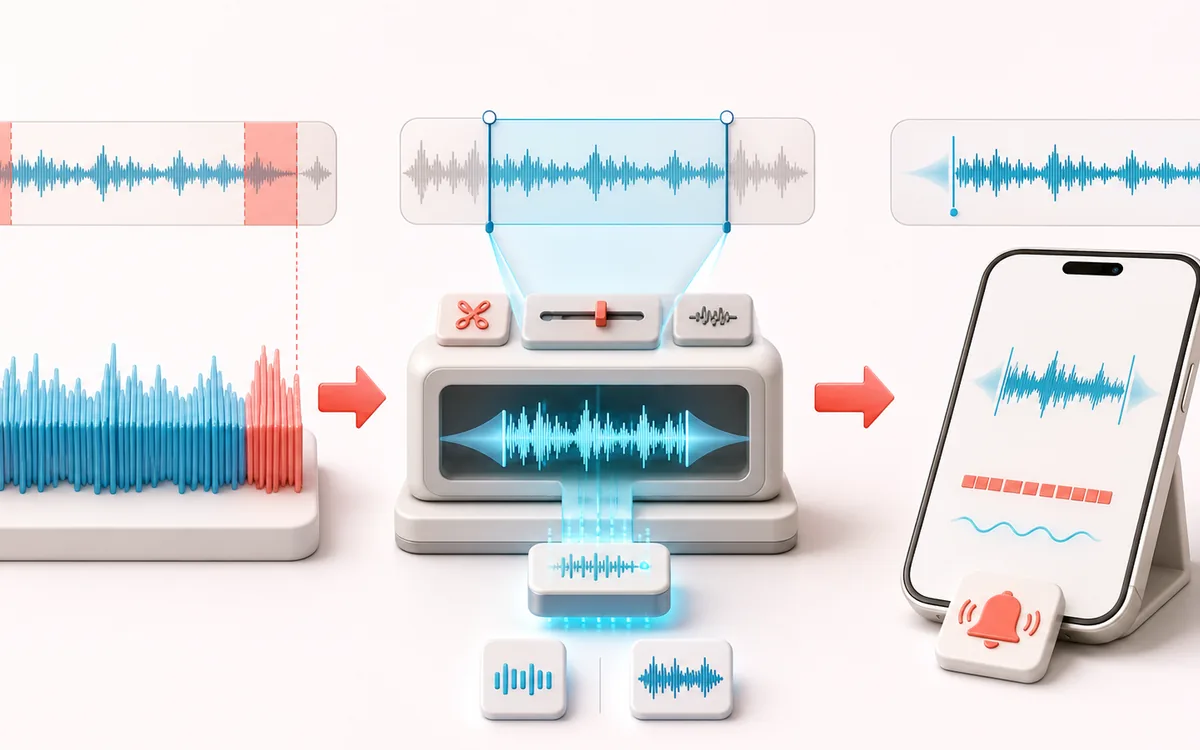
TIMELINE MAP
Ringtone Clip Frame
Turn one long waveform into deliberate boundaries. The visual emphasizes the selection, transition and resulting edit so that timing decisions remain obvious before anything is rendered.
Open the full signal breakdownBest source, processing logic, limits and three-pass listening check
- Song source
Start with the right material
Phone alerts, notification sounds and compact excerpts from audio you have permission to use.
- Cut and fade hook
Understand the transformation
The selected range is copied, faded and locally encoded as MP3 or WAV.
- Phone-ready clip
Verify the usable result
A short audio ringtone file ready for manual transfer to a phone.
Where this workflow stops
It does not create Apple M4R/AAC files or install the ringtone on the device. Platform steps and copyright permissions remain the user’s responsibility.
Make the final decision by ear
- Zoom into every boundary and listen across it, not only inside it.
- Leave intentional handles when another editor will continue the work.
- Verify exact duration and ordering after the final render.
How to make a ringtone
- Drop a song into the upload box — the full waveform appears straight away.
- Drag the start and end handles to the part you want, or tap 15s, 20s or 30s for a quick length.
- Add a touch of fade in and fade out so the clip starts and ends smoothly.
- Press Preview selection to check it, then download the ringtone as MP3 or WAV.
This ringtone maker is built around a visual waveform, so you find the perfect hook by sight and sound instead of guessing timestamps. Two draggable handles mark the region, quick-length chips snap common ringtone durations, and linear fades keep the clip from starting or stopping abruptly. A 40-second cap keeps clips in ringtone and notification-tone territory. Decoding, cutting, fading and export run on your device, and the selected song is not uploaded to AudioWrench. It is handy for turning a chorus into a ring, a punchy drop into a text tone, or a memorable line into an alarm. Want to glue several snippets together first? Trim them in the Audio Trimmer and merge them in the Audio Joiner.
Ringtone Maker: quick answer and technical limits
Quick answer: A guided waveform cutter for selecting up to about 40 seconds of a song and adding short fades.
- Best for
- Phone alerts, notification sounds and compact excerpts from audio you have permission to use.
- How it works
- The selected range is copied, faded and locally encoded as MP3 or WAV.
- What you get
- A short audio ringtone file ready for manual transfer to a phone.
Know before you use it: It does not create Apple M4R/AAC files or install the ringtone on the device. Platform steps and copyright permissions remain the user’s responsibility.
Privacy: Selected audio is processed in this browser and is not uploaded to AudioWrench. Normal page assets can still be requested as described in the privacy notice. Privacy details →