Bass Boost.
Give a track deeper, punchier low end, then use the built-in dynamics stage to rein in high sample peaks. Preview the loudest section before export.
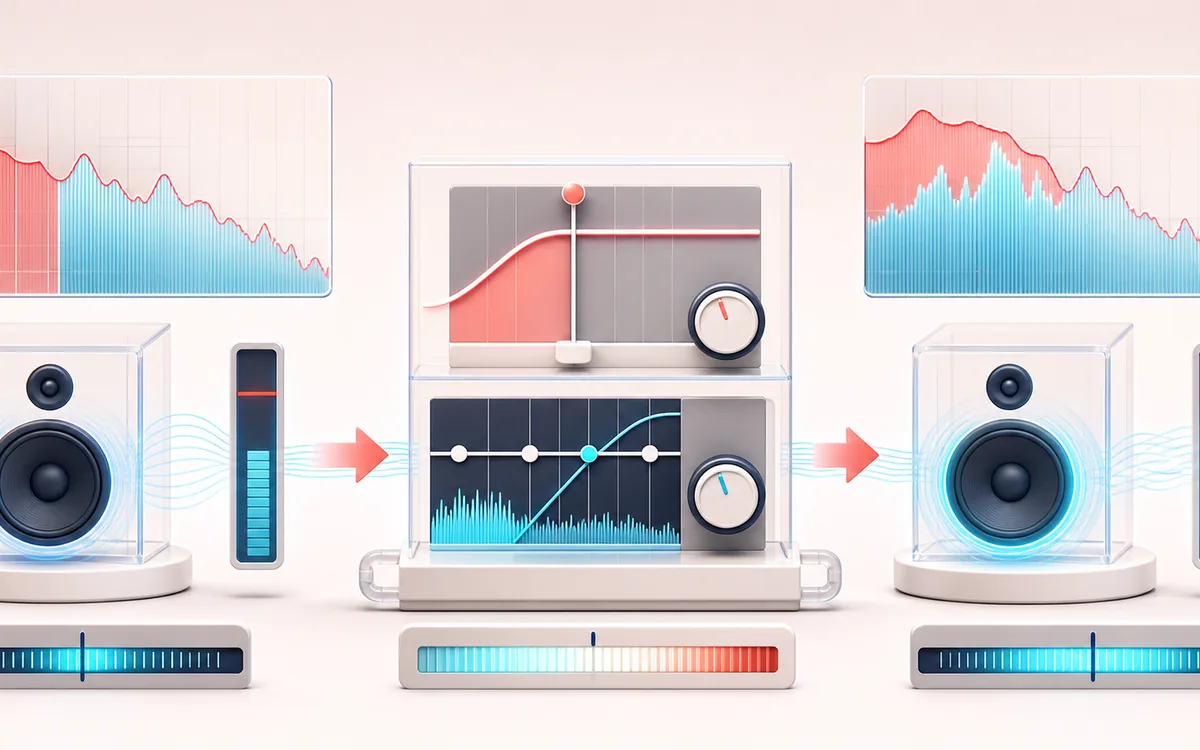
SPECTRAL MAP
Low-End Focus Map
See where tone changes across the frequency range. Read the curve from low to high frequency, then connect every visible move to something you can actually hear in the source.
Open the full signal breakdownBest source, processing logic, limits and three-pass listening check
- Bass-light track
Start with the right material
Adding weight to thin speakers, workout edits or tracks that need a broad low-end lift.
- Lift low band
Understand the transformation
A low-shelf filter centered between roughly 60 and 250 Hz feeds a DynamicsCompressor stage.
- Bass-forward output
Verify the usable result
A locally rendered version with stronger low frequencies and controlled overall dynamics.
Where this workflow stops
This cannot restore bass that is absent from the source. The dynamics stage is not a measured true-peak limiter, so check the export for distortion on demanding material.
Make the final decision by ear
- Sweep or solo only to locate a problem; make the final decision in context.
- Watch broad tonal balance as well as narrow resonances.
- Recheck level after any boost so the comparison stays honest.
How to bass boost a song online
- Drop your track into the upload box — it decodes right in the browser.
- Pick a boost level: Subtle +4, Boost +8, Heavy +12 or Earthquake +15 dB — or set the bass frequency (60–250 Hz) and gain yourself.
- Press Apply effect and compare the boosted preview with the original.
- Download the result as a 320 kbps MP3 or WAV.
This bass booster applies a low-shelf filter below your chosen frequency, then feeds the signal through a fast dynamics processor to reduce high sample peaks. That stage is useful headroom control, but it is not a measured true-peak or guaranteed brick-wall limiter: aggressive settings can still pump, distort or overload downstream playback. Preview the loudest section and adjust by ear. Processing stays local in the Web Audio API.
Use it to thicken tracks for car audio and gym playlists, give bass-light recordings more weight, or prep bass-boosted versions for edits and memes. For surgical control over the whole frequency range rather than just the lows, open the 10-band Audio EQ instead.
Bass Boost: quick answer and technical limits
Quick answer: A low-shelf bass enhancer that lifts a selected low-frequency region and uses dynamics control to contain large peaks.
- Best for
- Adding weight to thin speakers, workout edits or tracks that need a broad low-end lift.
- How it works
- A low-shelf filter centered between roughly 60 and 250 Hz feeds a DynamicsCompressor stage.
- What you get
- A locally rendered version with stronger low frequencies and controlled overall dynamics.
Know before you use it: This cannot restore bass that is absent from the source. The dynamics stage is not a measured true-peak limiter, so check the export for distortion on demanding material.
Privacy: Selected audio is processed in this browser and is not uploaded to AudioWrench. Normal page assets can still be requested as described in the privacy notice. Privacy details →