Silence Remover.
Detect low-level gaps with a configurable RMS threshold, preview the marked regions and create a tighter edit. Quiet speech can be mistaken for silence.
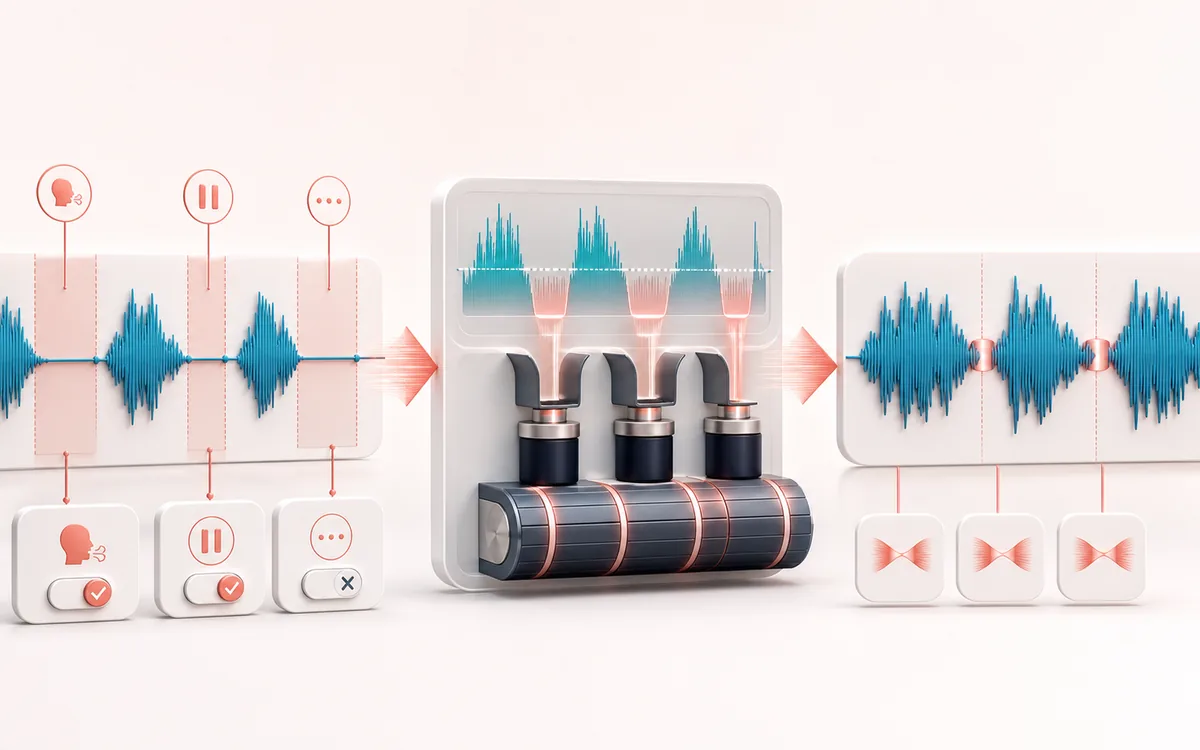
TIMELINE MAP
Pause Removal Map
Turn one long waveform into deliberate boundaries. The visual emphasizes the selection, transition and resulting edit so that timing decisions remain obvious before anything is rendered.
Open the full signal breakdownBest source, processing logic, limits and three-pass listening check
- Recording with gaps
Start with the right material
Tightening spoken recordings, lessons and podcasts with obvious long pauses.
- Detect and close silence
Understand the transformation
An RMS gate classifies quiet regions and joins the remaining audio with short transitions.
- Tightened recording
Verify the usable result
A shorter local render with detected silence reduced.
Where this workflow stops
Quiet consonants, breaths, room tone and intentional dramatic pauses can be mistaken for silence. Preview the whole result before publishing.
Make the final decision by ear
- Zoom into every boundary and listen across it, not only inside it.
- Leave intentional handles when another editor will continue the work.
- Verify exact duration and ordering after the final render.
How to remove silence from audio
- Drop your recording in — the waveform appears so you can see where the gaps are.
- Adjust the silence threshold, minimum gap length and padding; cut regions are tinted live on the waveform.
- Check the stats line — it shows how many silences were found and the new duration.
- Press Apply, preview the tighter result, then download MP3 or WAV.
This silence remover uses a short-window RMS envelope to mark stretches below your threshold and minimum duration. Padding and short crossfades can smooth edits, but quiet words, breaths or room tone may also fall below the threshold, and joins are not guaranteed inaudible. Review the tinted waveform and preview the entire result before export. Processing stays local.
Silence Remover: quick answer and technical limits
Quick answer: An automatic dead-air editor that detects low-level sections and removes or shortens them according to a threshold.
- Best for
- Tightening spoken recordings, lessons and podcasts with obvious long pauses.
- How it works
- An RMS gate classifies quiet regions and joins the remaining audio with short transitions.
- What you get
- A shorter local render with detected silence reduced.
Know before you use it: Quiet consonants, breaths, room tone and intentional dramatic pauses can be mistaken for silence. Preview the whole result before publishing.
Privacy: Selected audio is processed in this browser and is not uploaded to AudioWrench. Normal page assets can still be requested as described in the privacy notice. Privacy details →