MP3 Metadata & ID3 Tag Editor.
Edit one MP3 or batch-tag 2–100 files. Only checked batch fields change; untouched ID3 frames, cover art and MPEG audio bytes are preserved.
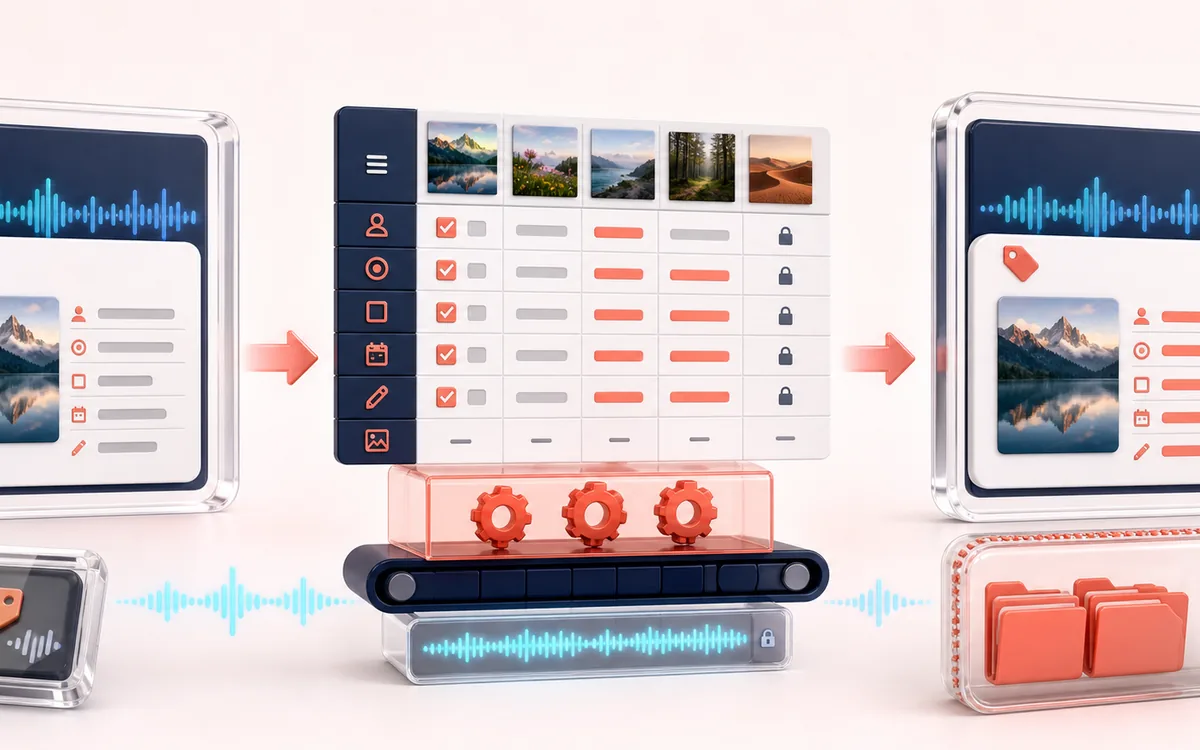
FILE STRUCTURE MAP
Tag Field Inspector
Change the tag, not the encoded music. The current MP3 and accepted cover choice determine the saved file. ID3 fields change selectively; the MPEG payload is copied without audio decoding.
Open the full signal breakdownCurrent selection, preservation limits and delivery checks
- MP3 and tags
Start with the right material
Correcting one MP3 in detail or applying selected artist, album, year, genre or comment fields across a controlled batch.
- Edit ID3 fields
Understand the transformation
Single mode edits selected ID3v2.3/v2.4 fields and waits for the current source or validated JPEG/PNG; explicit front-cover removal retires older reads. Batch mode changes only checked fields, leaves APIC untouched and bundles files sequentially.
- Retagged MP3
Verify the usable result
One tagged MP3 or one STORE-method ZIP containing every output plus a JSON manifest, with unchecked frames and MPEG audio bytes preserved.
Where this workflow stops
Batch cover art is intentionally never changed. The editor is MP3/ID3v2.3/v2.4-focused, refuses unsafe malformed tags, and caps the combined batch at 160 MiB on desktop or 64 MiB on mobile.
Verify tags, artwork and playback
- Wait for the current MP3 and cover to finish reading; Cancel or Retry resolves an unfinished choice.
- Open the saved MP3 in your intended player and inspect title, front cover and retained back artwork.
- Keep the original and verify playback separately; the page copies MPEG bytes rather than auditioning or decoding the track.
How to edit MP3 tags online, one file or in batch
- Choose Edit one MP3 or Batch edit 2–100 MP3s. Select local MP3 files and wait for the current selection to load; Cancel read or Retry selected file resolves an unfinished single-file read.
- In single mode, edit common fields and keep, replace, extract or explicitly remove the first APIC type-3 front cover. Replacement JPEG/PNG bytes must match their format and decode successfully before saving.
- In batch mode, review accepted and rejected rows, remove rejected files, and check only the fields to apply. Unchecked fields and all embedded artwork remain unchanged per source.
- Save the current tagged MP3 or the STORE ZIP containing every batch output and metadata-batch-manifest.json. Keep the original, unpack a batch and inspect tags, artwork and playback in the intended player.
This online MP3 tag editor parses ID3v2.3 and ID3v2.4 in your browser. Changed common fields are rewritten in each source tag version; untouched raw frames keep their bytes and order, and the MPEG audio payload is copied byte-for-byte without decoding, re-encoding or uploading the track.
The batch tag editor scans only tag bytes for its queue preview, then reads valid files sequentially during export. Input is capped at 160 MiB on desktop or 64 MiB on mobile. Before creating the ZIP, a second guard estimates peak working memory against a 512 MiB desktop or 256 MiB mobile limit: retained tag buffers + retained full source buffers backing output-audio views + rewritten tag buffers + ZIP staging headers/manifest + the final stored ZIP + one conservative download-Blob copy. ZIP entries use STORE (method 0). For artwork in FLAC files, use the companion FLAC Cover Art tool.
Metadata Editor: quick answer and technical limits
Quick answer: An MP3 tag editor with a full single-file cover-art workflow and a separate 2-to-100-file batch workspace with explicit apply-mask controls.
- Best for
- Correcting one MP3 in detail or applying selected artist, album, year, genre or comment fields across a controlled batch.
- How it works
- Single mode edits selected ID3v2.3/v2.4 fields and waits for the current source or validated JPEG/PNG; explicit front-cover removal retires older reads. Batch mode changes only checked fields, leaves APIC untouched and bundles files sequentially.
- What you get
- One tagged MP3 or one STORE-method ZIP containing every output plus a JSON manifest, with unchecked frames and MPEG audio bytes preserved.
Know before you use it: Batch cover art is intentionally never changed. The editor is MP3/ID3v2.3/v2.4-focused, refuses unsafe malformed tags, and caps the combined batch at 160 MiB on desktop or 64 MiB on mobile.
Privacy: Selected audio is processed in this browser and is not uploaded to AudioWrench. Normal page assets can still be requested as described in the privacy notice. Privacy details →