Reverse Audio.
Flip any sound backwards in one click — then grab the mic and see if you can speak your own name in reverse.
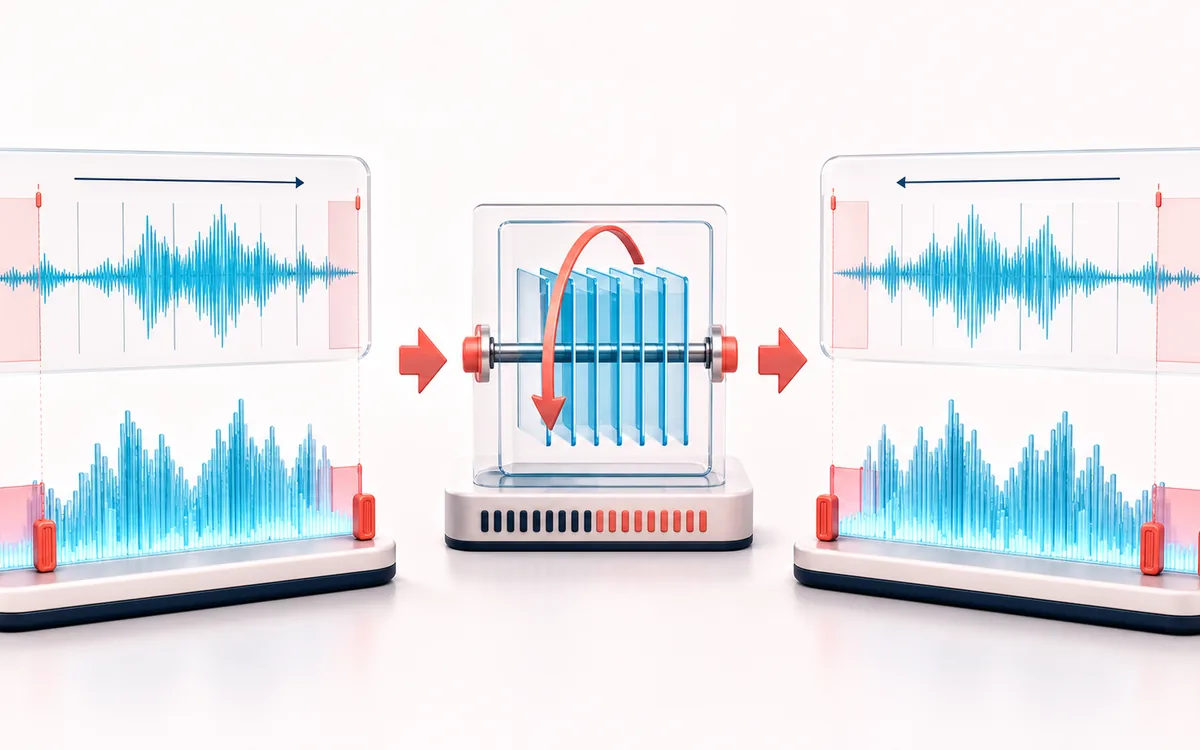
TIMELINE MAP
Reverse Playback View
Turn one long waveform into deliberate boundaries. The visual emphasizes the selection, transition and resulting edit so that timing decisions remain obvious before anything is rendered.
Open the full signal breakdownBest source, processing logic, limits and three-pass listening check
- Forward audio
Start with the right material
Reverse effects, transitions, sound-design experiments and pronunciation challenges.
- Flip sample order
Understand the transformation
Decoded PCM samples are reversed channel by channel and then rendered locally.
- Backward render
Verify the usable result
A backward-playing version of the complete source.
Where this workflow stops
The whole decoded buffer must fit in memory. Reversing does not remove vocals, restore deleted audio or preserve a natural attack envelope.
Make the final decision by ear
- Zoom into every boundary and listen across it, not only inside it.
- Leave intentional handles when another editor will continue the work.
- Verify exact duration and ordering after the final render.
How to reverse audio online
- Drop any audio file into the upload box — it is reversed automatically as soon as it decodes.
- Press play to hear the backwards version.
- Download it as a 320 kbps MP3 or WAV.
- Optional: scroll to the reverse name challenge, record your name, study the backwards playback, then record an imitation and hear it flipped back.
Reversing audio flips every sample so the file plays end to first — words become alien syllables, cymbals swell instead of crash, and familiar melodies turn eerie. Producers use reversed audio for swells, transitions and hidden-message effects; teachers and streamers use the built-in name challenge as a party game. The reversal is instant because it happens in your browser's memory: no upload, no processing queue, no signup.
For creative follow-ups, layer the reversed track in the Audio Joiner, cut the best swell with the Audio Trimmer, or push your reversed voice through the Voice Changer for something truly strange.
Reverse Audio: quick answer and technical limits
Quick answer: A literal reverse-audio tool that flips the decoded sample order so the entire file plays backward.
- Best for
- Reverse effects, transitions, sound-design experiments and pronunciation challenges.
- How it works
- Decoded PCM samples are reversed channel by channel and then rendered locally.
- What you get
- A backward-playing version of the complete source.
Know before you use it: The whole decoded buffer must fit in memory. Reversing does not remove vocals, restore deleted audio or preserve a natural attack envelope.
Privacy: Selected audio is processed in this browser and is not uploaded to AudioWrench. Normal page assets can still be requested as described in the privacy notice. Privacy details →